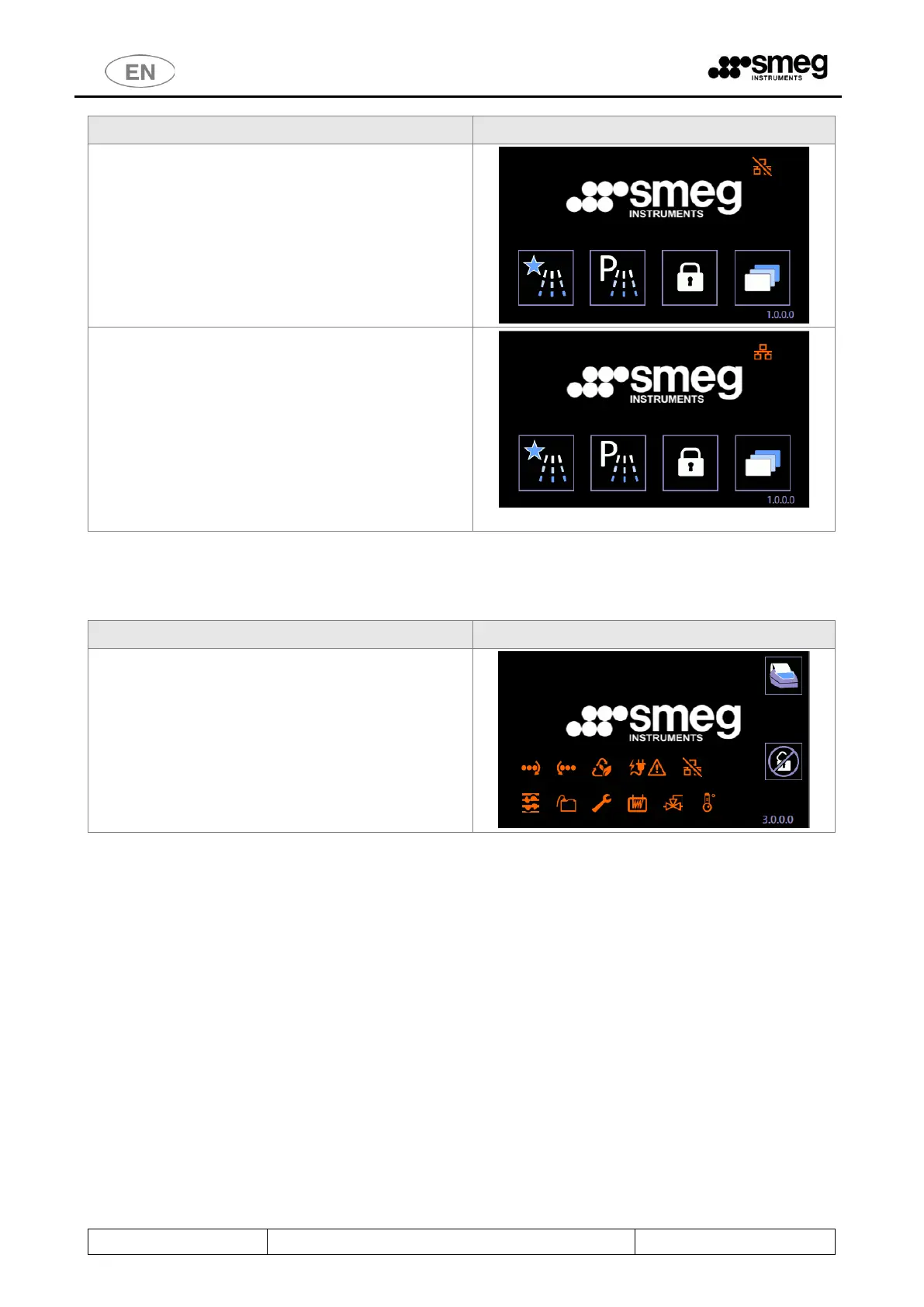
With Energy Management Priority deactivated:
the relative icon disappears from the initial screen.
The network connection icon is still visible:
- Bar across icon: network connection not
working.
- Icon free (no bar): network connection
restored.
If possible, the system should not be disabled.
The Energy Management system is structured to
enable a set of devices to operate with a limited
power threshold.
Disabling the program’s control function may lead to
power draws not compatible with an ongoing
emergency.
When the network connection is restored, reactivate
the Energy Management Priority.
10.9.3 ENERGY MANAGEMENT - UNLOADING (“CLEAN”) SIDE SCREEN
The Energy Management icons, described above, also
appear on the unloading side.
Their meanings are as already described.
[A guideline illustration of the screen with all icons
active is shown on the right ].



 To Next Page