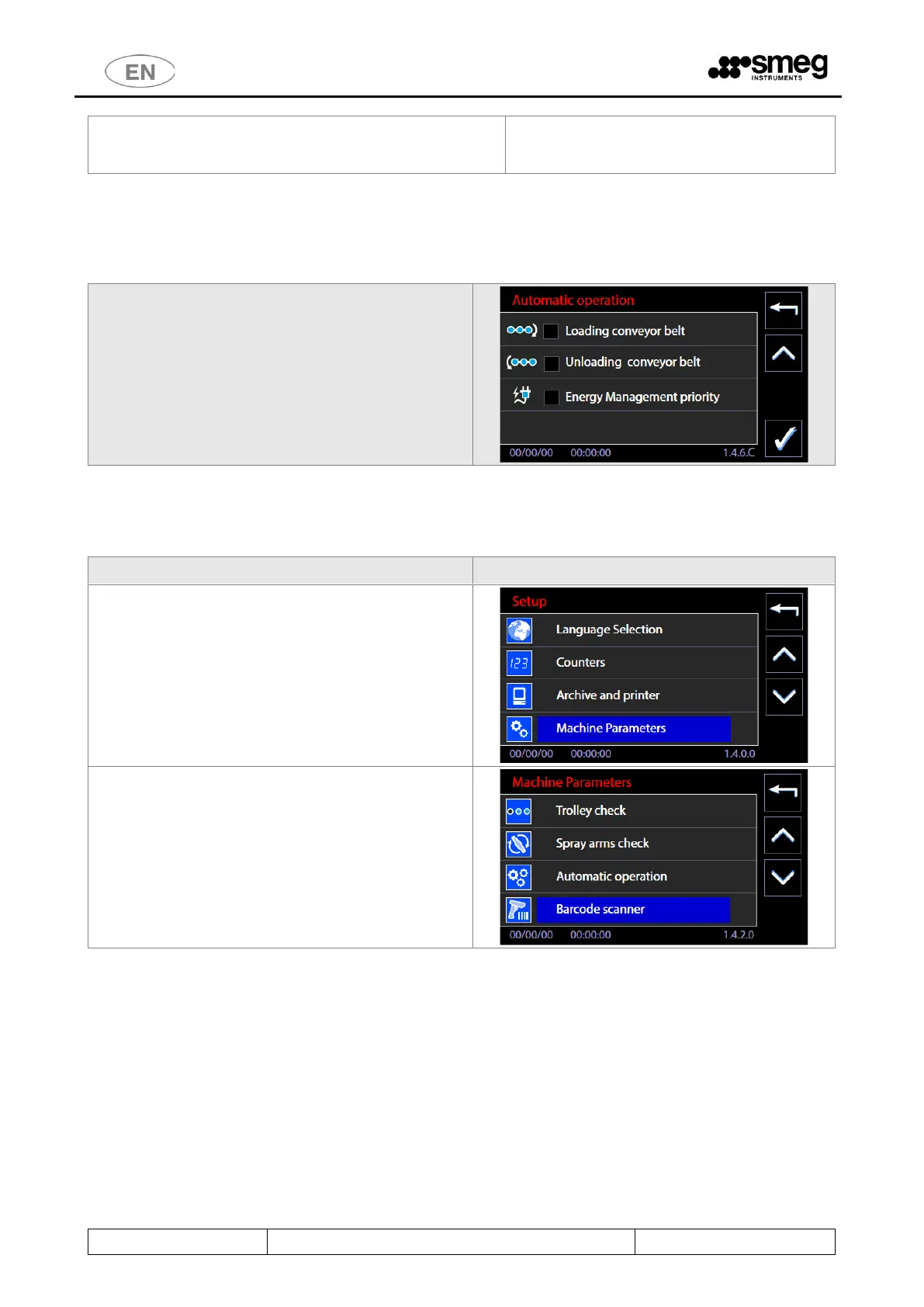
The flags can be removed in case of a conveyor belt
malfunction. The settings relating to automatic operation of
the device, as described above, can be kept active.
11.15.2 AUTOMATIC OPERATION and ENERGY MANAGEMENT SOFTWARE – ID.146B - 146C
Go to the automatic function enabling screen.
Removing the flag from
“Energy Management Priority”, the superuser can
disable the direct control of the Energy Management
software: the device can start irrespective of the
software signals.
11.16 BARCODE SCANNER - SUPERUSER PARAMETERS
The superuser can modify the parameter settings
associated to the barcode scanner as required.
Access Setup -> Machine Parameters
[The Superuser password has to be entered].



 To Next Page