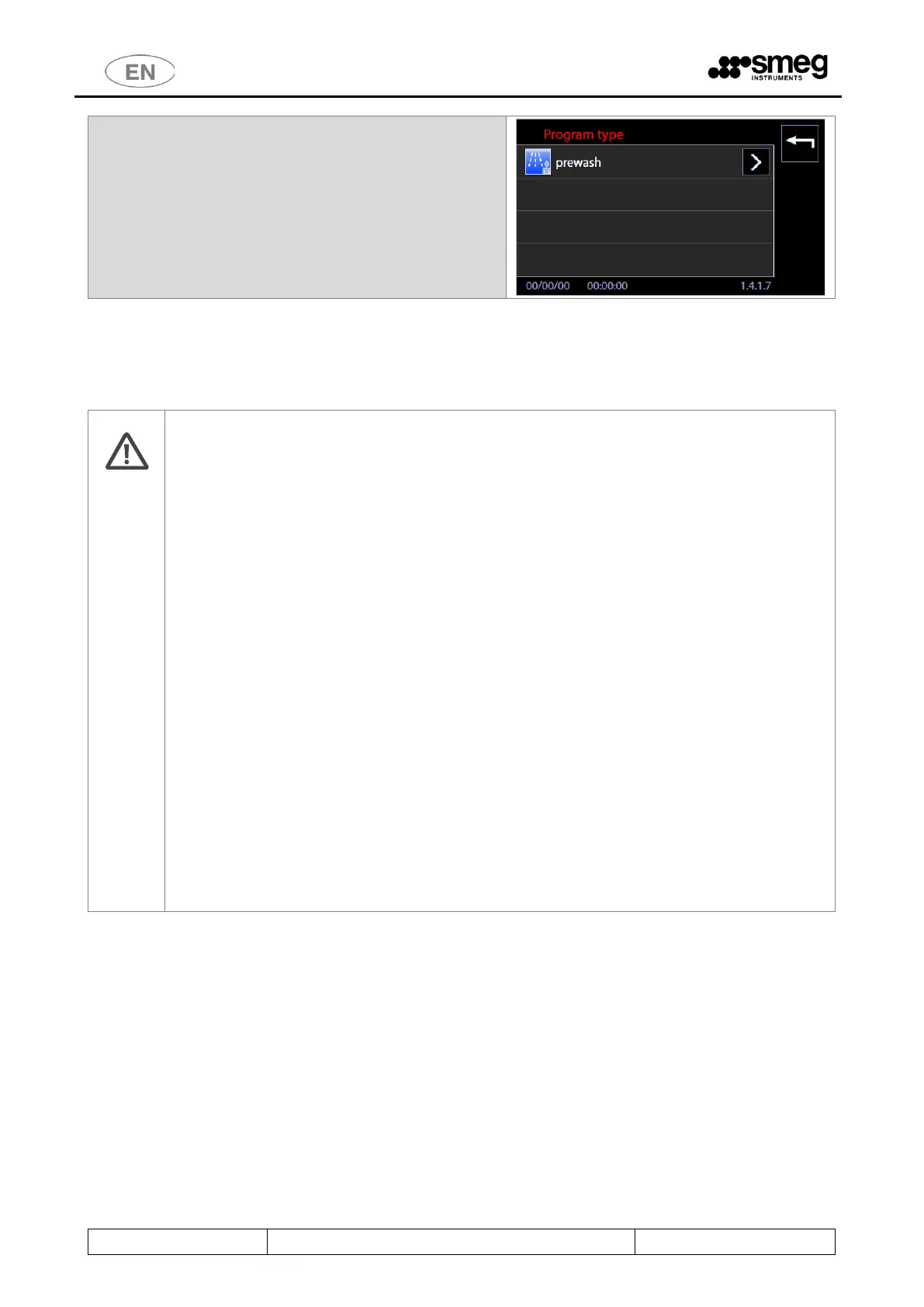
2. Using the “right arrow” button you can select the
icon to assign to the program. Use the table
above to select the appropriate icon.
New parameter, "Passing / Non-passing" program, for "double-door" machines.
The "Custom" programs can be edited by the superuser, modifying the parameter to define
whether, once the program has ended:
a. In the case of "Passing" type: allow opening of the clean side of the door.
b. In the case of "Non-passing" type: once the program is completed, the operator can
only open the loading side door ("unclean side”).
The flag has been set up to allow the use of custom programs considered "service" programs,
and protect the opening of the unloading side.
Note: it is the superuser's responsibility to correctly assign the parameter value, depending
on the service programs that may have been created.
(The parameter has no effect in the case of a single-door machine).
Service programs - Non-passing
With updated firmware versions, the factory programs with predefined service function, take
on the "Non-passing" flag: once the program is completed, only the loading door can be
opened.
These are the programs:
- "Empty boiler" (designed to force the emptying of installed boilers/heating tanks).
- "Service 1" (program for loading the detergent by peristaltic pumps).
- "Probes calibration" (program designed to check the calibration of the temperature probes).



 To Next Page