The firmware update july 2020 (Master CPU 11.18.0) introduces a new function allowing
download to USB drive of the archive of cycles run, stored in the machine's circuit board.
Attention: not all USB drives are compatible with the new function.
- Only use new compatible genuine drives with FAT32 formatting.
- Do not use USB extensions to connect the drive to the device: they degrade the
signal and may cause saving malfunctions.
Contact the authorised after-sales service for any further explanations.
N.B.: if the USB drive does not work, superusers may still connect to the device's USB port
using the WDConnect software and an USB cable to acquire the cycles archive. Moreover, if
the device features the network connection optional, product cycles can be acquired using
the WDConnect LAN communication function (see WD-LAN60 Product).
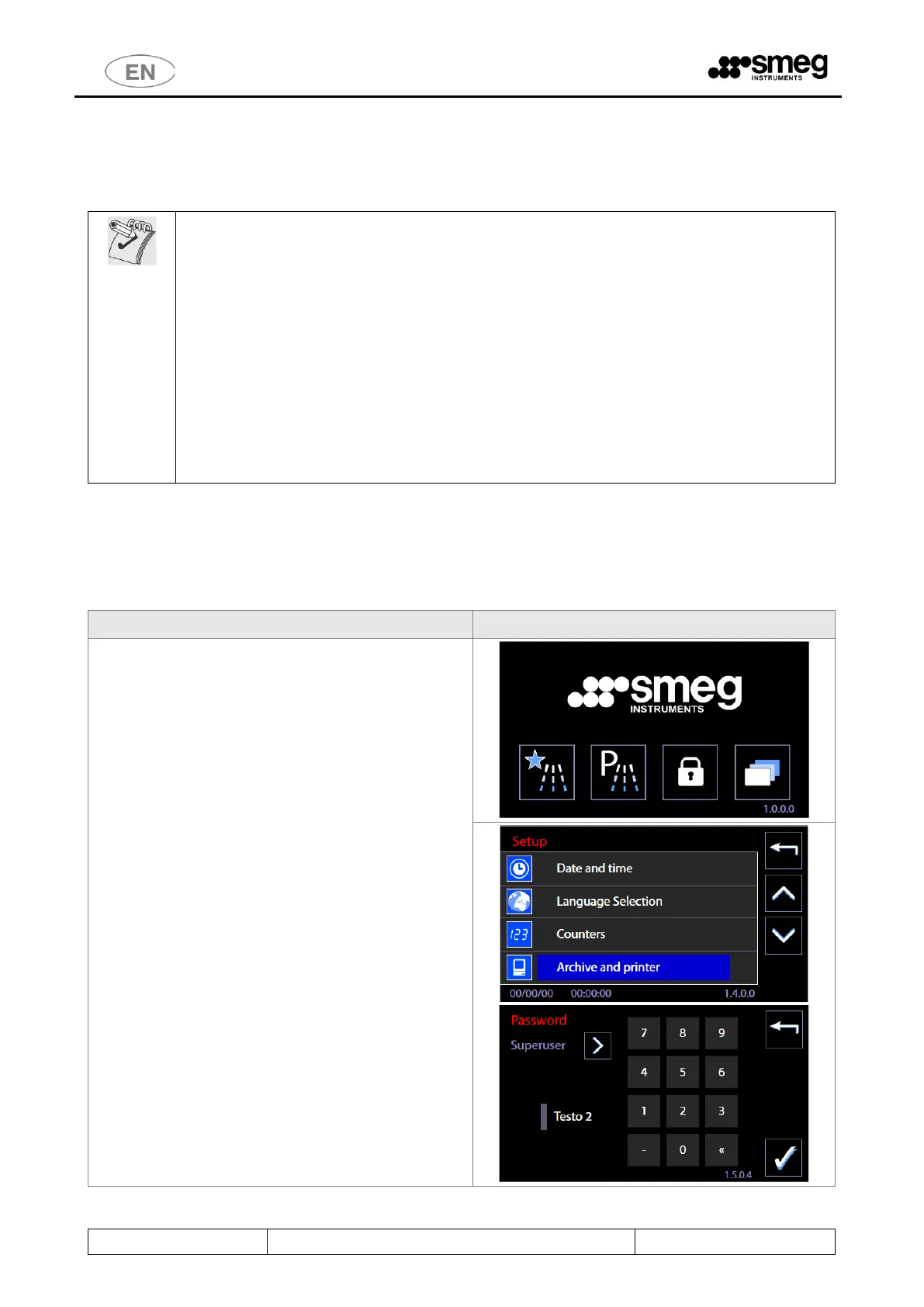
11.4.1.1 ARCHIVE AND PRINTER MANAGEMENT - screens 1462 and 1463
Select the “Setup” menu -> “Archive and printer”. Access only permitted to superuser and higher levels.
Function for archive and printer parameter setup and for download of cycles archive to USB drive.



 To Next Page