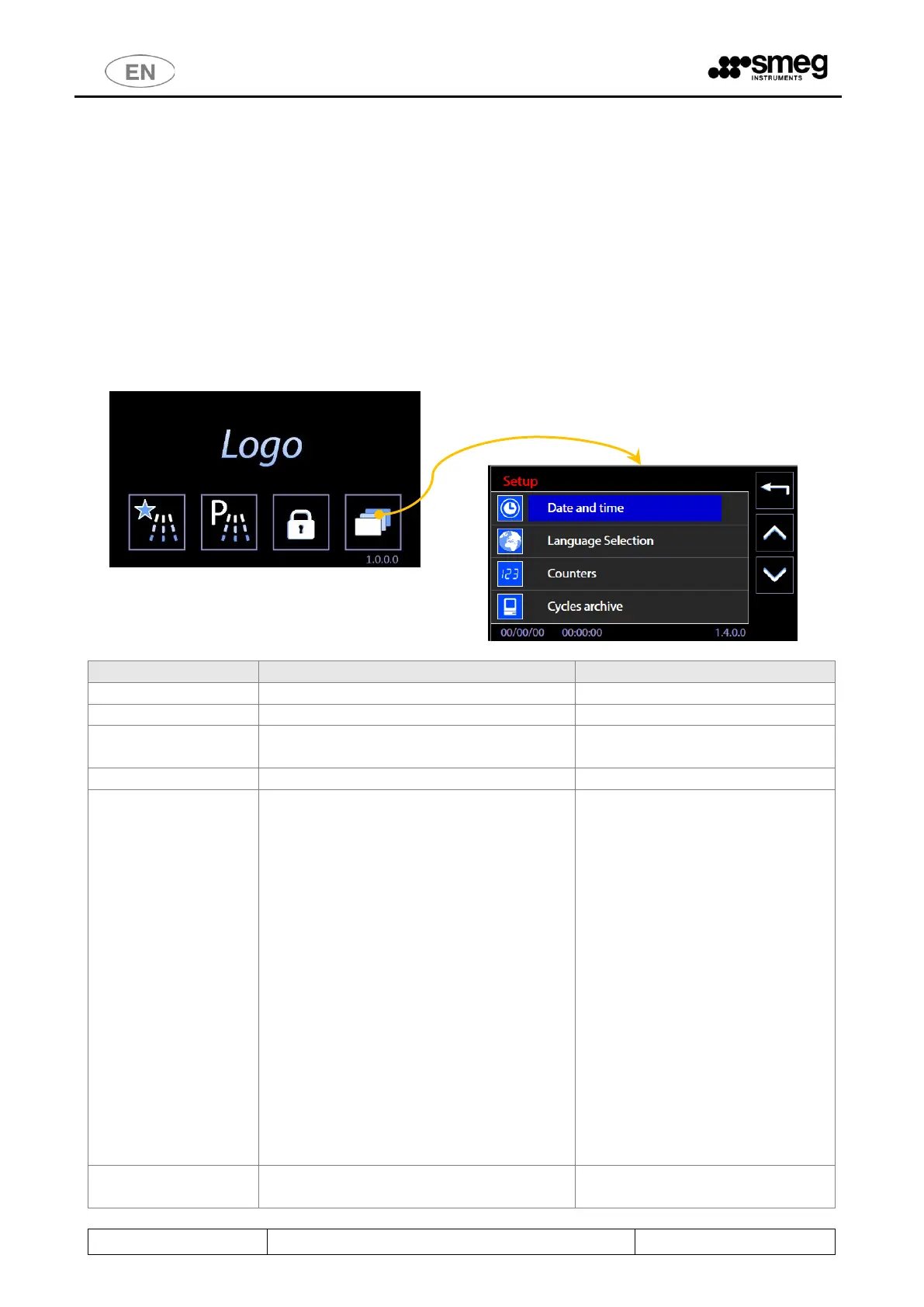
11 SETUP OPERATION - 1.4.0.0
The device has a setup modality to modify functional parameters.
The setup menu consists of entries that regulate the parameters of the machine, start maintenance and
control operations on the device.
Access to these menus is password-protected and restricted to use only by approved technical staff.
Between the basic user and technical staff there is an intermediate level, called “superuser”.
The superuser consists of the authority responsible for the device in the structure where it is installed.
The superuser level password is shared with the individual in charge of the device.
Depending on the firmware versions actually installed, some aspects of the device setup menu may be
different from that described in this manual. Contact authorised engineers to have your device's firmware
updated.
Setup operation parameters
- Chemical dosing
- Water (Technicians only)
- Program enable
- Optional (Technicians only)
- Password
- Restore values (Technicians only)
- Restore configuration (Technicians only)
- Calibrations (Technicians only)
- LAN parameters
- Full S/N and MAC (Technicians only)
- Heating type
- Water conductivity
- Trolley check
- Spray arms check
- Automatic operation
- Barcode Scanner
- Signal Box



 To Next Page