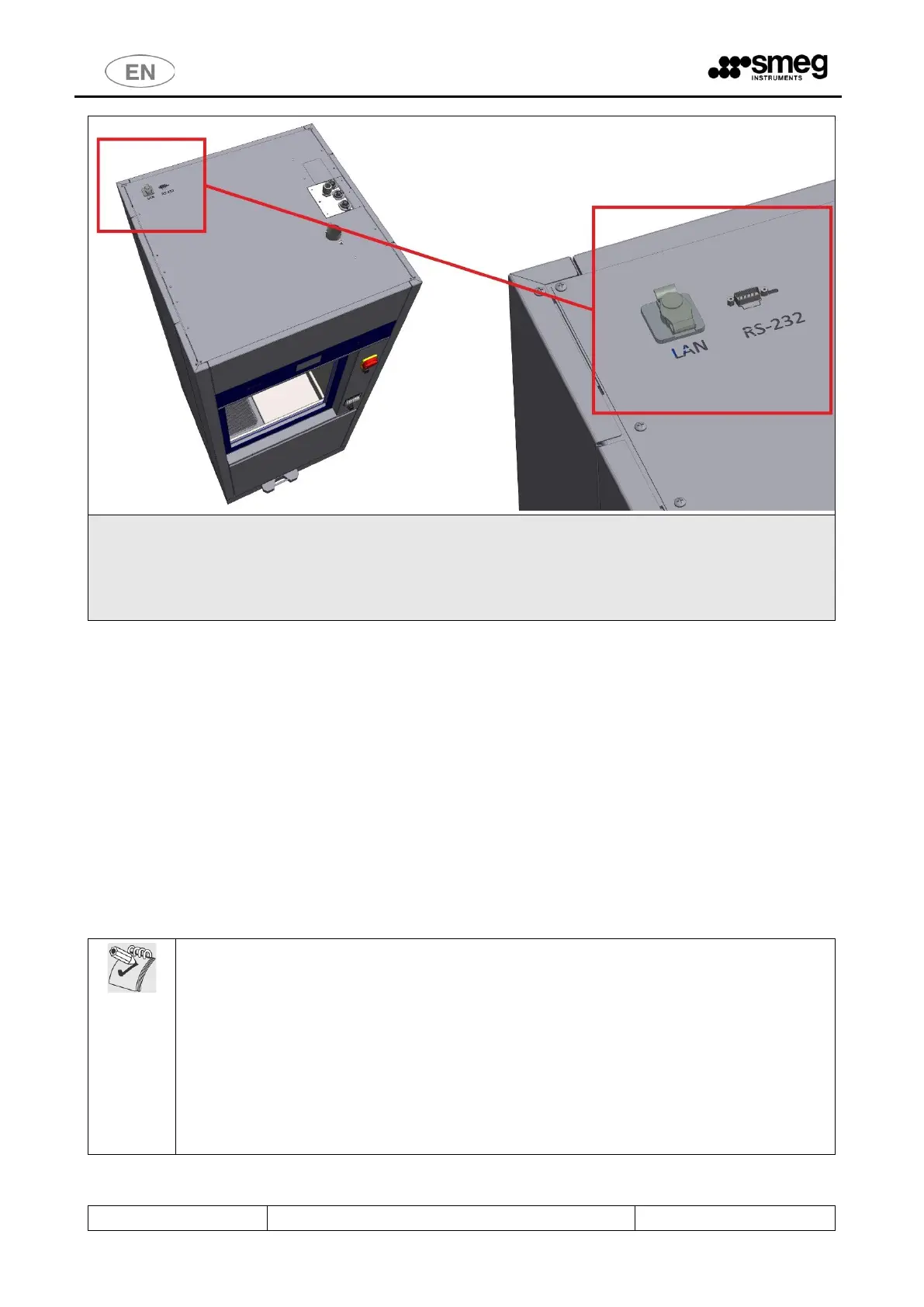
The following optional data communication ports are available on the TOP of the device:
- LAN PORT (optional) – for network communications using software supplied by the manufacturer
- RS232 optional for remote printer (the port can only be provided if the device is not fitted with the
thermal panel printer). See the specification for the optional “WD-PRINTEINK” printer.
For the connection ports positions, refer to the “Installation Requirements" documents.
4.2.1 OPTIONAL BARCODE SCANNER – WD-CODESCAN
[The barcode scanner function can only be used if the “WD-CODESCAN" optional is correctly installed on the
device.]
The WD-CODESCAN is a barcode scanner which can be installed on WD7015 models, on the loading side.
[If this optional is installed, the printer cannot be placed on the same side. However, the printer can be
installed on the unloading or “clean” side].
The scanner is installed to acquire ID codes, specifically:
1. user code;
2. rack code.
The codes acquired are paired with the washing cycle executed and recorded in the
appliance’s memory database, and are also printed in the cycle report if the printer is
available.
Codes are only acquired with the door open. Once the door has been closed, the codes which
were acquired can no longer be modified.
N.B.: When acquired, the rack code is not automatically paired with the program to be
executed. For this to take place, the device and racks must be equipped with additional
optionals (e.g. MAGBAR” and “RACKREC” (Rack Recognition) - contact authorised Smeg
personnel for further information).
The scanner is designed to acquire Code 128 type barcodes.



 To Next Page