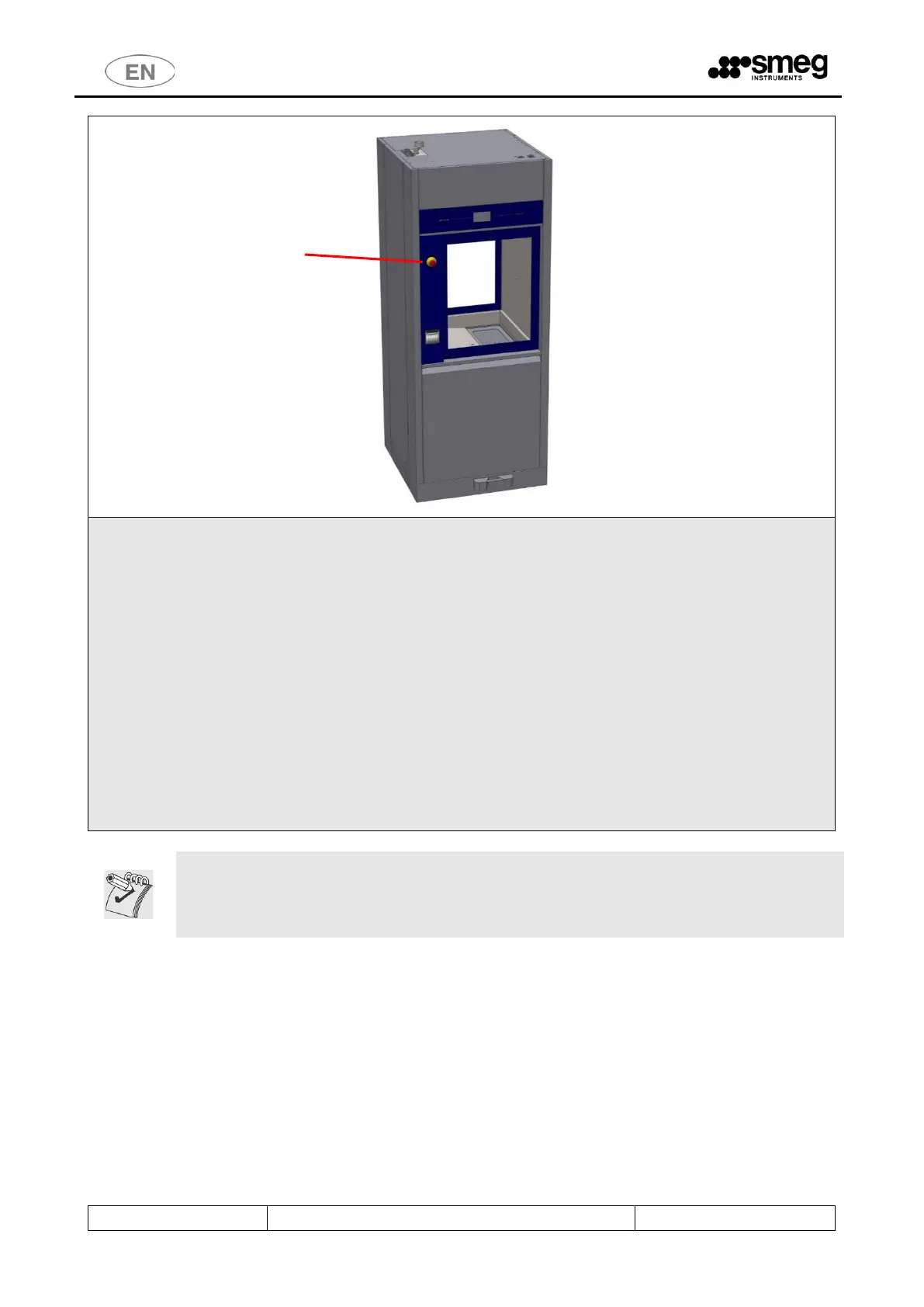
Unloading or "clean" side. Devices:
- "Mushroom" emergency stop button.
- Touch screen display.
Emergency stop button: allows the user on the unloading (or "clean") side to halt the machine. For
example, the button can be pressed if the user notices a malfunction that justifies stopping the current
cycle at once, or to halt movement of the doors.
The touch screen display on this side of the machine is read-only; the user can view the active screens
but not interact with the machine.
The only function enabled is door opening/closure.
The door can only be opened at the end of the cycle, and only if the wash cycle has been completed
successfully.
(The user may have halted the drying phase: in this case opening of the clean side door is possible).
WARNING: once the “emergency button” has been pressed, it must be rearmed (by turning it)
in order to restart the device.
The device should also be switched off and back on with the main switch before restarting
normal use.



 To Next Page