11.7 PROGRAMS EDITING – ID. 3.4.2.1
Preliminary Note: the editing of a washing program requires specific knowledge in relation to the load-
treatment process, and to the device parameters. For this reason, the function is protected by password.
Always proceed according to the rules in force in the place of installation: a custom program, used to
process the load, must be validated according to the standards and regulations applicable.
Consult the authorized technical service for clarification.
The modifiable programs:
1. are identified in the documents as "custom" programs;
2. Are part of the installed programs;
3. are "queued up" compared to the factory programs that cannot be modified;
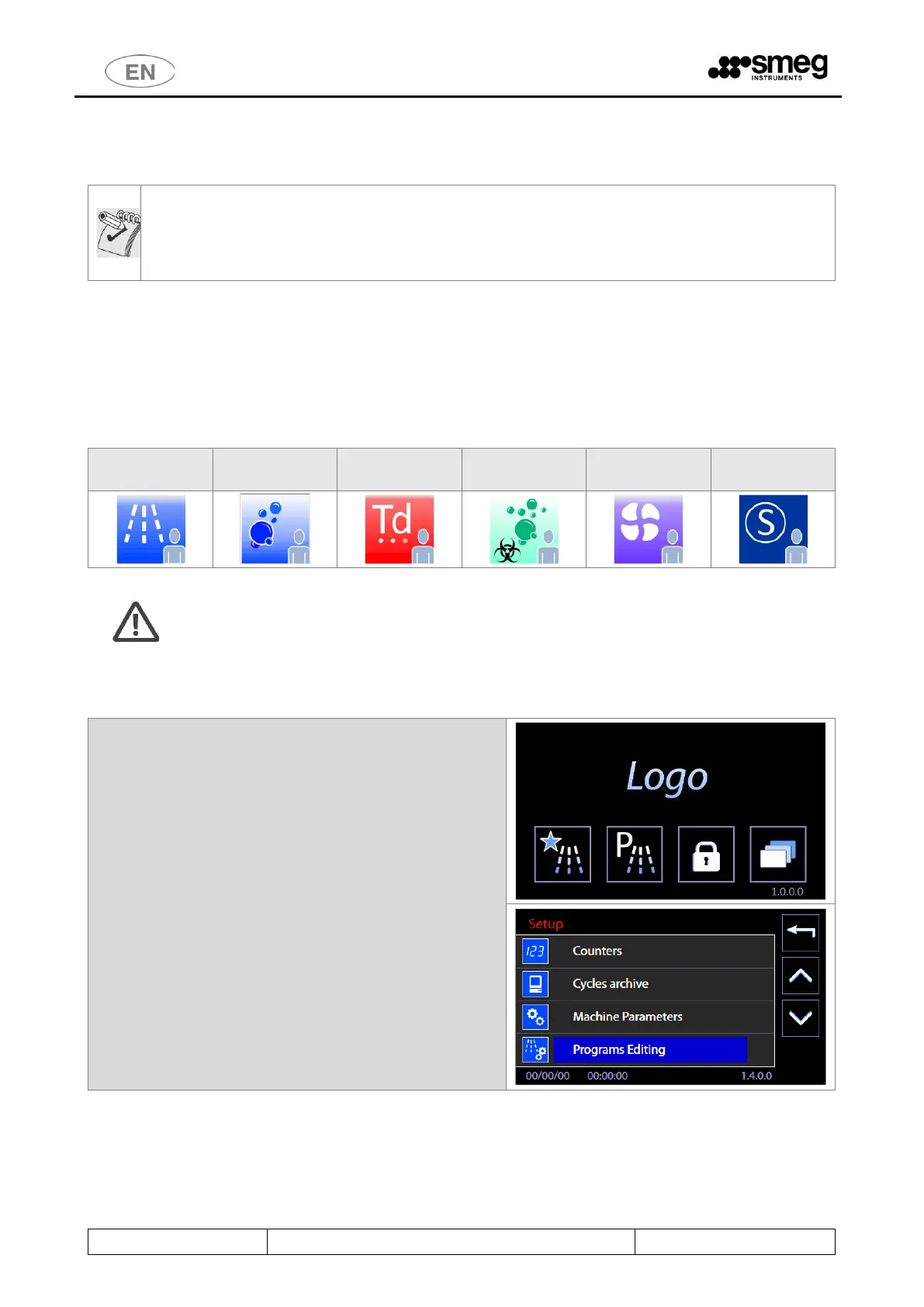
4. are marked by specific icons of the custom programs (presence of "little man" icon)
Specific icons for the custom programs
Warning: when creating a custom program, do not include more than two thermal disinfection
phases at 93°C for 10min.
Steps to modify a custom program.
1. Select the "Setup" icon in the main screen
sch.1000 and then select "Programs Editing".



 To Next Page