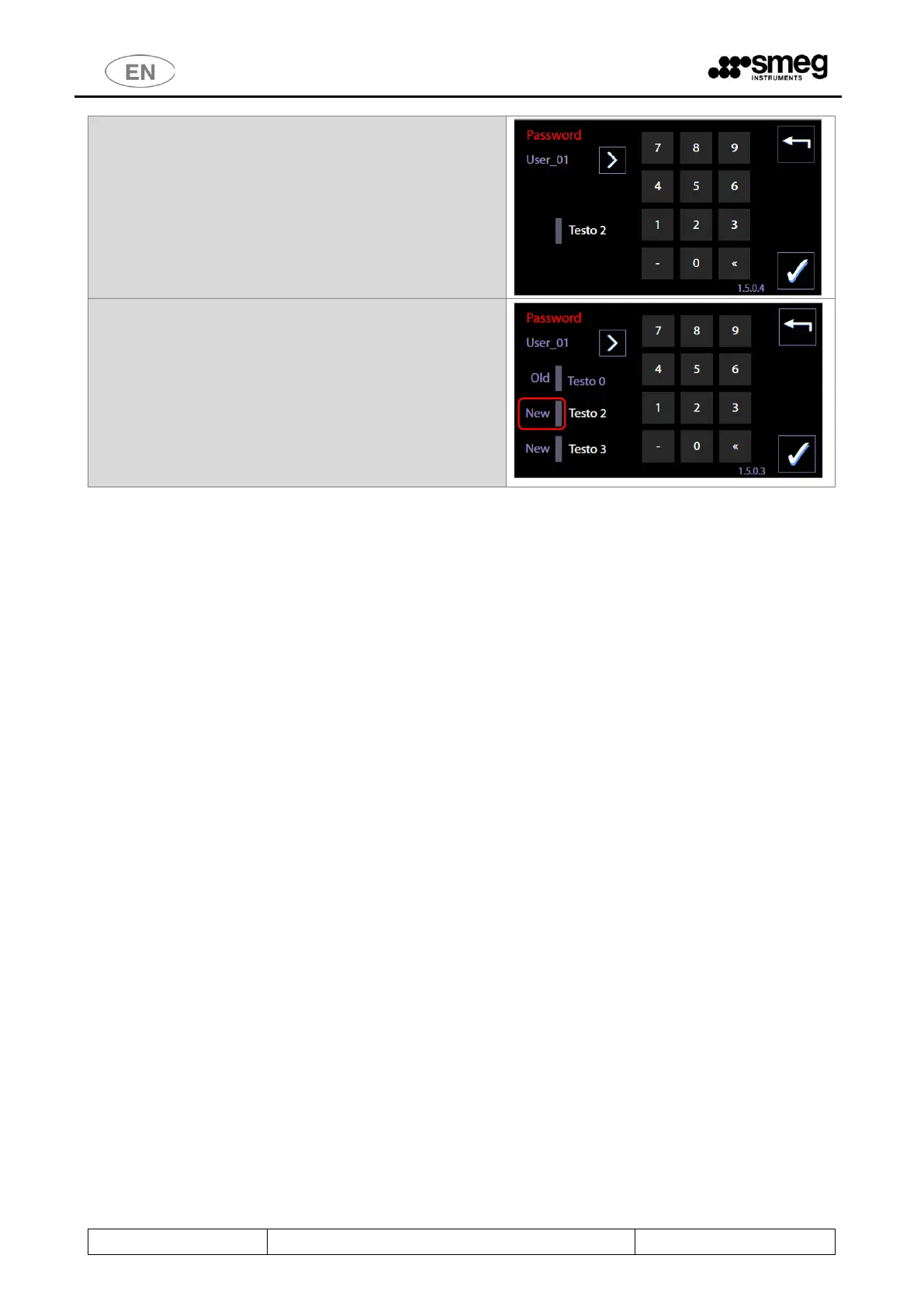
Users must:
1. select their user ID using the “Right arrow"
button.
2. Enter their current password.
3. Press the "Confirm" button in the bottom right-
hand corner.
The user has access to the change password screen.
3. Press next to the upper New and enter the new
password.
4. Press next to the lower New and confirm the new
password.
N.B.: a user password is a number between 0 and 999.
The superuser password can also be changed.
It is a number between 2000 and 2999.



 To Next Page