Chapter 2 Menus and Control Panel
113
Names and Functions of Parts of the Control Panel
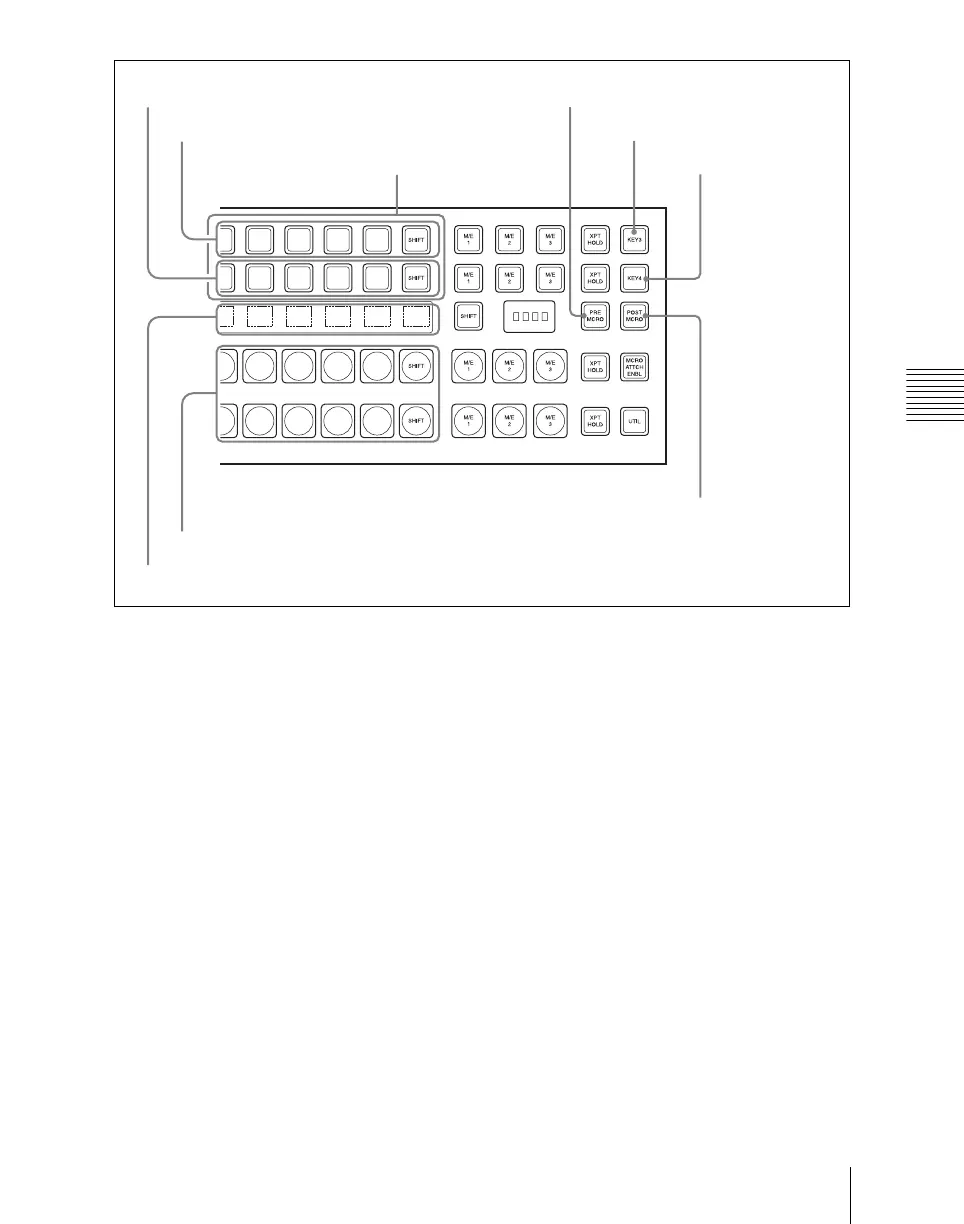
a AUX control block
This selects the AUX bus and the assigned
source signals.
This cross-point control block can be
switched to AUX control mode with the
[AUX CTRL] button, and the key 1 row
used as AUX delegation buttons, and the
key 2 row used as AUX bus cross-point
selection buttons, with the source name
display showing the source names or the
bus names (AUX panel-less function). To
use this function, the function for switching
to AUX control mode must first be assigned
to the [PRE MCRO] and [POST MCRO]
buttons.
For the method of making this assignment,
see Chapter 19 “Control Panel Setup
(Panel)” (Volume 3).
AUX delegation buttons: These select the
AUX bus. When you press a button,
turning it on, this selects the assigned
bus as the AUX bus. You can make the
rightmost button a [SHIFT] button, in
which case each button can be used to
select two buses.
For details of the buses that can be
selected, see “Bus Selection” (page 147).
AUX cross-point buttons: These select the
source signal to be assigned to the
AUX bus. When you press a button,
turning it on, this selects the assigned
video/key source signal and assigns it
to the bus selected with the AUX
delegation buttons. To select a key,
hold down the [KEY] button and press
the AUX cross-point button to which
the desired key signal is assigned. You
1 AUX control block
4KEY button
2AUX CTRL (AUX control) button
7Source/bus name displays
AUX CTRL (AUX control) button
AUX cross-point buttons
3DEST (destination) button
6A/B bus control block
5AUX DSPLY (AUX
display) button













 To Next Page