Chapter 5 Wipes
321
Wipe Snapshots
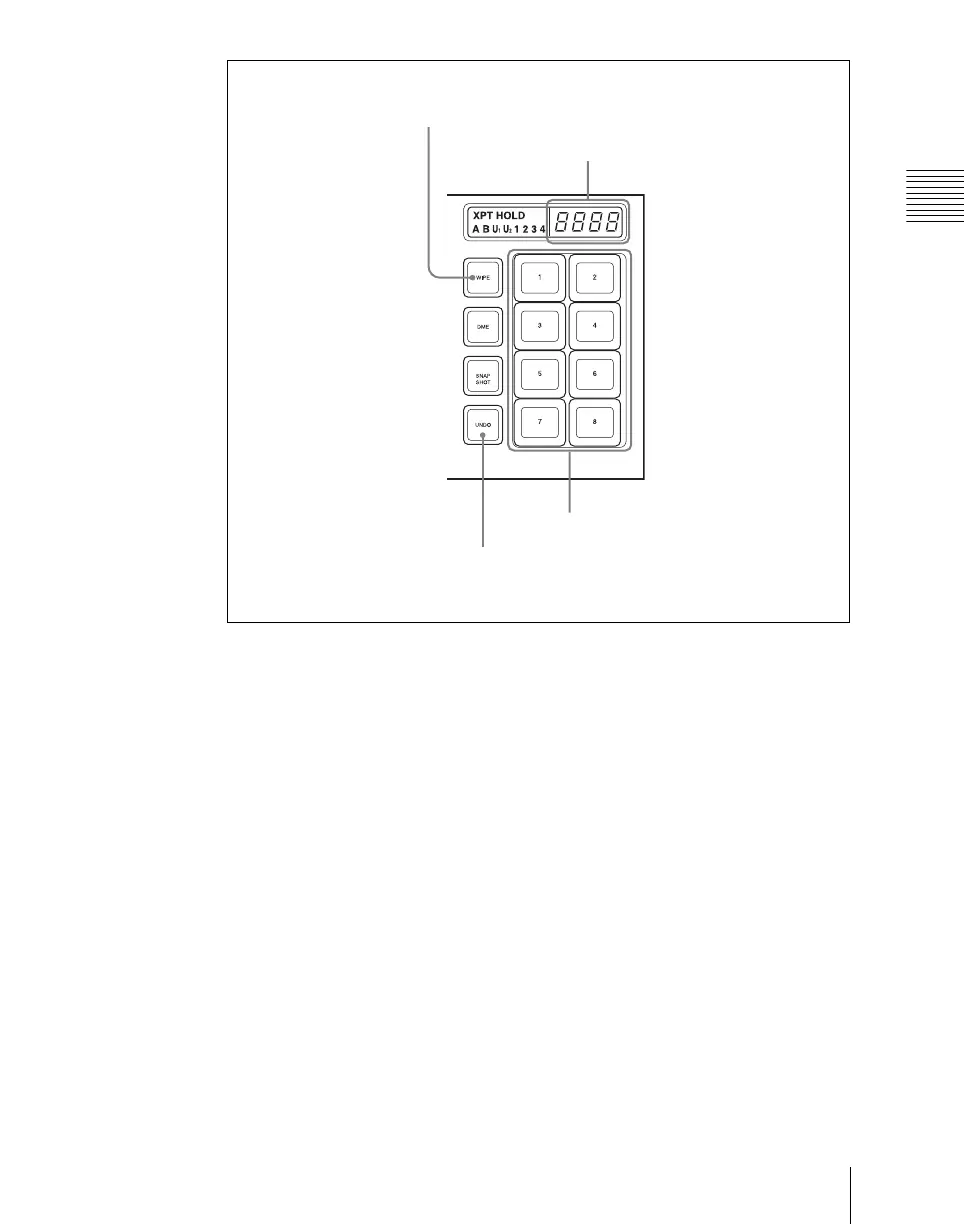
Flexi Pad control block (simple type)
Selecting a wipe pattern in the Flexi Pad control block
To select a pattern with a standard type Flexi Pad control block, use the
following procedure. (It is not possible to select a wipe pattern with a simple
type Flexi Pad control block.)
1
In the M/E-1 Flexi Pad control block, press the [WIPE] button.
This switches the Flexi Pad control block to wipe snapshot mode.
2
In the memory recall section, press the [PTN NO] button.
This switches the Flexi Pad control block to wipe pattern number recall
mode.
3
Use the buttons in the memory recall section to enter the pattern number
consisting of up to three digits, and press the [ENTR] button.
The entry is confirmed, and now the numeric display shows the pattern
number.
WIPE button
Numeric display
UNDO button
Memory recall buttons












 To Next Page