Chapter 11 DME Operations
700
DME Special Effect Operations
Applying the Trail effect
1
In the DME menu, select VF5 ‘Light/Trail’ and HF2 ‘Trail.’
The Trail menu appears.
2
Press [Trail], turning it on.
The Trail effect is enabled. You can adjust the parameters with the knobs.
3
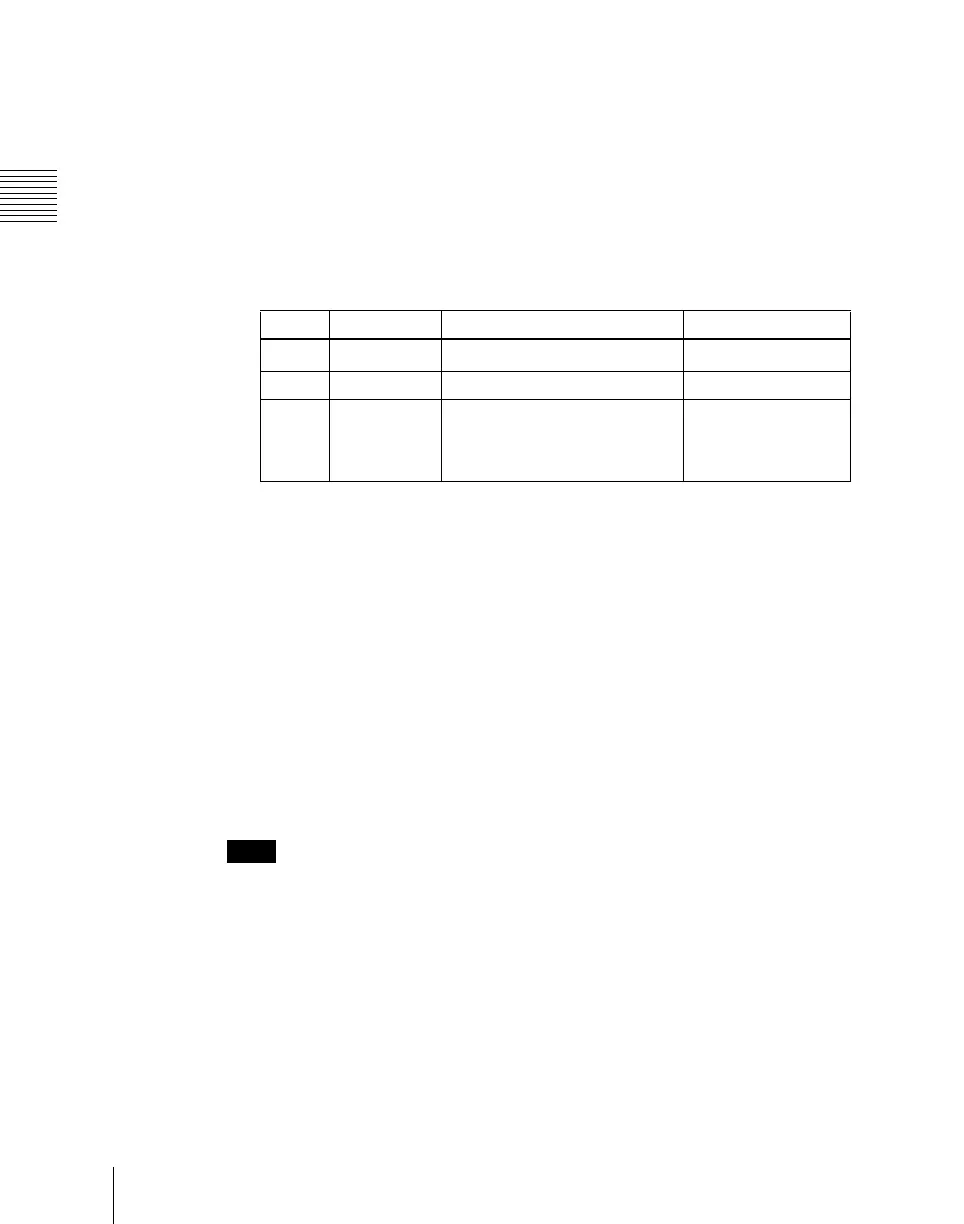
Set the parameters.
a) 0.00 is no trail. At 100.00, the trail does not disappear.
4
To erase the trail, press [Trail Eraser], turning it on.
Switching the priority between the current image and trail
superimposed
In the <Priority> group, select the method of superimposition.
Over: Current image is on top.
Under: Trail is on top.
Selecting the source to create a trail
In the <Trail Source> group, select the source to create a trail.
Notes
• “Rainbow,” “Mix Color,” and “Ext Video” are not supported on the MVE-
8000/8000A.
• “Mix Color” or “Ext Video” can only be applied to one of the background
(see page 727), flex shadow (see page 627), trail, and wind (see page 707)
effects.
If you select “Mix Color” or “Ext Video” in one of these settings, a selection
of “Mix Color” or “Ext Video” in any of the other effects is disabled, and
“Flat Color” is selected in its place.
• When executing combining four channels of DME images, “Mix Color” and
“Ext Video” in the flex shadow and background effects cannot be selected.
Knob Parameter Adjustment Setting values
1 Decay Degree to which the trail is left
0.00 to 100.00
a)
2 Interval Freeze interval 1 to 255 (frames)
3 Live Proportion of the interval
between two successive freeze
images for which the video is
run
0.00 to 100.00












 To Next Page