Chapter 2 Menus and Control Panel
92
Names and Functions of Parts of the Control Panel
mode, then the description names appear
here.
c DEST (destination) button
Press this button, turning it on, to display
the names of the destinations assigned to
the destination selection buttons in the
selected source name displays.
d Selected destination display
This shows the name of the destination
selected by the destination selection
buttons. If a protected destination is
selected, the indication “PROTECT”
appears.
e Source selection button rows
The destination selected with a destination
selection button is assigned to a source
selection button. Press a source selection
button to select a source. The 1st row of
buttons are source selection buttons for the
unshifted destinations, and the 2nd row are
shifted source selection buttons. By holding
down the [2ND] button, and selecting a
destination, you can assign a different
destination from the 1st row to the 2nd row.
In the 1st row, the button to which a
destination is assigned lights amber. If a
different destination is assigned to a button
in the 2nd row, the button lights green.
When the 32nd button is set as a [SHIFT]
button (in a 32-button system), while the
[SHIFT] button is active, these switch to the
shifted source selection buttons. By using
the [KEY] button, you can expand the
source selection as follows.
f XPT HOLD (cross-point hold)
buttons
Not used in router control mode.
g KEY button
When this button is enabled by a setting in
the Setup menu, by holding it down during
a source selection you can expand the
function of the [SHIFT] button.
See “Cross-Point Settings (Xpt Assign
Menu)” in Chapter 19 (Volume 3).
h 2ND button
After selecting a destination with the
destination selection buttons, hold down
this button and make another destination
selection to assign a different destination
from the 1st row to the 2nd row.
i Source name displays
These display the names of signals
(sources) that can be selected with the
cross-point buttons. While the [SHIFT]
button is active, the shifted signal names
appear. While the [KEY] button is held
down, the expanded signal names appear.
When a different destination is assigned to
the 2nd row, the 2nd row signal names
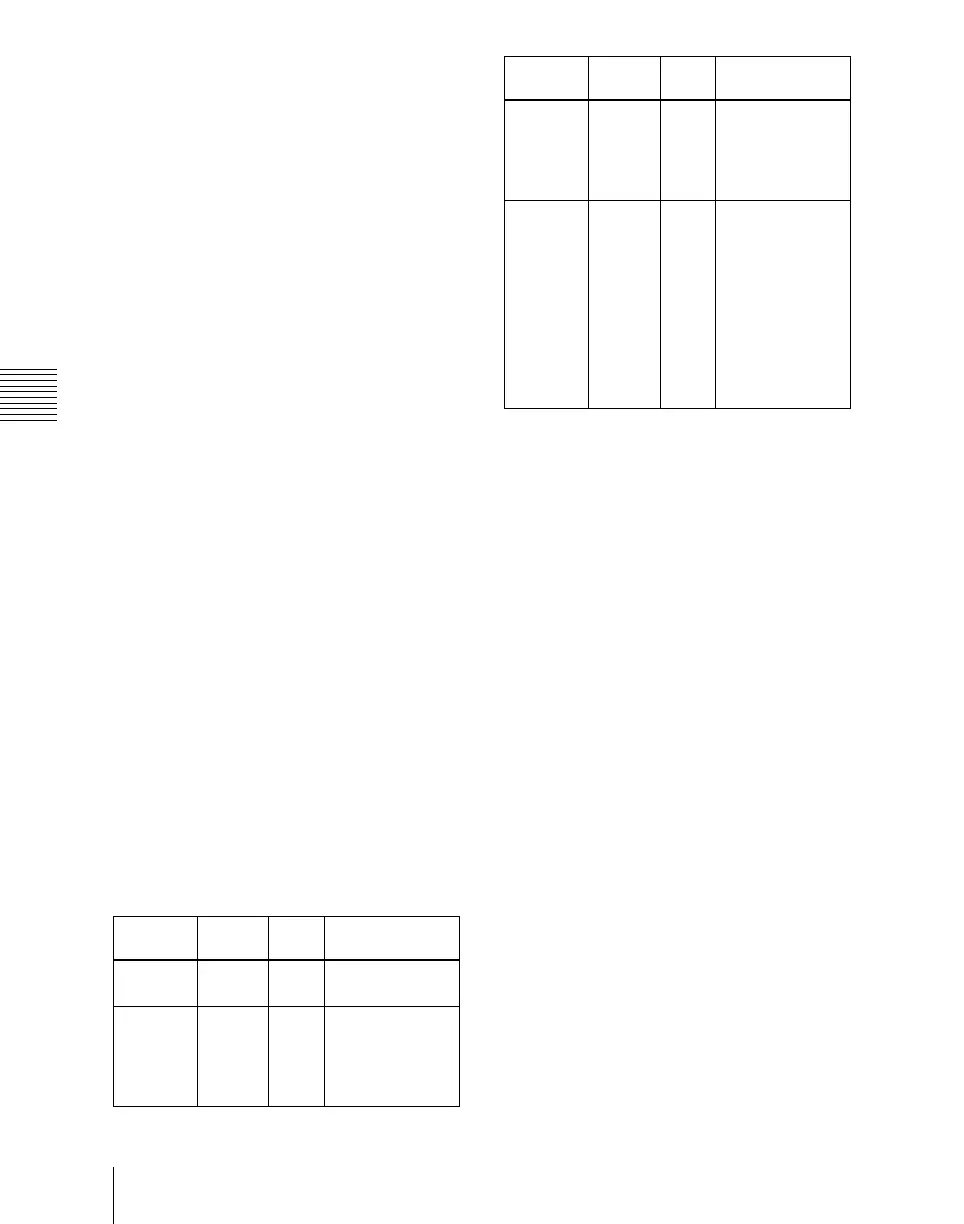
Source
selection
[SHIFT] [KEY] Selection
operation
1 to 31 Off Off Press the source
selection button.
32 to 62 On Off Press the
[SHIFT] button,
then press the
source selection
button.
63 to 93 Off On Hold down the
[KEY] button,
and press the
source selection
button.
94 to 124 On On Hold down the
[KEY] button,
and press the
[SHIFT] button,
turning it on (the
[SHIFT] button
locks here, even
when in Hold
mode), then
press the source
selection button.
Source
selection
[SHIFT] [KEY] Selection
operation












 To Next Page