EasyManua.ls Logo

Squid Ink CoPilot 500 - User Manual

Squid Ink CoPilot 500
152 pages
Print Icon
To Next Page IconTo Next Page
Loading...
2005482 Rev G –210505 - BETA
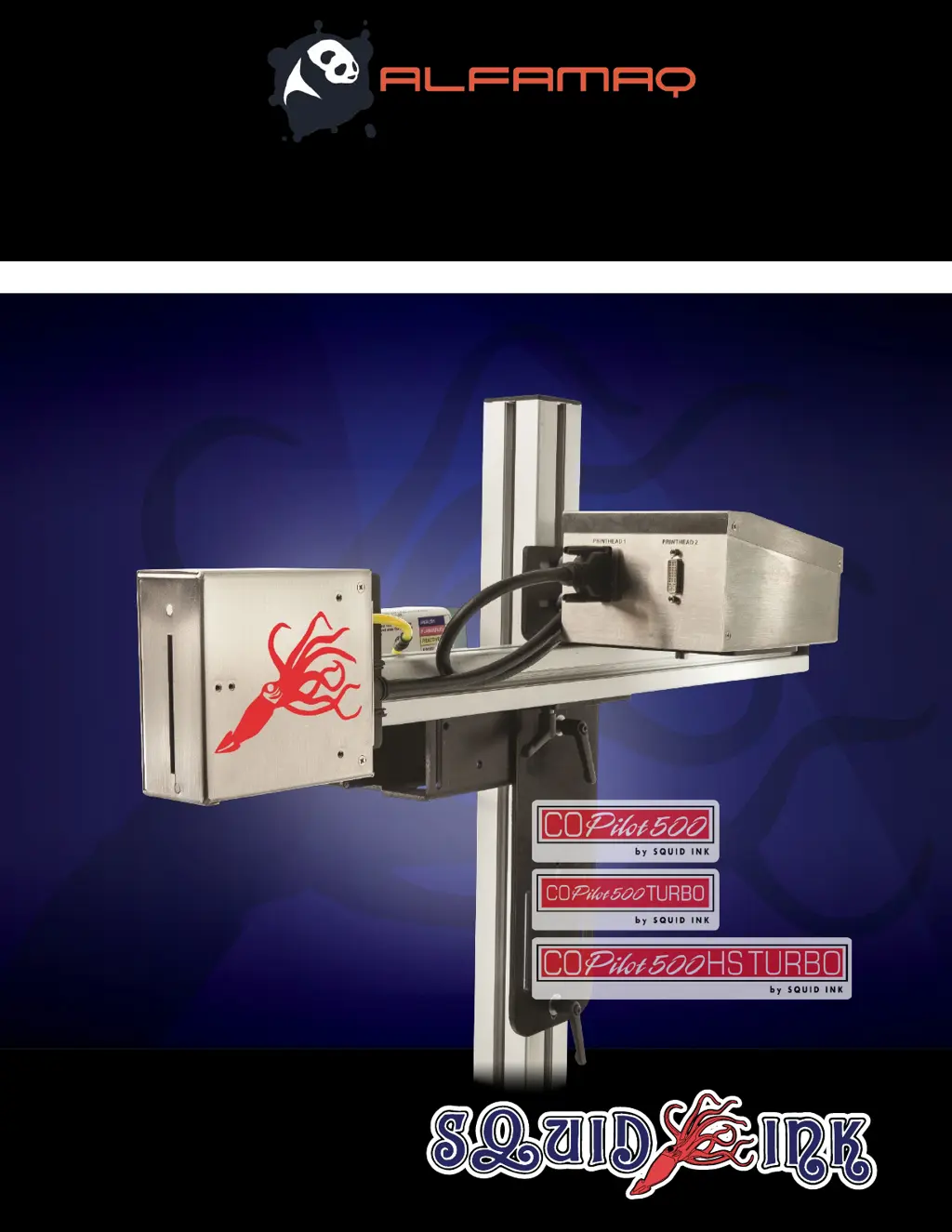
CoPilot 500
Industrial Inkjet Printing System
User Guide

Table of Contents

Questions and Answers

Summary

Abbreviations & Terminology

Safety

Understanding Safety Notifications

Explains the meaning of WARNING, CAUTION, and ATTENTION symbols used in the manual.

General Precautions

Lists general safety rules for installation, operation, and maintenance of the CoPilot 500.

Introduction

General System Description

Overview of the CoPilot 500 printing system's components, capabilities, and operation.

System Components

Lists the main parts of the CoPilot 500 printing system.

Printhead Overview

Details the front and rear views of the CoPilot 500 Printhead.

Controller Overview

Details the front and rear views of the CoPilot 500 Controller.

System Specifications

Presents technical specifications for the CoPilot 500 system.

Software Specifications

Outlines CoPilot 500 software features and capabilities.

Component Dimensions

Provides detailed diagrams with measurements for system components.

Options

Lists optional accessories available for the CoPilot 500 system.

Mounting Hardware

Describes available Floor Stands and Conveyor Mounts for system installation.

Installation and Setup

General Recommendations

Advice on installation environment, material handling, and grounding.

Mounting Procedures

Principles for attaching mounting brackets to the system.

Ink Supply Connection

How to connect ink to the Printhead using Cartridge or Bag systems.

Printhead Height Adjustment

Guidelines for setting correct height between Printhead and ink system.

Cable Connections

Connecting various cables for system functionality.

Power Supply Connection

Connecting the Power Cord to the Controller and electrical outlet.

Commissioning

Commissioning the Printhead

Explains priming the printhead to remove air bubbles for optimal print quality.

Cartridge Ink System Commissioning

Priming the printhead using an ink cartridge system.

Bag Ink System Commissioning

Priming the printhead using a bag ink system.

Software Interface

Interface Button Overview

Explains the function of various touchscreen buttons.

Home Screen Navigation

Details the elements displayed on the system's Home Screen.

Zoom Screen Functionality

Viewing print messages at a larger size on the touchscreen.

Message Screen Operations

Managing and selecting messages for printing.

Remote Server Message Handling

Loading messages using a remote database server.

Settings Screen Configuration

Accessing and configuring printer settings.

Line Speed Adjustment

Setting the static line speed for the printer.

Trigger Distance Configuration

Adjusting the distance for print delay.

Print Direction Settings

Setting the print orientation relative to conveyor flow.

Encoder Configuration

Configuring encoder settings for scaling messages.

Trigger and Squid Connect Settings

Settings for repeat triggering and SquidConnect.

Counter Management

Tracking printed items using printer counters.

Spit Settings for Ink Flow

Settings to prevent ink nozzle drying, especially with solvent inks.

Barcode Validation System

Mentions optional system for validating barcodes.

USB Data Management

Data management and system updates via USB.

System Reset Functions

Resetting counters and ink levels on the system.

Printhead Temperature Monitoring

Monitoring printhead temperature in Fahrenheit or Celsius.

Touchscreen Calibration

Steps for recalibrating the touchscreen for responsiveness.

Remote Database Connectivity

Connecting the system to a remote database for messages.

Date and Time Settings

Setting the printer's date and time for various purposes.

Peak Encoder Speed Monitoring

Monitoring and resetting the peak line speed recorded by the encoder.

Custom Keyboard Selection

Selecting custom keyboards for user data input.

Language Selection

Selecting the interface language for the CoPilot 500.

Static IP Address Configuration

Assigning a static IP address to the Controller.

User Data Input

Editing user data within messages via the touchscreen.

Wireless Network Configuration

Connecting the Controller via Wi-Fi or Bluetooth.

Temperature Warning Management

Handling system overheating warnings.

GUI Refresh Control

Updating message display and improving response time.

Software Setup

Entering Proper Settings

Configuring system parameters for physical conditions before printing.

Operation

Powering On the System

Steps for starting up the CoPilot 500 system.

Print Message Management

Creating and transferring print messages using Orion software.

Loading and Printing Messages

Selecting and executing print jobs from the controller.

Powering Off the System

Shutting down the CoPilot 500 system safely.

Maintenance

Checking Installation Integrity

Ensuring secure installation by checking hardware and connections.

Nozzle Faceplate Cleaning

Maintaining printhead cleanliness using specific wipes and fluids.

Printhead Flushing and Purging

Cleaning the printhead with flush fluid and removing air bubbles.

External System Cleaning

Cleaning the exterior surfaces of system components.

Shipping and Storage Preparation

Packaging the printhead for transport or storage.

Troubleshooting

Problem Resolution Guide

Solving common system problems with causes and solutions.

Parts List

System Part Information

Lists of system configurations and part numbers.

Mounting Hardware Parts

Lists of part numbers for floor stand and conveyor mount hardware.

Ink and Fluid Specifications

Details on ink bases and compatible cleaning fluids.

Component Exploded Views

Visual breakdown of ink systems, printheads, and controllers.

System Updates

Applying Updates from USB

Guides on updating software and firmware via USB.

Product Warranty

Warranty Terms and Conditions

Details warranty statement, period, printhead conditions, repairs, quality, shipping, and exclusions.

Warranty Procedures and Eligibility

Explains claims, procedures, eligibility, and limited warranty terms.

Disclaimer of Damages

Disclaims liability for consequential damages from product use.

Technical Support

Contacting Technical Support

Provides contact information for installation, operation, and maintenance help.

Squid Ink CoPilot 500 Specifications

General IconGeneral
Power Requirements100-240V AC, 50/60 Hz
Ink CompatibilitySolvent-based Inks
Ink ColorsBlack, Yellow
User Interface7-inch color touchscreen
ConnectivityUSB, Ethernet, Wi-Fi
Print TechnologyPiezoelectric Drop-on-Demand Inkjet

Related product manuals