Software Interface 99
2005995 Rev O – 210712
Peak Encoder Speed
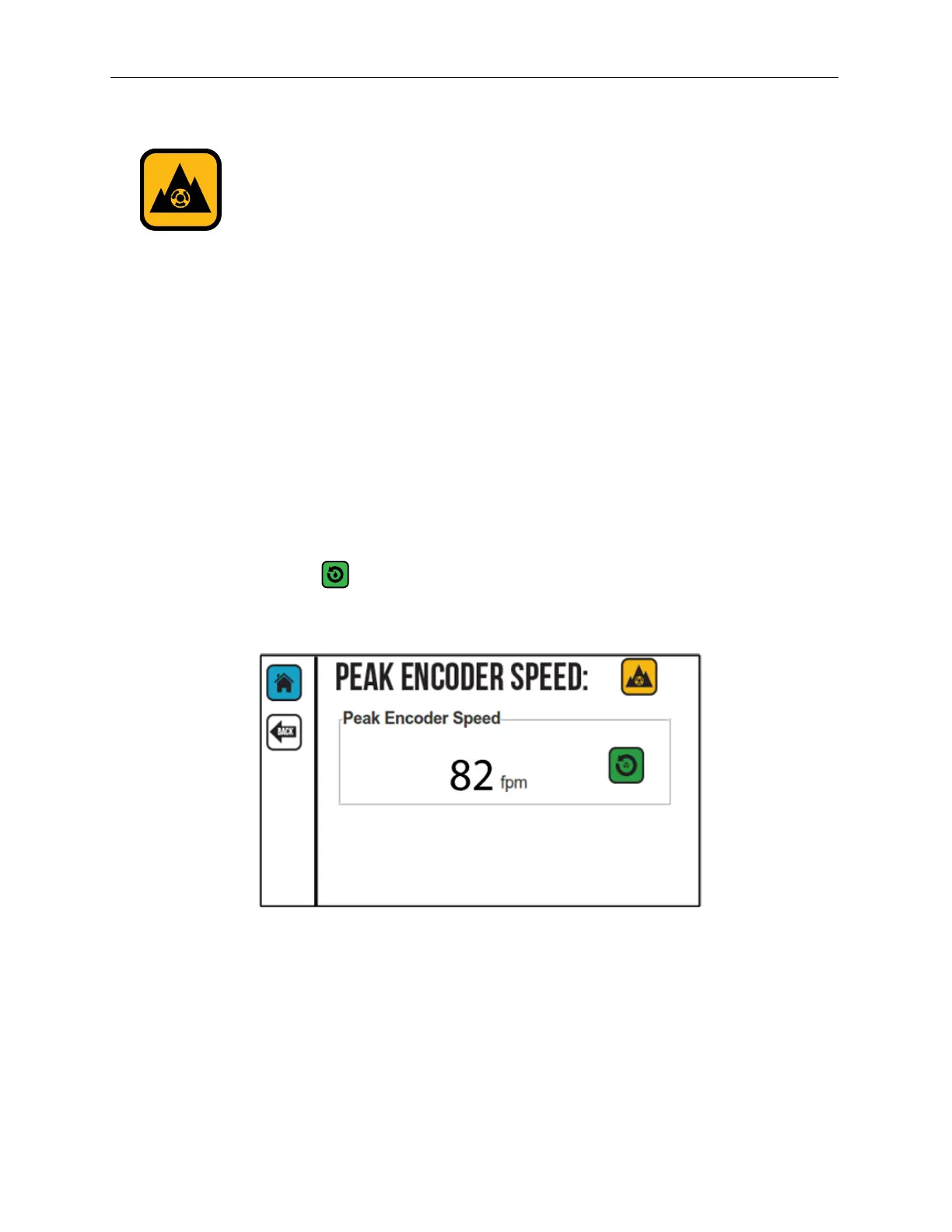
Select the Peak Encoder button to display the top line speed recorded by the Encoder in
feet per minute (fpm).
Peak Encoder speed is used to determine what speed the Printer requires to be able to print
accurately. This feature is used with variable-speed production lines that perform short
speed bursts where the line speed function is not fast enough to display the peak speed. A
horizontally stretched message may indicate that the line speed is faster than the Printer is
capable of printing.
To record a lower peak speed, the “Peak Encoder Speed” must be reset. An example of a
time when lowering the peak speed would be needed is if the operator wants to slow the
production line speed, but inadvertently turns the speed control in the wrong direction,
speeding up the production line. The operator may immediately realize their mistake and
turn the speed back down, but the higher speed is still displayed until the Peak Encoder
Speed is reset or the Peak Encoder Speed records a higher speed.
Select the Reset button to reset the Peak Encoder Speed.
Peak Encoder Speed Screen



 To Next Page