100 Software Interface
2005995 Rev O – 210712
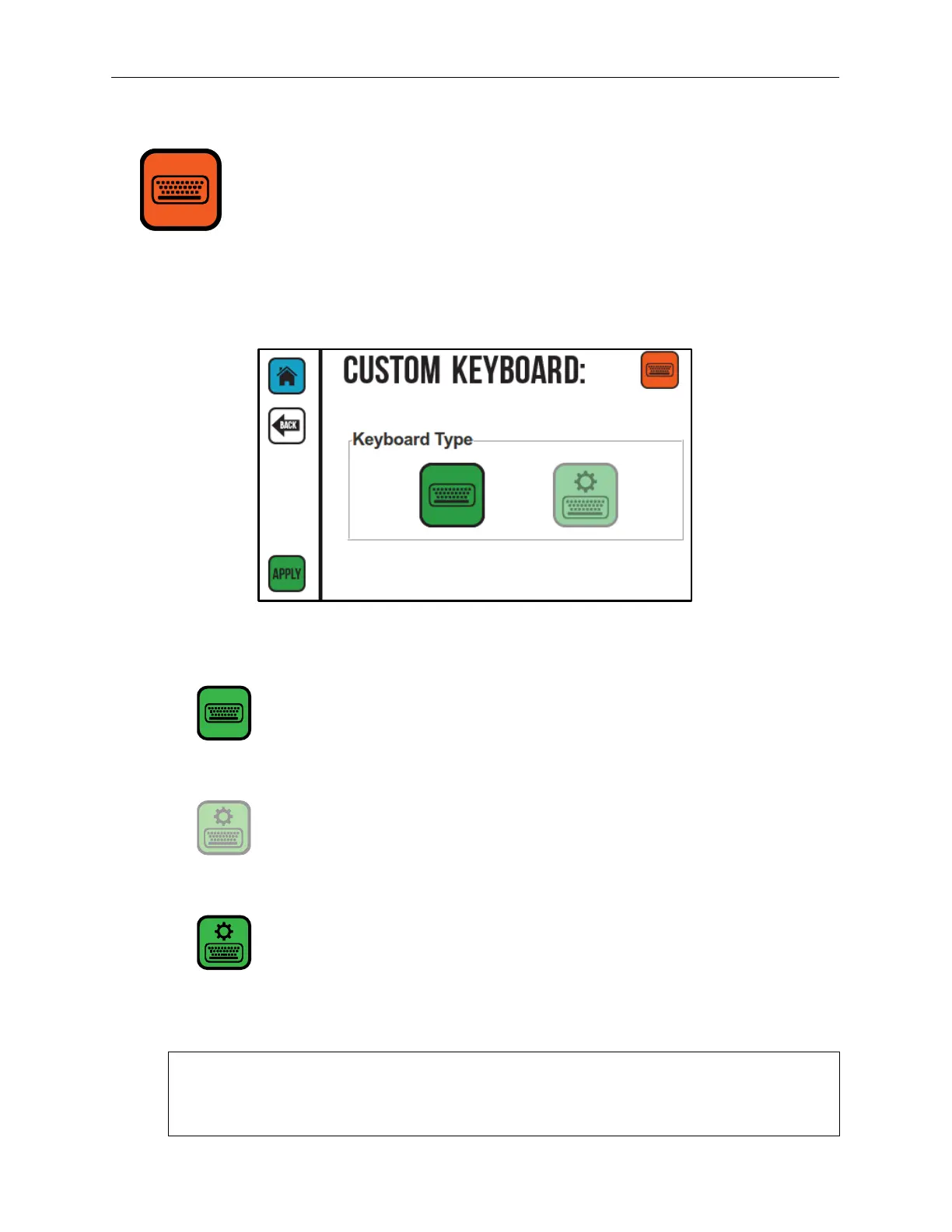
Custom Keyboard
If a custom keyboard has been created in Orion for use with User Data, the Custom
Keyboard Screen can be used to select that keyboard.
Standard Keyboard Selected
When available, the Controller uses the standard CoPilot 500 keyboard.
Custom Keyboard Unselected
When the Standard Keyboard button is available, the Custom
Keyboard button is not available.
Custom Keyboard Selected
When this button is available, a custom keyboard associated with the
user data for the specific message can be opened. Custom keyboards
are created in Orion. Refer to the “Custom Keyboards” section in the
Orion Software User Guide for more information.
NOTE: If the keys on a custom keyboard are all blank, the keyboard was most likely
not sent to the Controller from Orion. Verify in Orion that the associated keyboard was
sent to the Printer.
Custom Keyboard Screen



 To Next Page