Software Interface 83
2005995 Rev O – 210712
Encoder
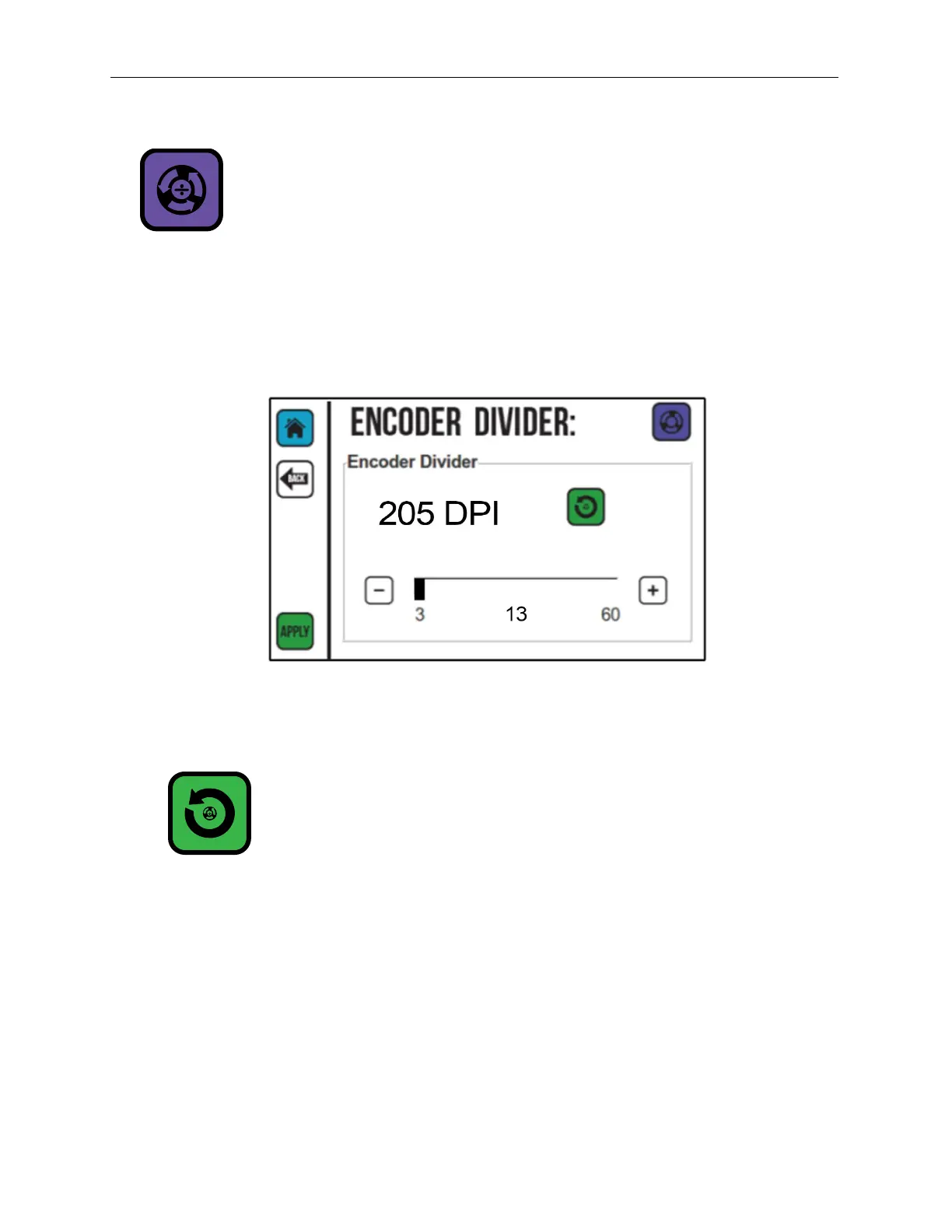
The Encoder Divider Screen sets the divider value if an optional Encoder is installed. The
encoder divider value sets the horizontal scale of the printed message based on the number
of pulses from the Encoder during a given time period. Use the Plus (+) or Minus (-) buttons
or the slider to increase or decrease the Encoder Divider value.
Encoder Reset
The Encoder Reset button resets the Encoder Divider to the default value of 3 (300 dpi).
Select APPLY to save changes to the Encoder settings. Select BACK to return to the
previous screen.
Encoder Screen



 To Next Page