System Updates 145
2005995 Rev O – 210712
System Updates
Occasionally software and firmware updates will become available from Squid Ink
Manufacturing. Software and Printer System Firmware can be updated from a desktop
computer using Orion™. Periodically check to see if updates are available at
https://www.squidink.com/products/coding-marking-software/orion-software/
.
IMPORTANT: All updates are downloaded using the Orion™ Message Creation Software
Package. For detailed instructions on receiving software and firmware updates for the CoPilot
500 printing system, refer to the Orion™ User Guide.
Applying Updates from USB
Update Software and Firmware
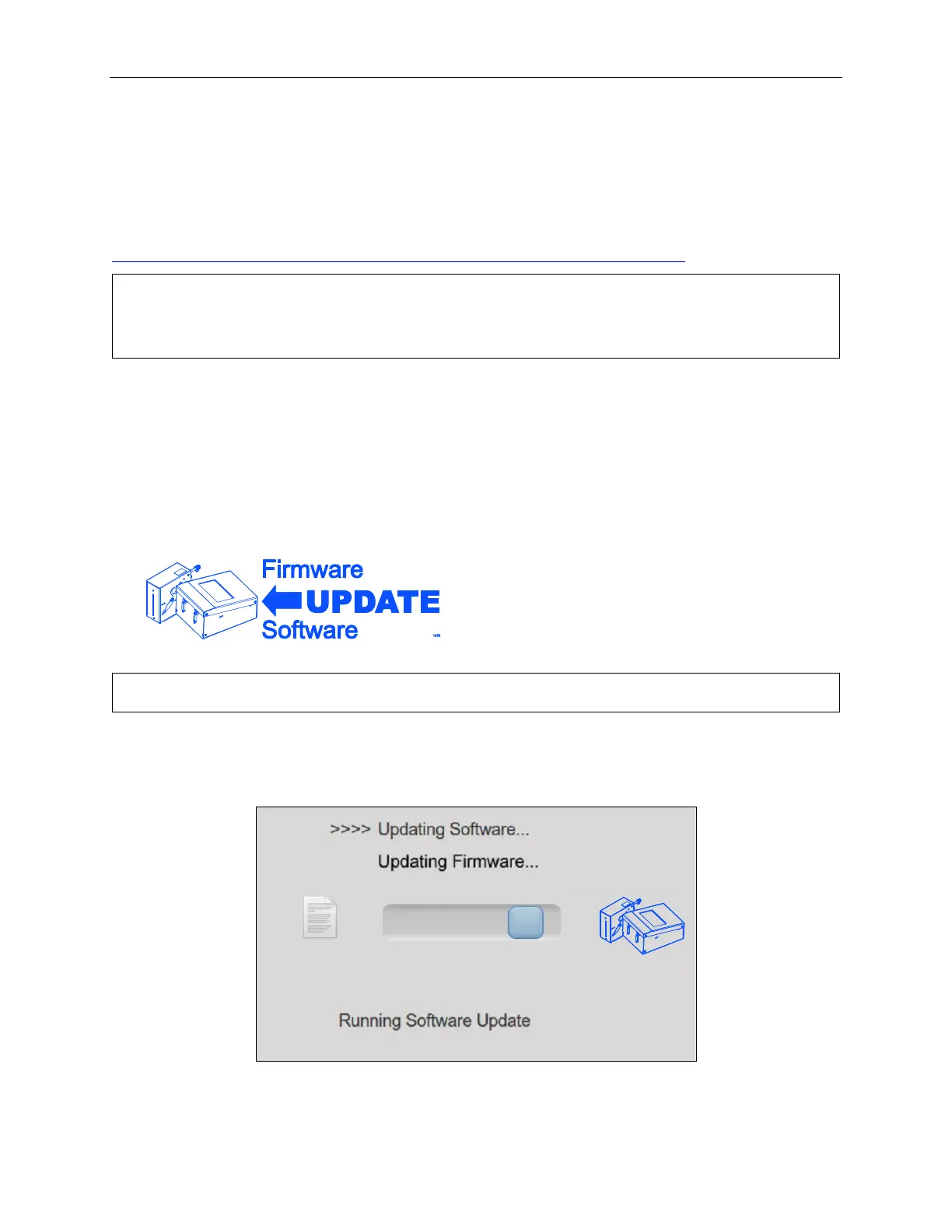
To install software and firmware updates to the printer, install the USB Drive containing the
updates into the USB Port and select the Update Firmware/Software button in the USB Load
Screen.
IMPORTANT: USB format must be FAT32 or NTFS.
While the system is updating, a progress screen will display.



 To Next Page