92 Software Interface
2005995 Rev O – 210712
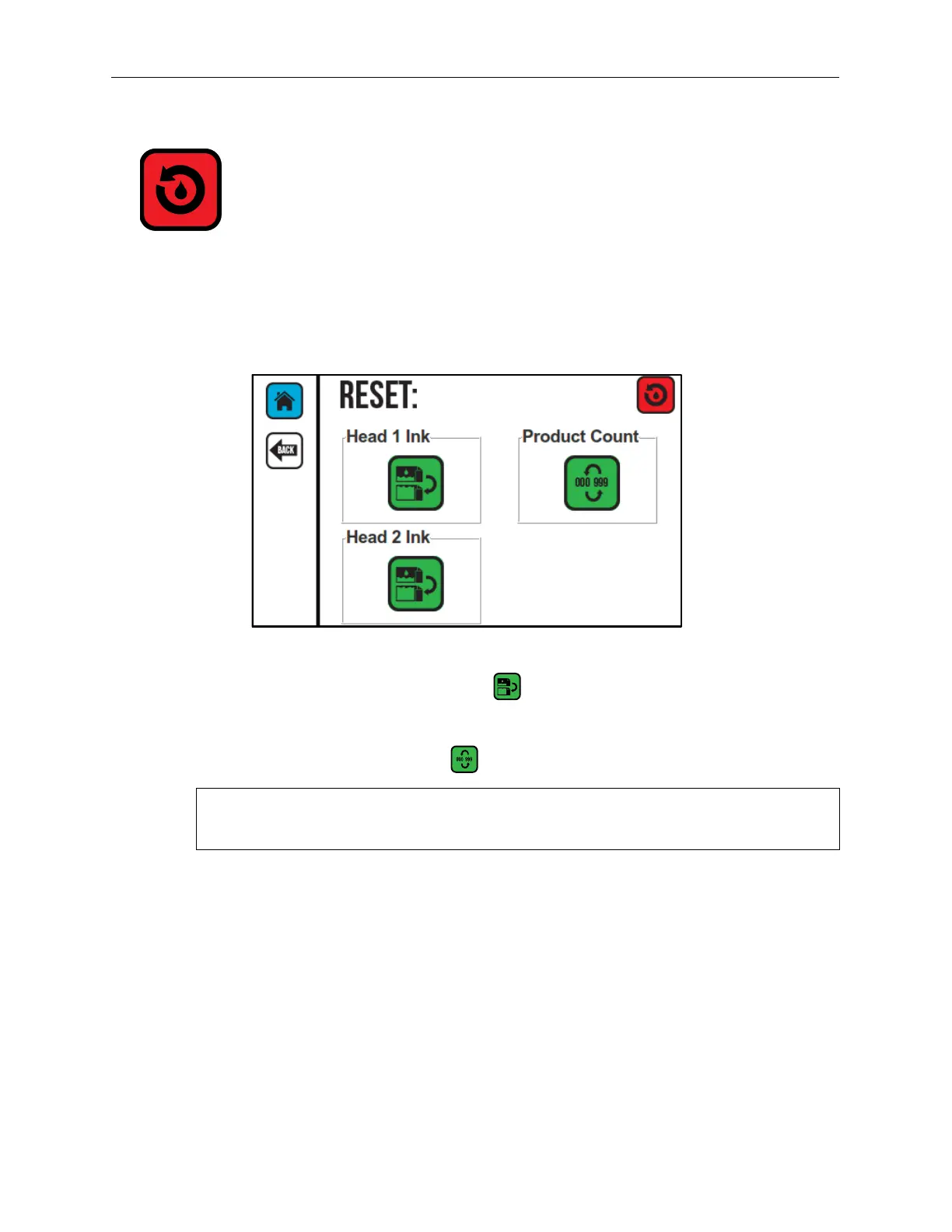
Reset
The Reset Screen resets the production counter to zero and/or resets the ink level to full. A
supervisor might wish to reset the production counter to zero at the beginning of a new shift,
for example, to track the number of products labelled each shift.
1. Select the Reset Ink Printhead button to reset the ink supply to full.
2. On the Reset Screen, select Head 1 or Head 2.
3. Select the Counter Reset button to reset the production counter to zero.
NOTE: The Counter Reset function only resets the onscreen production counter to
zero. It does not reset any counters that might be included in the message.
Reset Screen



 To Next Page