Software Interface 97
2005995 Rev O – 210712
Set Date
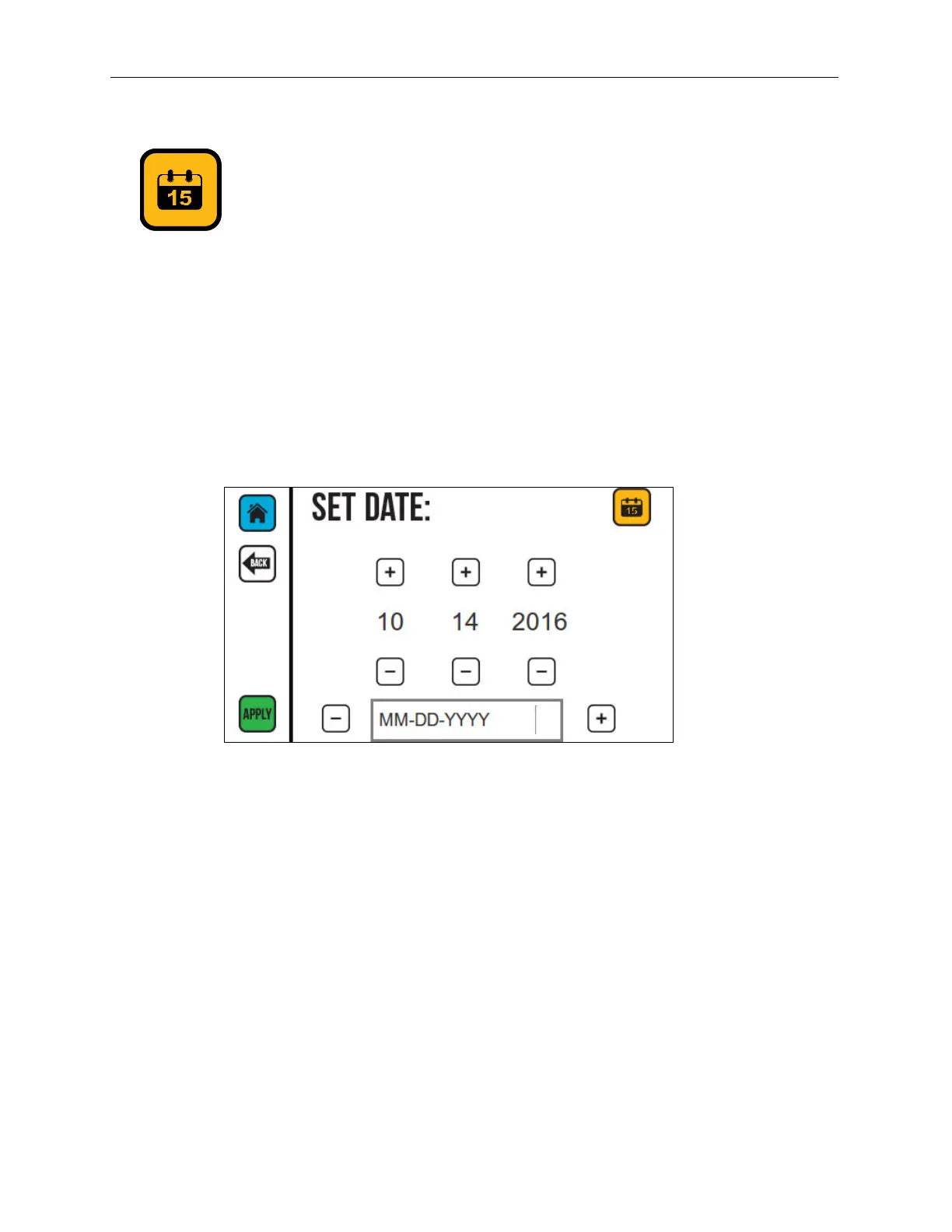
Use the Set Date function to set the date in the Printer. This can be the date that printing is
taking place, an expiration date, or any other date desired in the message.
1. Use the Plus (+) or Minus (-) buttons to select the date format at the bottom of the
screen.
2. Select the Plus (+) or Minus (-) buttons to increase or decrease the month, day, and
year.
3. Select APPLY to set the date.
Set Date Screen



 To Next Page