96 Software Interface
2005995 Rev O – 210712
Multicast Tab
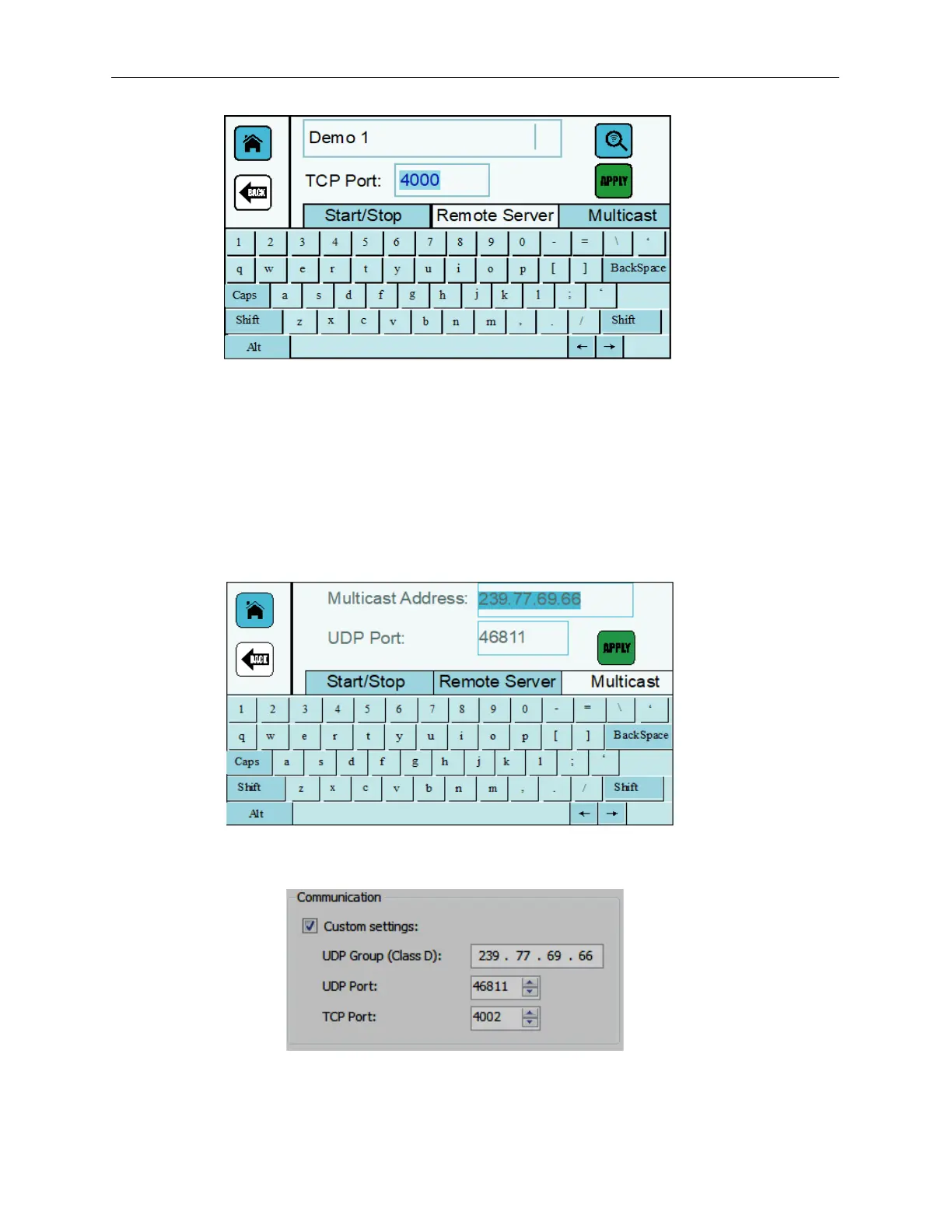
The Multicast Address IP setting and UDP Port will match the communication settings
for the DB server created using Orion. Normally, the settings will be automatically
populated with the default value and should not have to be changed. If the address is
changed in Orion, it will also have to be changed at the Controller. If the address is
changed, notify your IT Administrator to ensure that the new values do not conflict with
existing devices.
Orion Communication Settings



 To Next Page