98 Software Interface
2005995 Rev O – 210712
Set Time
Use the Set Time function to set the current time in the Printer. This is typically set to the
current time to track time of packaging.
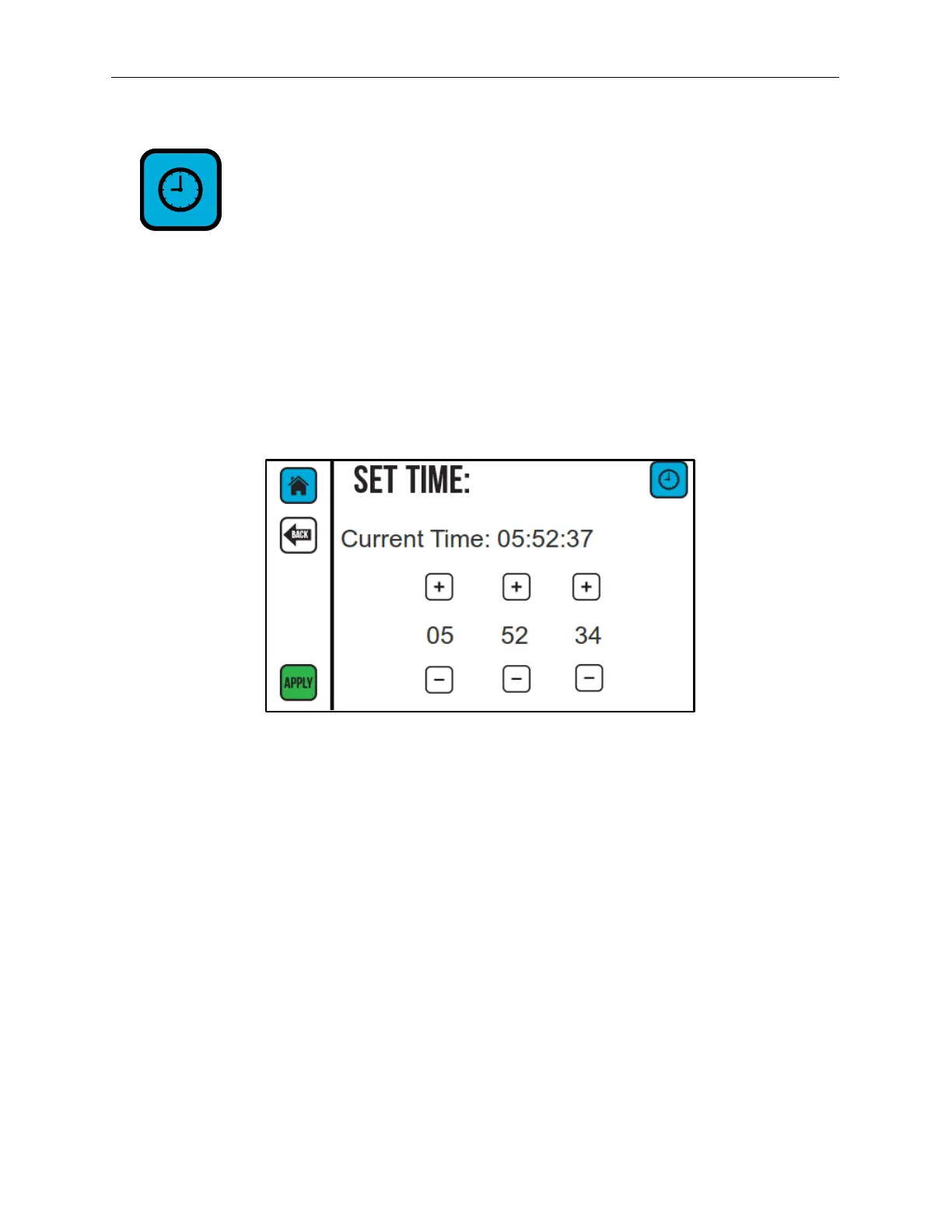
The time is displayed in hours, minutes, and seconds. To change the time value, select the
Plus (+) or Minus (-) buttons for the hours, minutes, and seconds to increase or decrease
the time.
Select APPLY to set the current time value. Select BACK to return to the previous screen.
Set Time Screen



 To Next Page