118 Operation
2005995 Rev O – 210712
Printing a Message
To Print a Message:
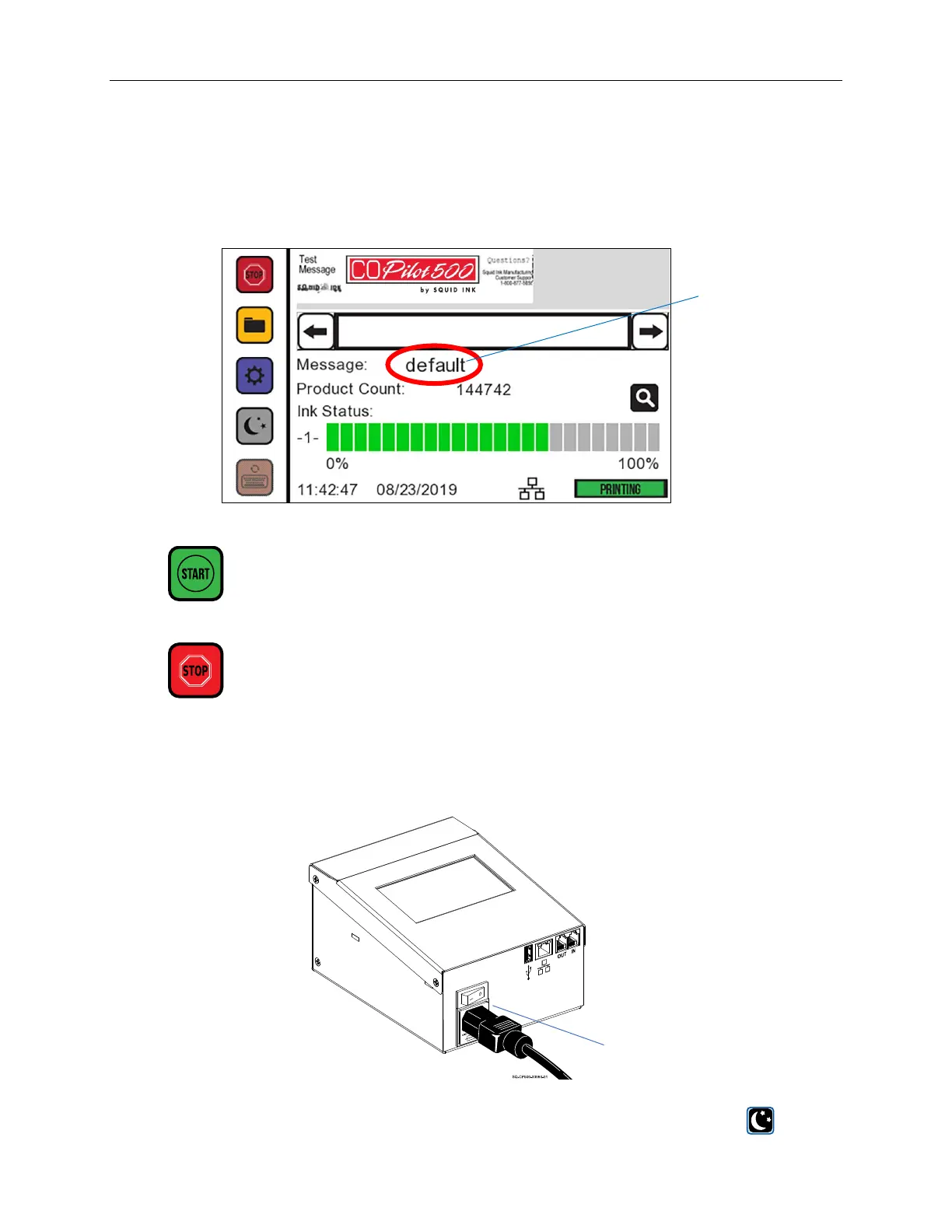
1. From the Controller, load the desired message. The message name should be visible to
the right of “Message” on the Home Screen.
2. To start printing, select the Start button in the upper left.
3. To stop printing, select the Stop button in the upper left..
Powering Off
To power off, turn the Power Switch on the Controller to the OFF position.
For a soft shutdown, which reduces time needed to boot up, select the Sleep mode on the
Touchscreen.
Message
Name
Power
Switch



 To Next Page