Software Interface 75
2005995 Rev O – 210712
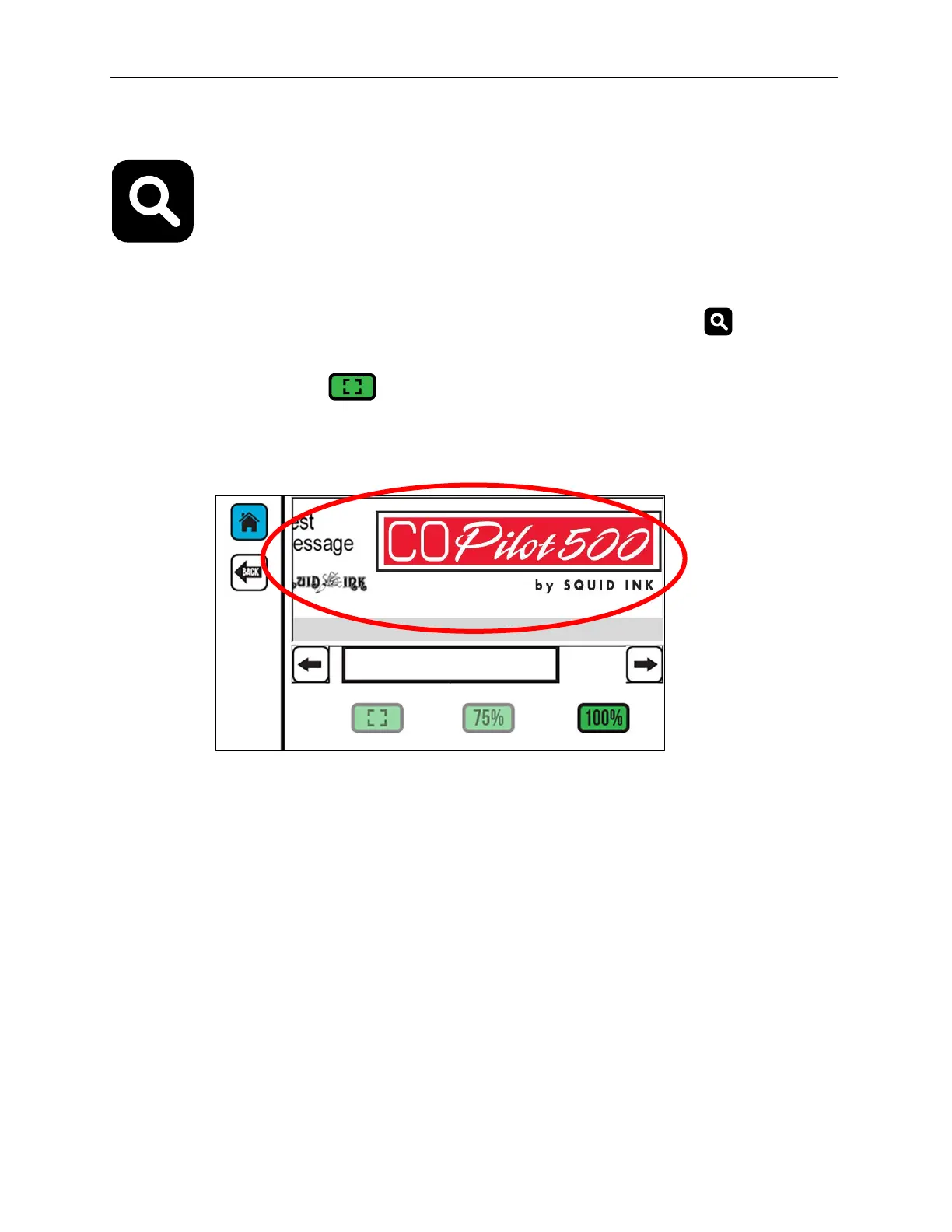
Zoom Screen
The Zoom Screen enables the user to view the print message at a larger size on screen.
Zooming does not affect the print size of the message.
To access the Zoom Screen from the Home Screen, select the Zoom button on the right
side of the screen. The 1 and 2 buttons indicate the active Printhead.
Select Full Message Width , 75%, and 100% to zoom in and out of the message. The
current zoom setting button is available.
Zoom Screen



 To Next Page