Installation and Setup 63
2005995 Rev O – 210712
Commissioning the Printhead
If the printing system is new or has been idle for an extended period, the Printhead must be
commissioned (primed) to remove potential air bubbles from the Printhead Nozzles. Air bubbles
can lead to dropouts or poor print quality.
ATTENTION: To avoid scratching the Printhead Faceplate, use only non-abrasive
lint-free wipes (Part Number 2007021). Wear protective gloves when
commissioning the Printhead. Ensure that nothing is covering the Nozzle Face
before priming or printing.
Commissioning an Ink Cartridge System
VIDEO: Priming the Printhead
To see a video of this procedure, click this link:
https://youtu.be/zSjTfhCmU8M?t=824
Or scan the QR code at right using the camera app on your mobile
device.
View Time: 13:44 – 17:43
Items Needed to Commission the Printhead:
• Nonabrasive lint-free wipes (Part Number 2007021)
• Container to collect discharge ink
• Protective gloves
To Commission the Printhead:
1. Place a container suitable for capturing ink under the Printhead Purge Tube.
2. Remove the Cap from the Printhead Purge Tube.
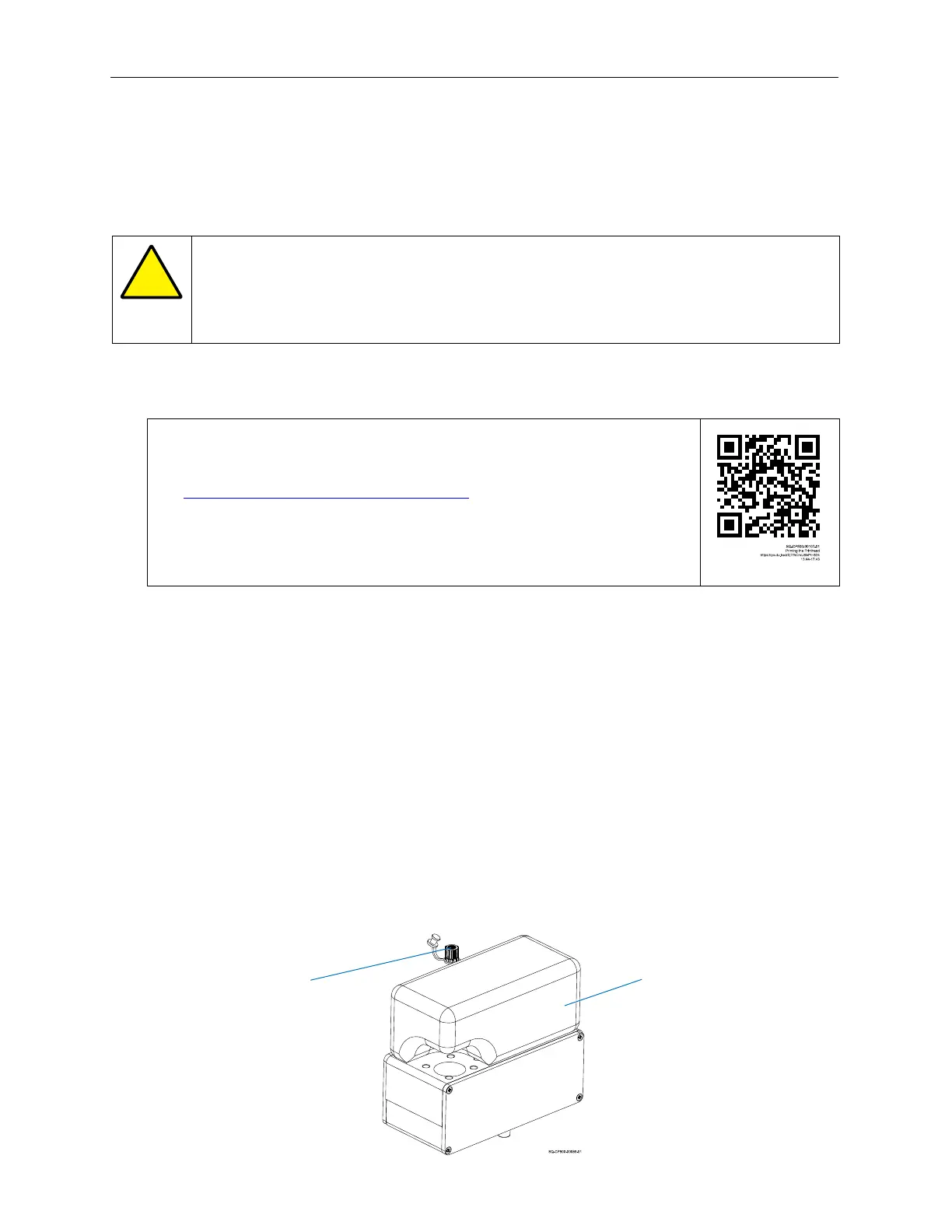
3. Verify that the installed Ink Cartridge is properly seated in the Ink Reservoir.
4. Verify that the Reservoir Vent Tube is uncapped.
Properly Seated
Ink Cartridge
Uncapped
Reservoir Vent
Tube



 To Next Page