Software Interface 77
2005995 Rev O – 210712
Message Screen Remote Server
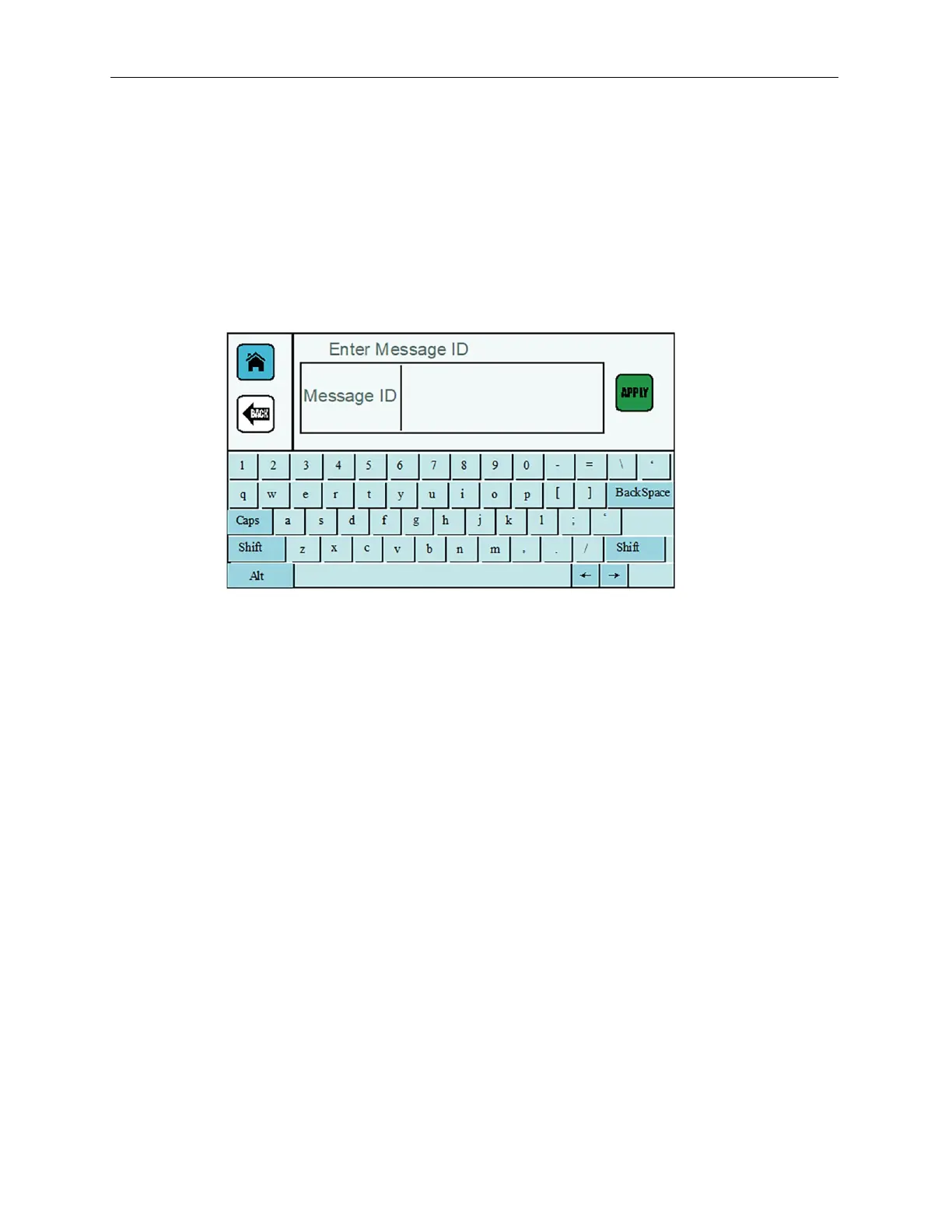
If the Printer is using a remote database server to load messages for printing, use the keyboard
on the Touchscreen to enter a message ID. Select APPLY to load the message for printing.
When the message is loaded, a green checkmark is briefly displayed in the lower right corner of
the screen. If the connection fails, an error message is briefly displayed. The Printer returns to
the Home Screen.
Message Screen with Remote Server



 To Next Page