110 Software Interface
2005995 Rev O – 210712
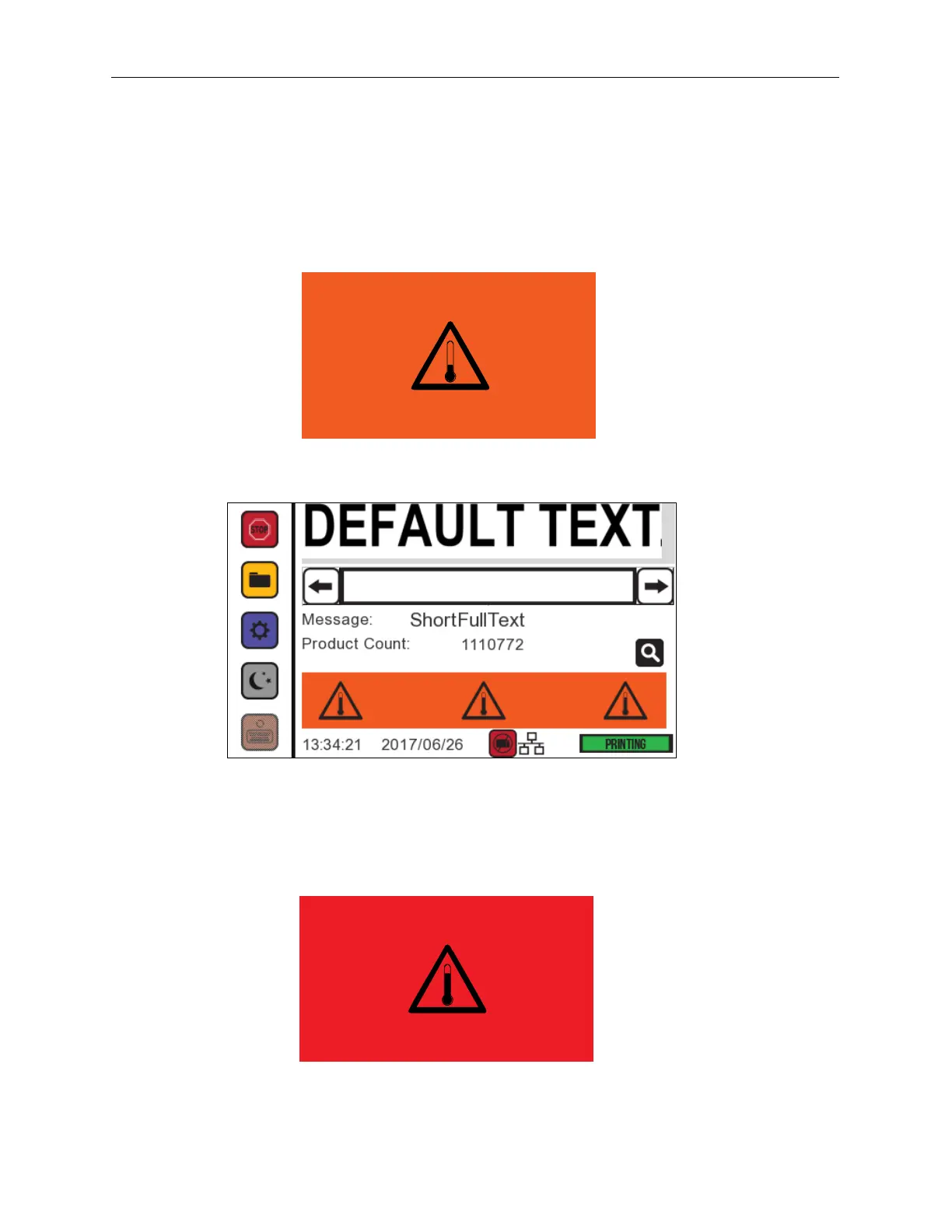
Temperature Warning Screens
The system checks the Printhead temperature every few minutes to detect if it is
overheating. For CoPilot 500 Oil systems, if a temperature over 130 °F (54.4 °C) is detected
for the interface, a full-screen warning is displayed. For CoPilot 500 Solvent systems, if a
temperature over 115 °F (46.1 °C) is detected for the interface, a full-screen warning is
displayed. Tap the Touchscreen to dismiss the full-screen warning.
The original screen is displayed.
If this happens, the Printhead can still print, but it is possible that a critical warning will follow
unless time is taken to cool down the Printhead. If a temperature over 140
F (60 °C) is
detected, a critical warning screen is displayed, and printing is disabled. Tap the
Touchscreen to dismiss the full-screen warning.
Following a critical temperature warning, allow the Printheads to cool.



 To Next Page