Software Interface 95
2005995 Rev O – 210712
Remote Database Server
The Remote Database function allows the Controller to connect to a remote database.
Refer to the Orion Software User Guide for more information on creating database
messages.
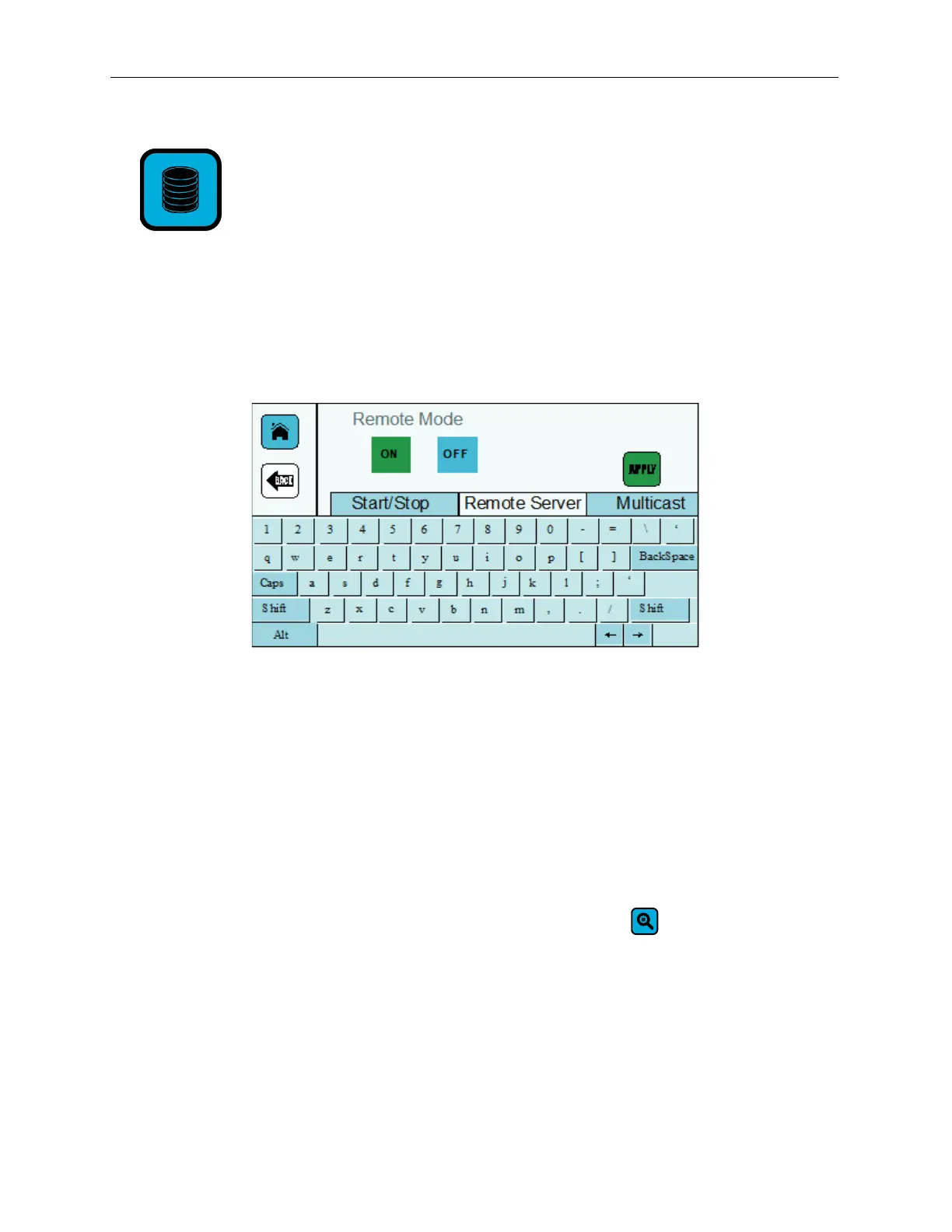
Select the Database button to open the Remote Database Screen.
Start/Stop Tab
The Start/Stop tab contains the Remote Mode ON and OFF buttons. If Remote Mode is
turned on, the ON button is green. If Remote Mode is turned off, the OFF button is red.
Select APPLY to save changes to the Remote Mode.
.
Remote Server Tab
To Locate the Database Server for Messages to Print:
1. On the Remote Server tab, select the Search button .
2. In the list of connected servers, select a server.
3. Select APPLY. A green checkmark is displayed briefly when the server connects.
Remote Database Server Screen



 To Next Page