Installation and Setup 25
2005995 Rev O – 210712
Installation and Setup
General Recommendations
Material Handling
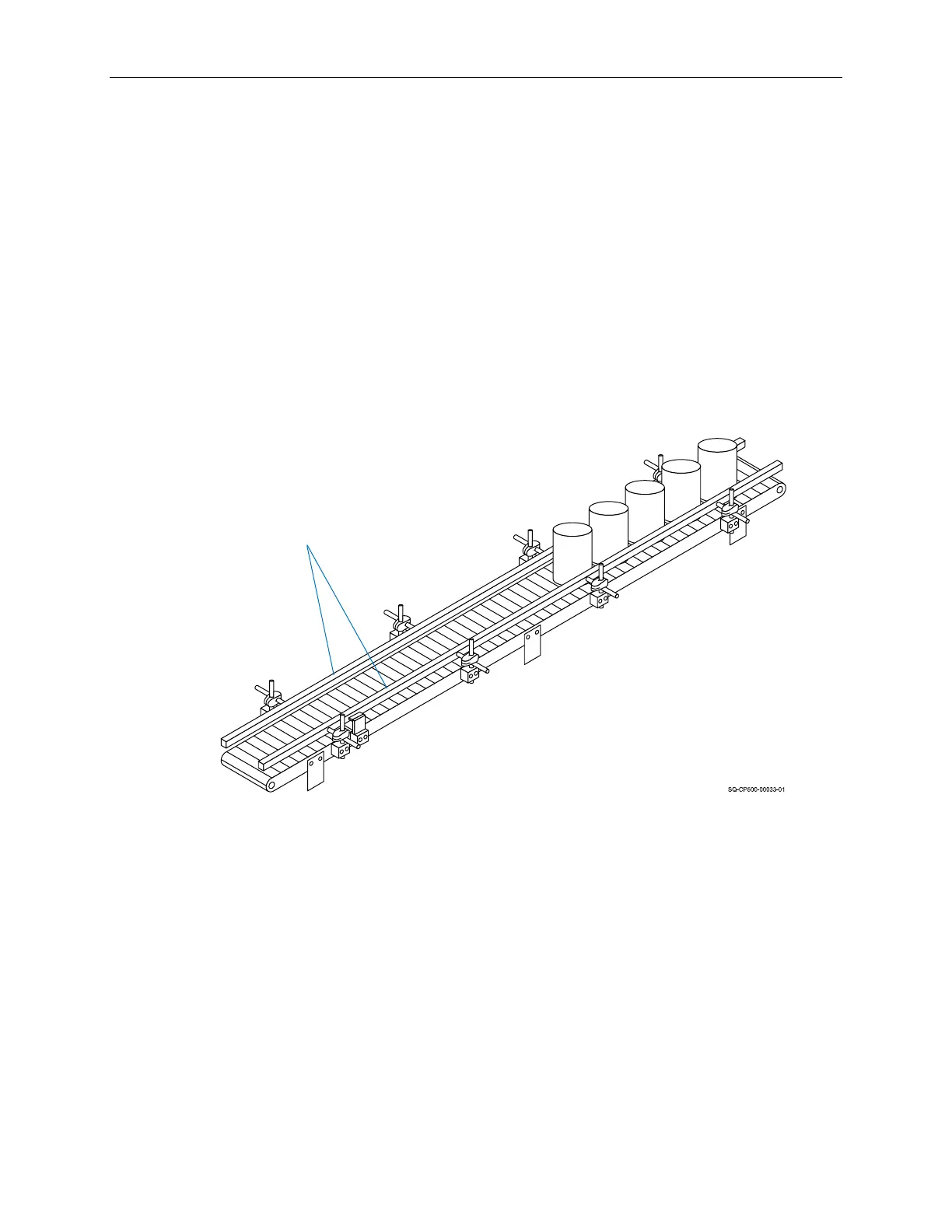
The most critical item for consistently superior quality printing is material handling. This is an
area controlled by the customer and the installer. Always use adequate Conveyor Product
Guides, and ensure that they are installed and maintained properly. Incorrect or inconsistent
product handling will cause print quality problems, maintenance problems, and could lead to
Printhead damage. The customer is responsible for maintaining proper material handling
equipment.
Grounding
Always ensure that the power source is properly grounded before using. To further improve
print quality and protect the system from static electricity, install a 0.25" (or wider) Ground
Braid (Part Number 2005024) between the Printhead Controller and earth ground.
AC Power
In some locations where the printing system is installed, AC power may be subject to line
noise, brownouts, and blackouts. If line noise, brownouts, or blackouts occur on a regular
basis, a good-quality line conditioner or Uninterruptible Power Supply (Part Number
2004199) should be installed to ensure data integrity. In many cases, these devices may not
be necessary; it is acceptable to start an installation without them. However, if system
lockups or occasional distorted print occurs, the first corrective measure should be to isolate
and clean up the AC power.
Properly Installed and Maintained
Conveyor Guides
Conveyor
Guides



 To Next Page