76 Software Interface
2005995 Rev O – 210712
Message Screen
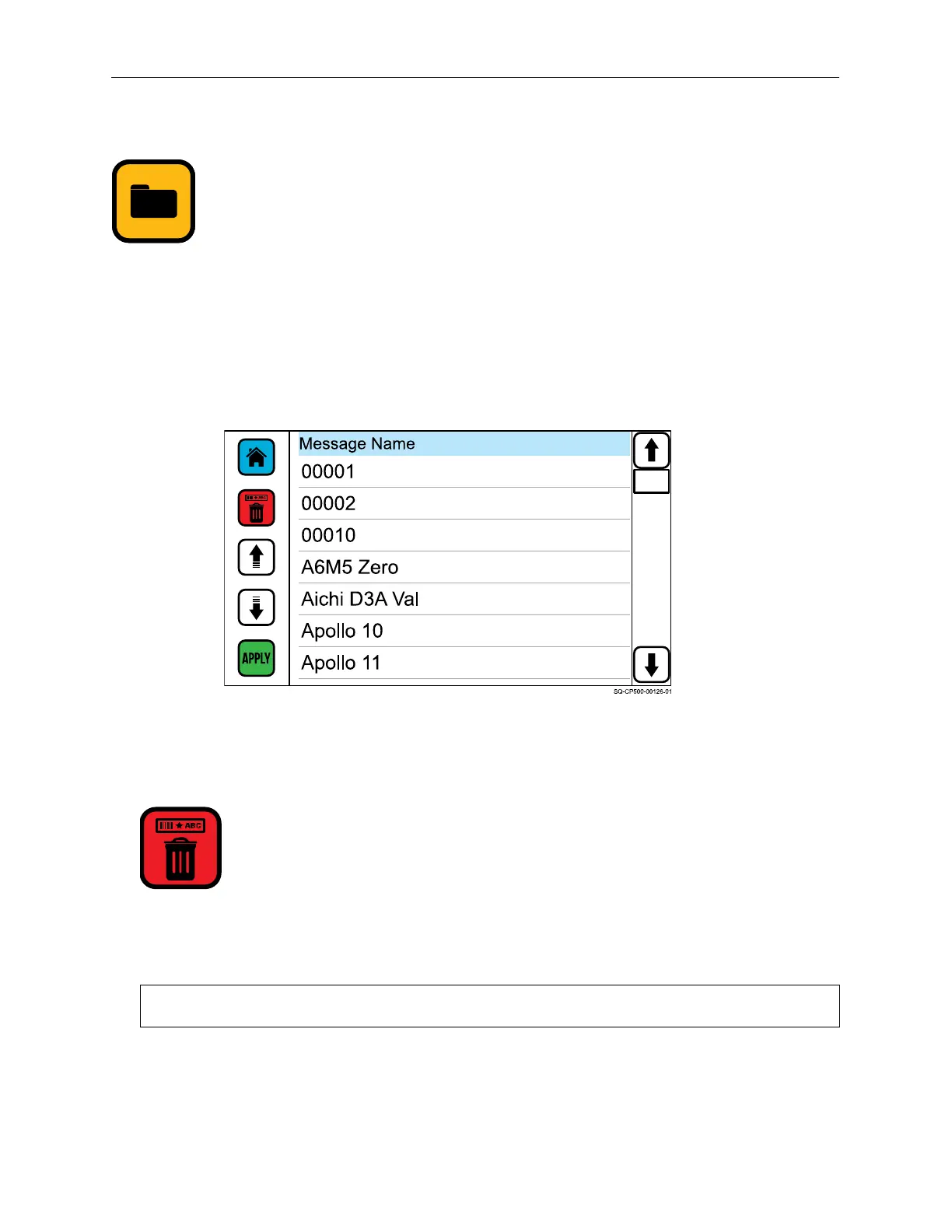
The Message Screen contains a list of available messages. Refer to the Orion Software User
Guide for information about creating messages on a PC and downloading them to the
Controller.
Use the Up and Down arrows or drag the scroll bar to view the list of available messages. To
select a message for printing, choose the desired message and then select APPLY.
Delete
The Delete button removes a selected message from the Controller.
Deleting the message only deletes the message copy in the Controller. It does not delete
the message from Orion.
NOTE: A message cannot be deleted if it is currently open.
Message Screen



 To Next Page