60 Installation and Setup
2005995 Rev O – 210712
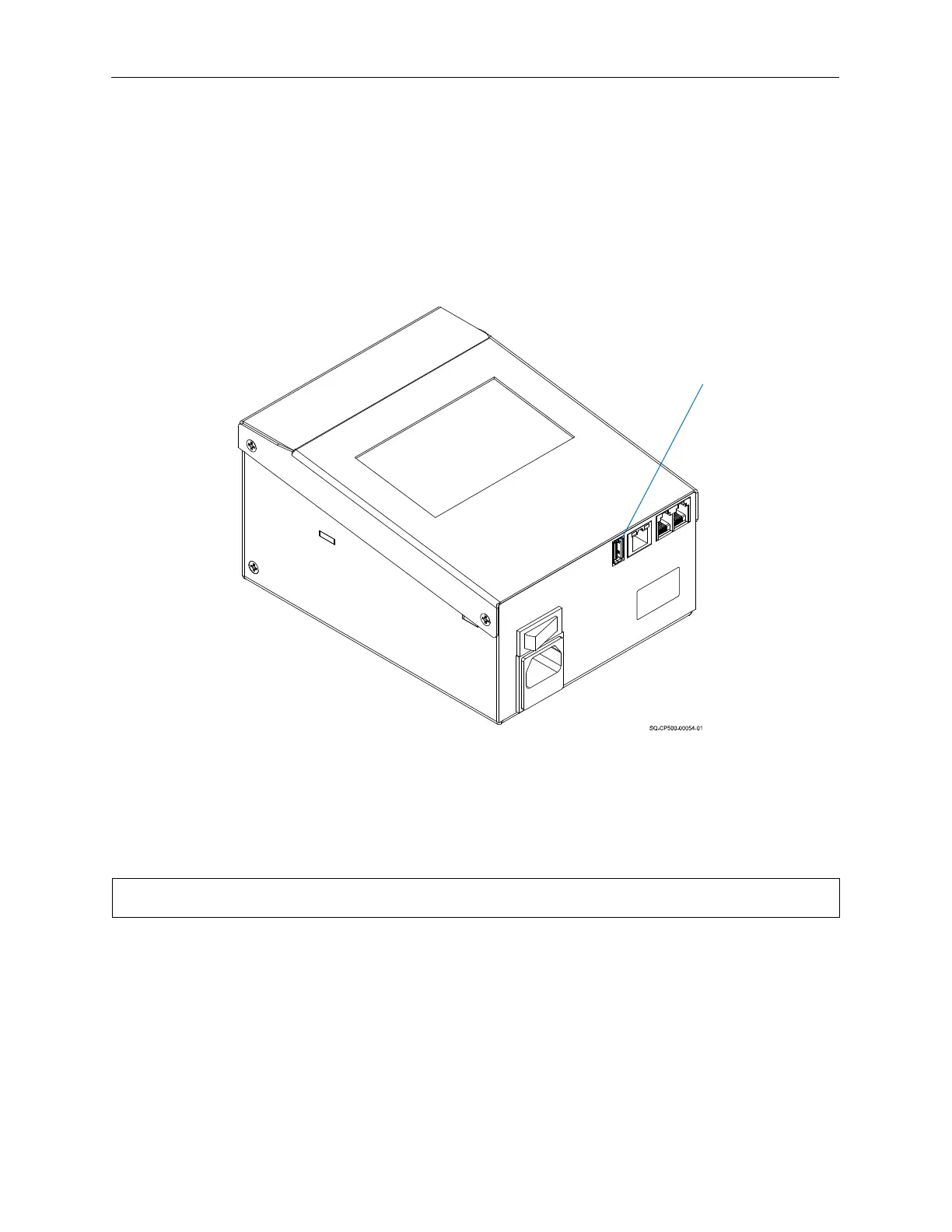
USB Port
There is a USB Port on the back of the Controller. The USB Port can be used for a variety of
USB-supported devices such as a WiFi Adapter Antenna, Low Ink Warning Beacon, Scanner, or
removable USB Drive.
A removable USB Drive can be used to load messages from the Orion™ message creation
software package and to install printer firmware and software updates.
The USB Button in the Settings Screen will be disabled if there is no USB device present. The
USB Load Screen will automatically open if a USB Drive is plugged in during power up.
NOTE: USB format must be FAT32 or NTFS.
USB Port
Locating the USB Port



 To Next Page