86 Software Interface
2005995 Rev O – 210712
Counters
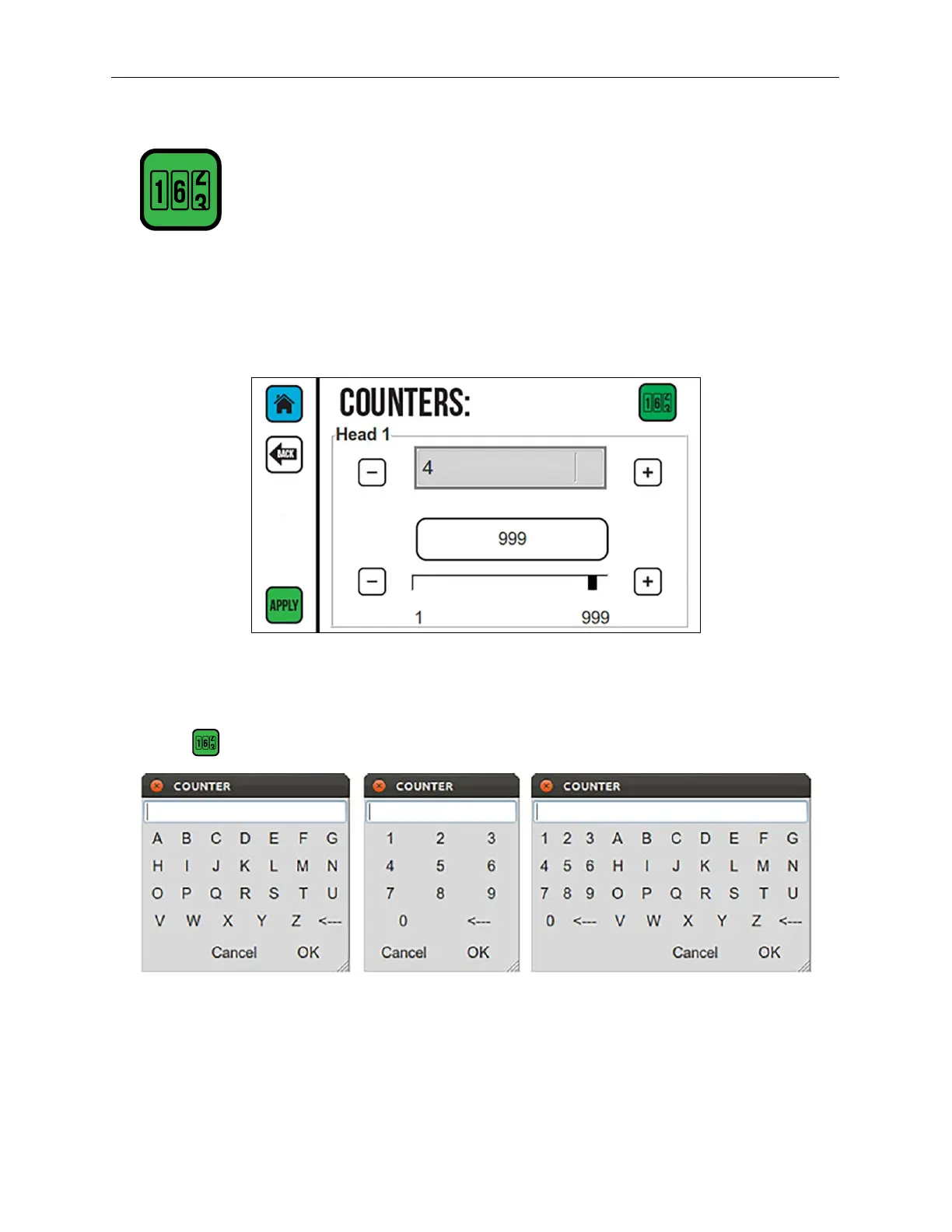
Counters can be used to track many items, such as the number of boxes or pallets printed
on. Use the Counters Screen to set the current value of each printer counter in the current
message.
To change the counter value, use the Plus (+) or Minus (-) buttons or the slider to increase
or decrease the counter.
Select to open the mini keyboards.
Select APPLY to set the current counter value.
Counters Screen
Alpha Numeric
Alphanumeric



 To Next Page