106 Software Interface
2005995 Rev O – 210712
Wireless Interface
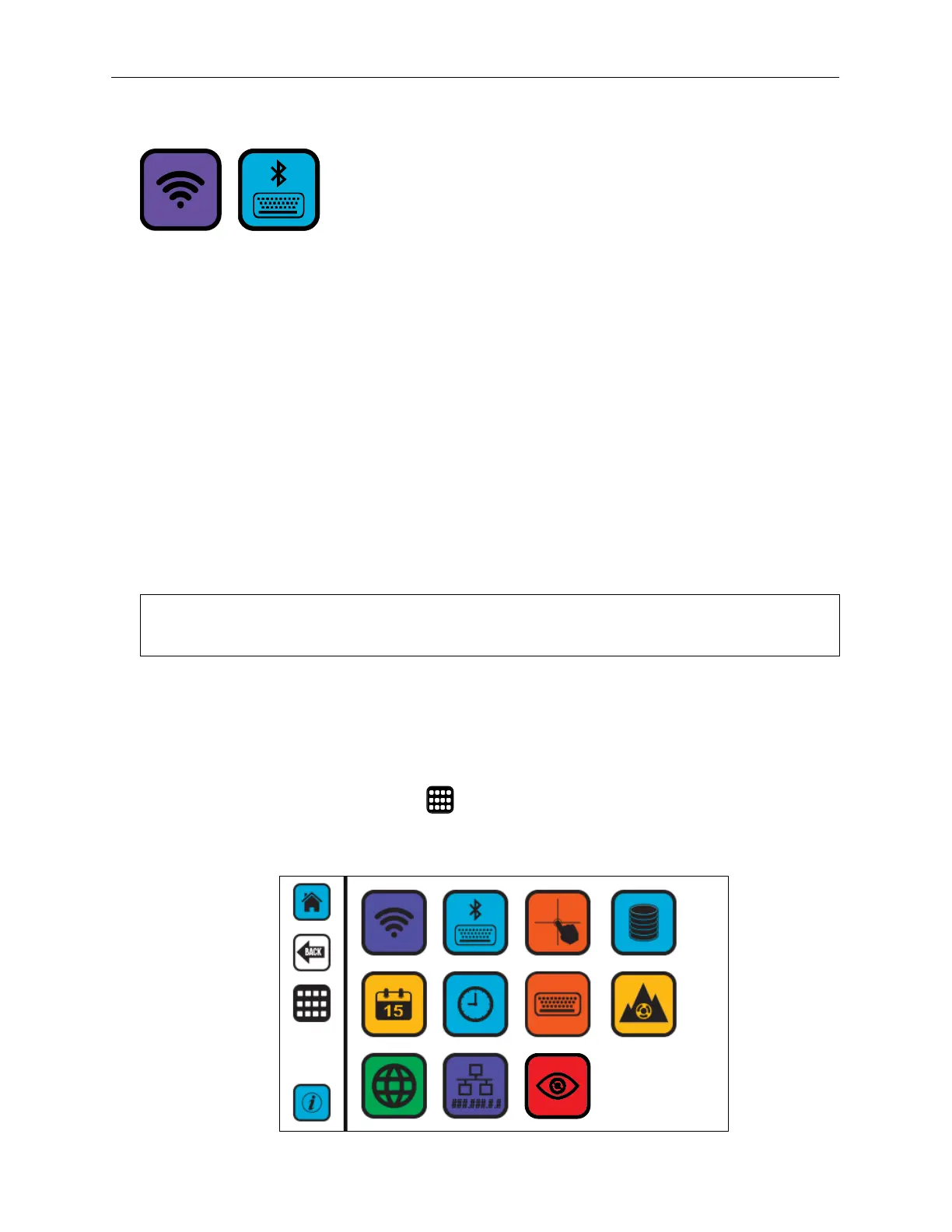
The Controller can be connected to a wireless network or Bluetooth keyboard.
A tablet or desktop computer cannot connect directly to the Controller or Printhead using a
wireless network. Instead, a Wireless Router or Wireless USB Adapter compatible with the
CoPilot 500 system must be used.
To establish a wireless connection, use either the of the following:
• USB Wireless Adapter (Part Number 2003947) for wireless connectivity between PC
or tablet
• Wireless Router (Part Number
2003946) for wireless connectivity between PC or
tablet, 300 ft. range
The software that comes with these devices does not need to be installed. These drives are
already built into the CoPilot 500 printing system. Wireless Routers and Wireless USB
Adapters may be purchased directly from Squid Ink.
When connecting to a wireless network, the Controller may be turned on or off.
NOTE: The Wireless Router must support Wireless Protected Access (WPA) Encryption.
Older standards are not supported.
To Connect to a Wireless Network:
1. Install the Wireless USB Adapter.
2. Start the Controller.
3. On the Settings menu, select to open Settings Screen Two.
Wireless Interface Screen



 To Next Page