Software Interface 81
2005995 Rev O – 210712
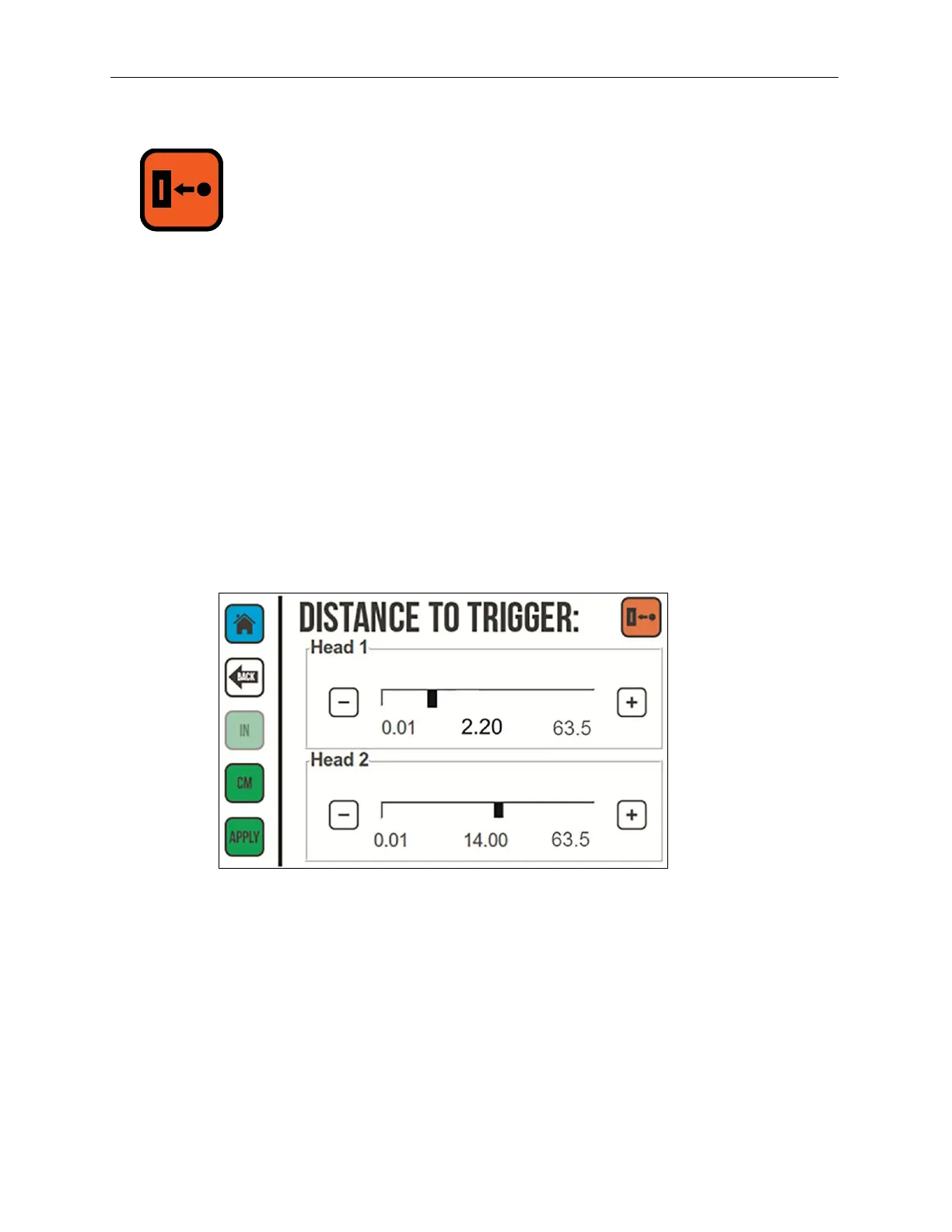
Distance to Trigger
Distance to Trigger is the amount of distance between the trigger (usually a Photocell) and
the Jets on a Printhead. Squid Ink recommends mounting the Photocell approximately 6"
(15 cm) upstream from the Printhead, and setting the “Distance to Trigger” to that distance.
Distance to Trigger can be set in inches or centimeters.
To Change the Distance to the Trigger:
1. To set the unit of measure for the distance:
a. Select IN to set the print delay in inches.
b. Select CM to set the print delay in centimeters.
2. Use the Plus (+) button or Minus (-) button or the slider for the selected Printhead to
increase or decrease the distance Printhead and trigger.
3. Select APPLY.
Distance to Trigger Screen



 To Next Page