44 Installation and Setup
2005995 Rev O – 210712
Bag Ink System Setup
To Set up a Bag Ink System:
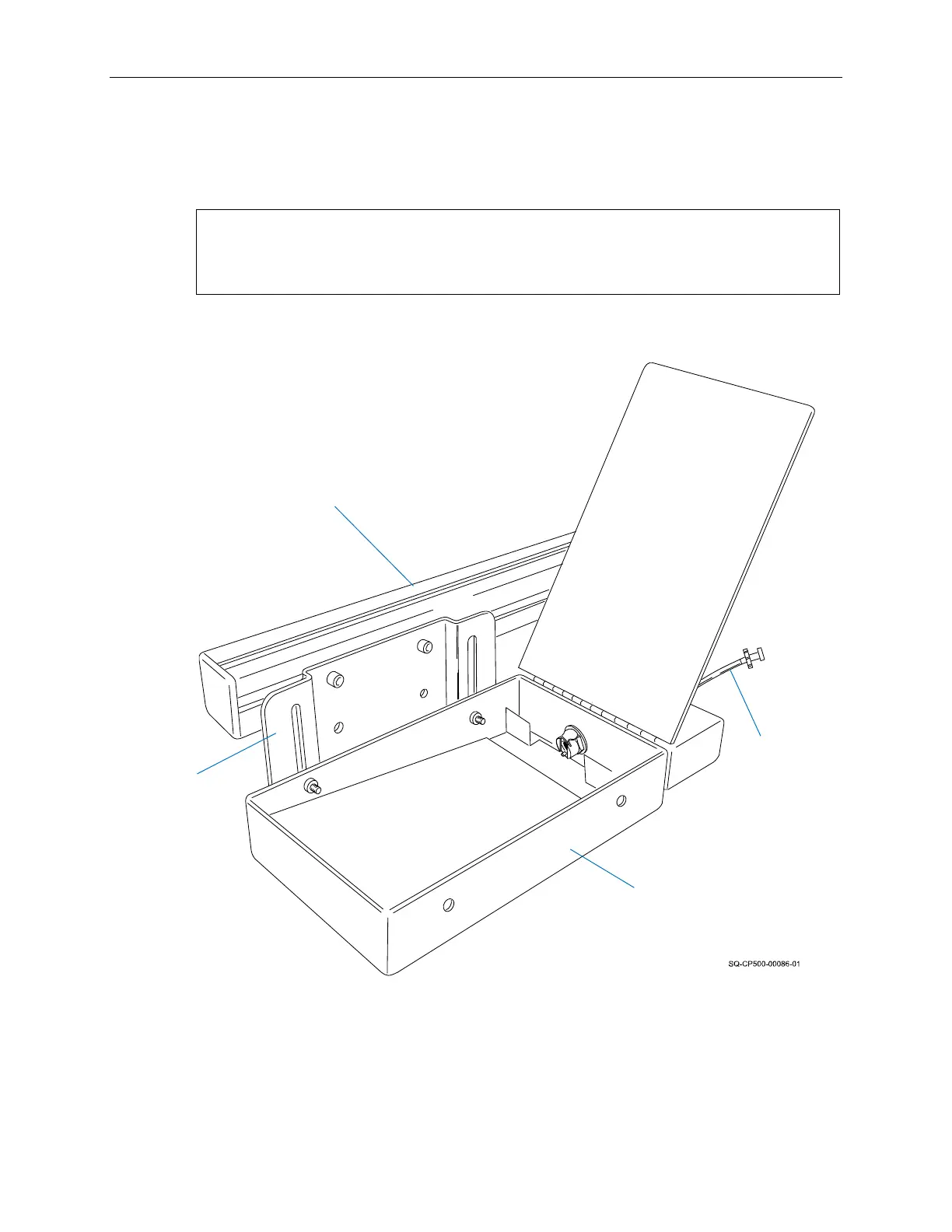
1. Attach the Ink Tray to the mounting hardware according to the mounting instructions.
NOTE: Squid Ink offers several mounting systems. Mounting and installation may
vary depending on the mounting system used. Contact your authorized Squid Ink
distributor for guidance on the best mounting system for your needs.
2. Ensure that the Printhead is properly aligned to the Ink Reservoir (see “Printhead
Height Relative to Ink Reservoir or Ink Pan” on page 47).
3. Fabricate an Ink Line with female Luer fittings on each end using the supplied tubing
and fittings.
Mount
Ink Tray
Mounting
Bracket
Ink Tray
Ink Tray Attached to Mounting System
Ink Line



 To Next Page