EasyManua.ls Logo

Squid Ink JetStream - User Manual

Squid Ink JetStream
198 pages
Print Icon
To Next Page IconTo Next Page
Loading...
2006792 Rev B 200228
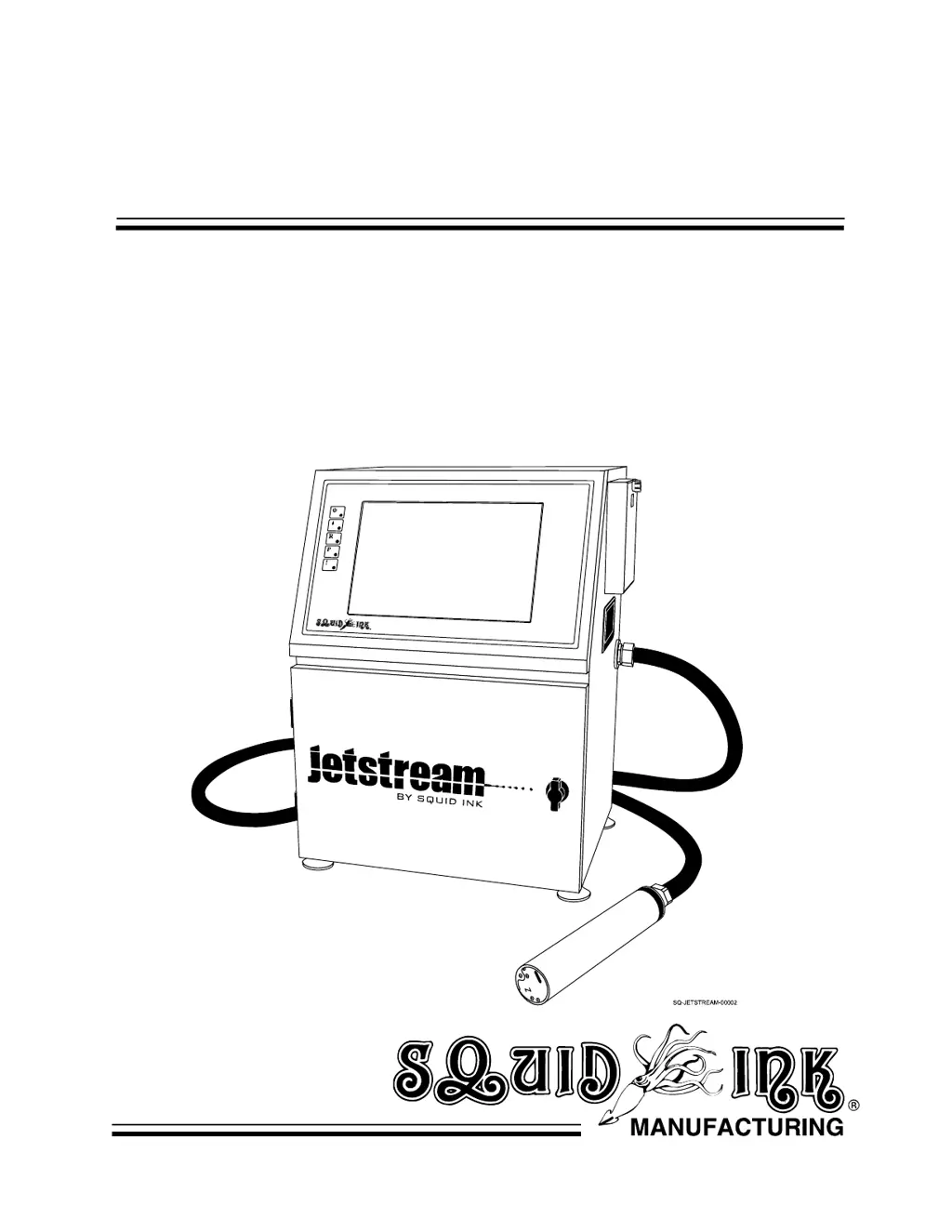
JetStream
Continuous Inkjet
Printing System
User Guide

Table of Contents

Questions and Answers

Summary

Abbreviations

Safety Precautions

Safety Warnings

Critical safety alerts and precautions to prevent injury.

Understanding Safety Notifications

Explains the meaning of DANGER, WARNING, CAUTION symbols.

Operational Cautions

Specific hazards and necessary precautions during operation.

JetStream Equipment Overview

Standard Included Equipment

Lists items shipped with the JetStream printer.

Ink and Makeup Fluids

Details about required ink and makeup fluid types.

Optional Equipment and Accessories

Lists optional accessories to enhance system functionality.

Introduction to JetStream System

JetStream System Description

Provides a description of the Continuous Inkjet (CIJ) printing system.

How the JetStream Works

Explains the operational principles of the JetStream printing system.

JetStream Technical Specifications

Details technical specifications like print speed, nozzle size, and dimensions.

JetStream System Components

Console Component Overview

Identifies main parts of the JetStream console from front and rear views.

Ink and Makeup Fluid Compartment

Describes the location and access to ink and makeup fluid containers.

Rear Compartment Access

Explains how to access the rear compartment of the JetStream.

Left Side Data Input Connections

Details the ports for data input on the left side panel.

Right Side Power Input and Switch

Locates the power input and power switch on the right side panel.

Cooling and Ventilation System

Describes the system's vents for cooling and ventilation.

Printhead Components Explained

Identifies and describes the components within the printhead assembly.

Installation and Setup Guide

General Setup Considerations

Key factors for successful installation and optimal print quality.

AC Power and Work Area Requirements

Guidelines for electrical power and workspace setup.

Mounting and Positioning Guidelines

Instructions for physically mounting and orienting the system.

Component Installation Procedures

Steps for installing I/O, photocell, encoder, and warning devices.

System Commissioning

Procedure for preparing a new or idle system for operation.

Configure Print Speed and Direction

Guides on setting optimal print speed and orientation for production.

JetStream User Interface Navigation

System Indicator Lights

Explains the status indicated by the system's LED lights.

Software Map Overview

Provides a guide to the JetStream's software functions.

Main Screen Navigation and Functions

Overview of the main screen, buttons, and basic functions.

Message Creation and Editing Tools

Tools and features for creating and editing print messages.

System Settings Configuration

How to adjust printing, basic, direction, and other system settings.

Ink System Operations and Monitoring

Accessing and controlling jetting, purging, and ink levels.

Diagnostic Tools and Information

Accessing diagnostic information and troubleshooting tools.

Operation Procedures

Startup and Shutdown Procedures

Steps for powering on, starting, and shutting down the JetStream.

Creating and Editing New Messages

Guide on how to create and modify messages for printing.

Retrieving Existing Messages

Instructions for loading previously saved messages.

Printing a Message

Steps to initiate the printing process for a selected message.

JetStream Maintenance Procedures

JetStream Maintenance Schedule

Recommended maintenance tasks and frequencies for optimal performance.

Daily Cleaning Procedures

Steps for daily cleaning of the system and printhead.

Ink System Adjustments

Adjusting ink stream position and ink drop break-off for print quality.

Filter Management Procedures

Procedures for replacing main and air filters.

System Software Upgrades

Instructions for installing software updates for the JetStream.

Idle System Procedures

Steps for preparing the system for short or long-term idle periods.

JetStream Warnings and Alarms

Viscometer Failure Troubleshooting

Addresses issues related to the viscometer's inability to measure ink viscosity.

Filter Assembly Replacement Warning

Indicates when the main filter assembly needs replacement.

Low Ink Level Warning

Alerts the user when the ink container is low or empty.

Low Makeup Fluid Warning

Alerts the user when the makeup fluid container is low or empty.

High Ink Pressure Warning

Indicates when ink pressure exceeds acceptable limits.

High-Voltage Leakage Warning

Alerts to potential electrical arcing or ink buildup on deflector plates.

JetStream Troubleshooting Guide

Troubleshooting Printhead Issues

Solutions for printhead orientation, ink buildup, and poor print quality.

Troubleshooting Sensor and Connection Issues

Addresses problems with photocells and external connections.

Troubleshooting Ink Flow and Leaking

Solutions for ink missing the gutter, leaks, and mixing tank overflow.

Troubleshooting No Ink Jet or Print Quality

Solutions for no ink jet, spatters, and other print quality problems.

JetStream Parts List

JetStream Warranty Statement

Warranty Period

Specifies the duration of the warranty for hardware and software.

Print Quality Warranty Details

Clarifies that print quality depends on installation and maintenance.

Warranty Exclusions

Lists conditions that void the product warranty.

Warranty Claim Procedures

Outlines the process for initiating and managing warranty claims.

JetStream Technical Support Contact

Squid Ink JetStream Specifications

General IconGeneral
BrandSquid Ink
ModelJetStream
CategoryPrinter
LanguageEnglish

Related product manuals