System Components 35
2006792 Rev B – 200228
CAUTION – PROPERTY DAMAGE: The Rear Compartment contains complex
hydraulics. If accessing the Rear Compartment, take care not to disrupt or
disconnect any tubes or wires inside. Do not attempt to repair or modify any
components yourself. Doing so can damage the system and void the warranty.
For issues with the hydraulic systems not covered in this manual, contact your
authorized and qualified Squid Ink Distributor.
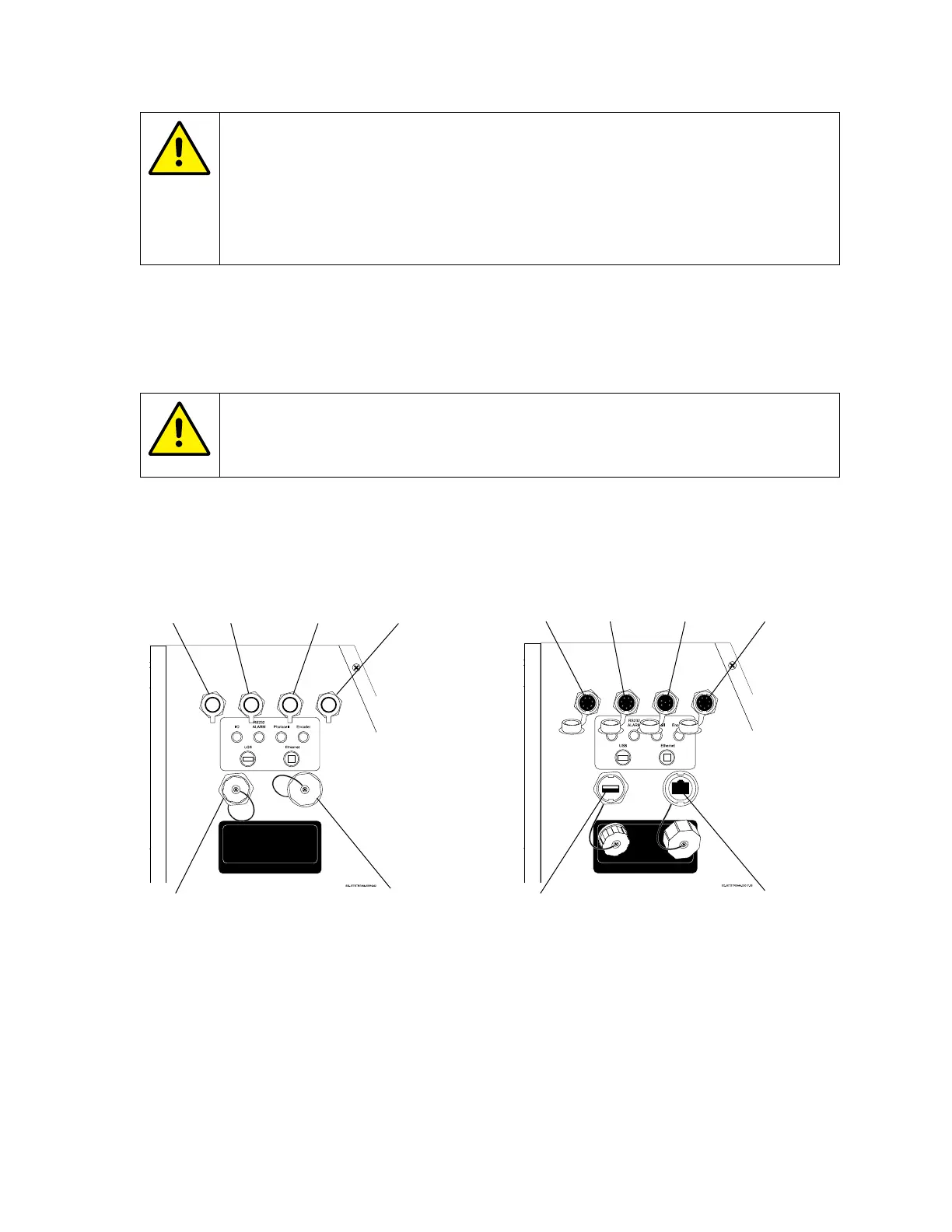
Data Input Connections: Left Side Panel
All data input ports for the JetStream are on the left side of the Console.
CAUTION – PROPERTY DAMAGE: Only plug the correct type of device with
the correct type of connection into a given port. Failure to do so can damage
the JetStream and void the warranty.
Connection Notes
• Encoder operation is automatically enabled when the Encoder cable is
connected. To disable Encoder operation, the Encoder cable must be physically
disconnected from the JetStream.
• This output is current-limited and short-circuit-protected. The maximum load
current on this supply should not exceed 250 mA.



 To Next Page