User Interface 77
2006792 Rev B – 200228
Message Screen Buttons
The functional buttons on the Message screen include:
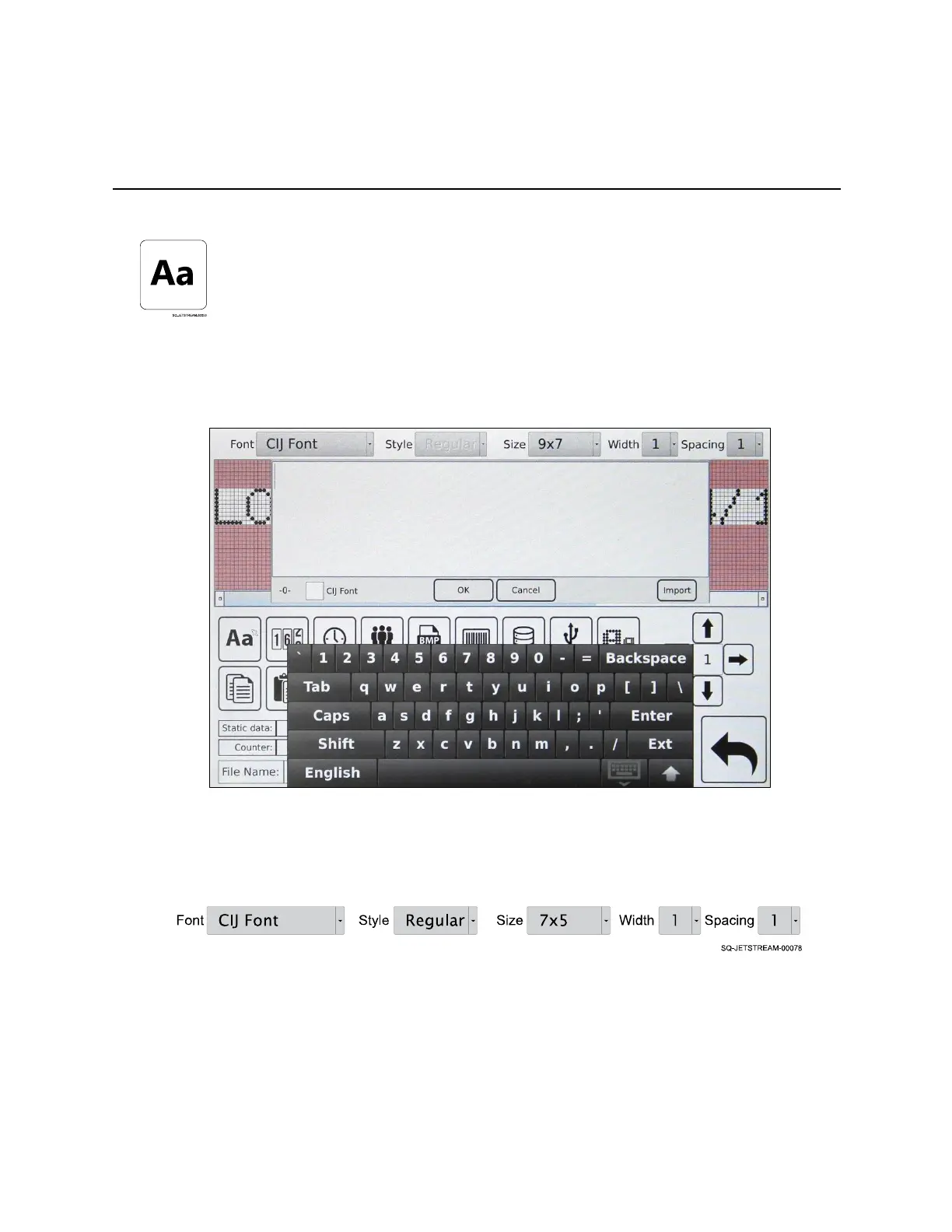
Static Text
Static text is text that remains constant from print to print. For example, the word
“EXPIRES:” on a milk carton is static text. Upon selection of this button, a keyboard
appears to create a message in the Message Area.
Once the message has been created, the menu at the top of the screen can be used to set
other parameters for the text:
• Font: Selects the font. CIJ is the most commonly used font for English characters.
Because of the “dot x dot” constructions of the fonts, significant visible variations
from font to font are limited, especially at smaller font sizes. Computer system fonts
may be copied to the JetStream.
• Style: Selects the font style for static message text.
• Size: Selects the font size for static message text. The most common font size (eg,
for expiration dates on egg cartons) is 7x5. The JetStream offers numerous size
options.



 To Next Page