WARNING: When working with inks and fluids, always wear gloves, safety
glasses, and protective clothing. Avoid skin contact with inks and fluids. Never look
directly into the Printhead Nozzle. Ensure proper ventilation to minimize fumes.
Startup and Shutdown
Once all of the necessary installation and setup steps have been taken (see the “Installation and
Setup” section, starting on page 39), including installation of Ink and Makeup Containers, the
JetStream is ready to operate.
Powering On
1. On the right side of the JetStream, just above the Power Input, is the Power Switch.
Turn Power Switch to the “ON” position. It will light up green.
Startup Procedure
This section describes standard startup during normal ongoing use once the JetStream has
commissioned.
Startup: Beginning of the Day
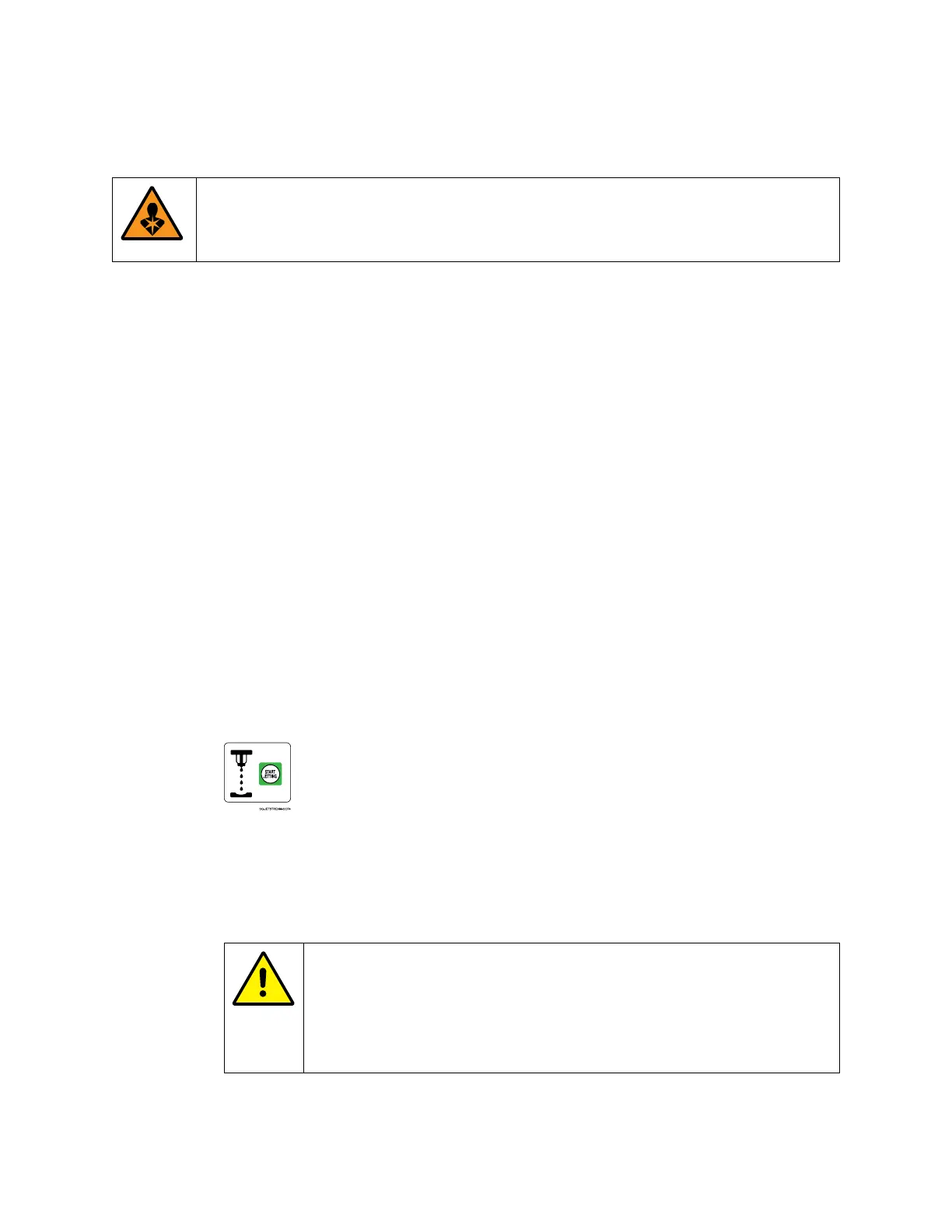
1. Press Start Jetting:
2. If the JetStream has not been in use for 8 hours or more, in the dialog box, select
“Start Jetting With Cleaning.” A box will appear saying “Cleaning and Jetting On.”
The system has now been started up and is ready to begin creating messages or
printing.
CAUTION – PROPERTY DAMAGE: “Stop Jetting With Cleaning”
should be used sparingly. It briefly shoots pure makeup fluid through
the system. Frequent use of this function can dilute the ink, resulting
in poor print quality, wasted ink, and the potential to overflow the
Mixing Tank.



 To Next Page