Installation and Setup 49
2006792 Rev B – 200228
Installing a Photocell
To install a Photocell:
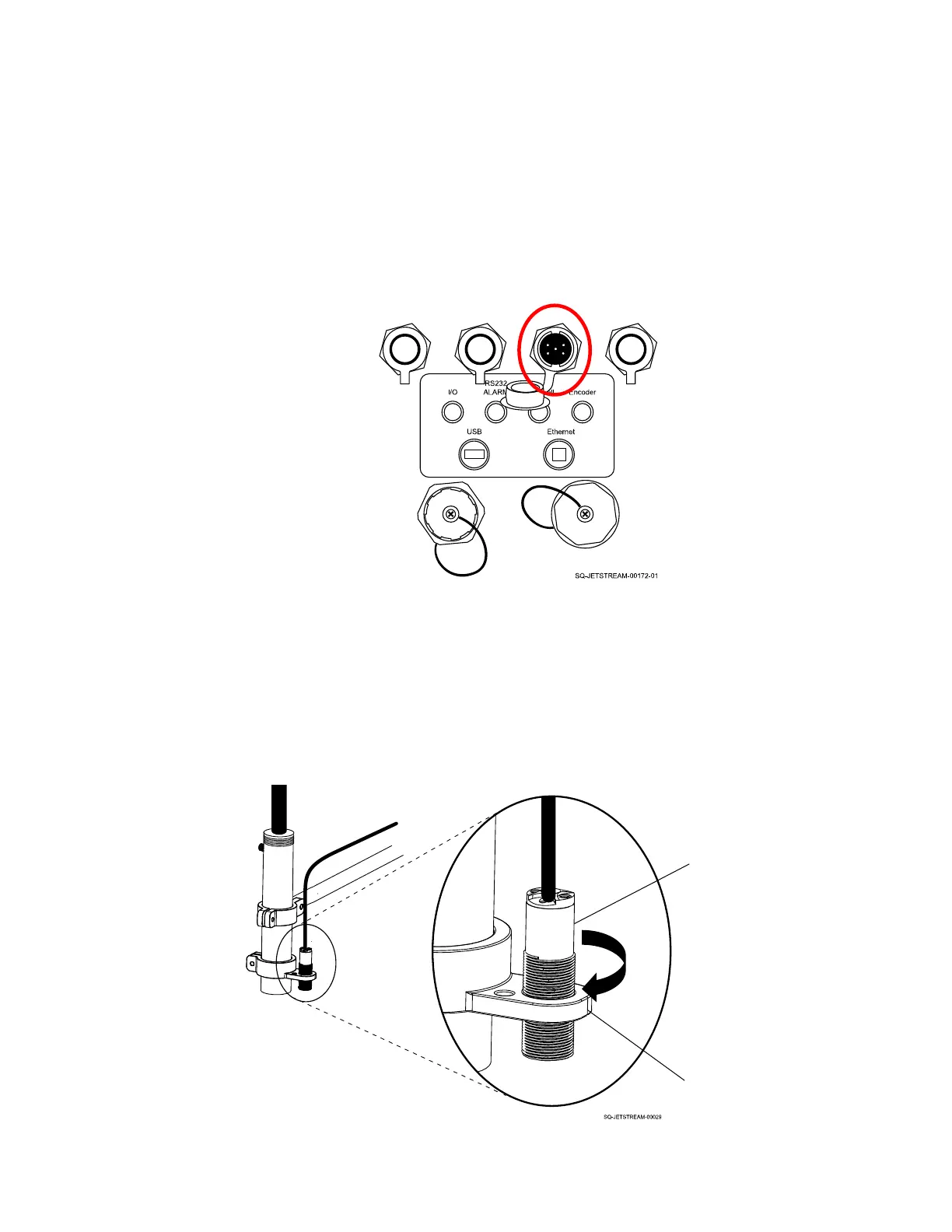
1. Plug the Photocell connector into the Photocell Input Port (left side of Console, upper
row, third input from left).
2. Place the Photocell upstream from Printhead.
3. Screw the Photocell into the Bracket. Adjust the distance from the substrate as
required. The ideal throw distance is 1.2" (30 mm) or less.



 To Next Page