User Interface 83
2006792 Rev B – 200228
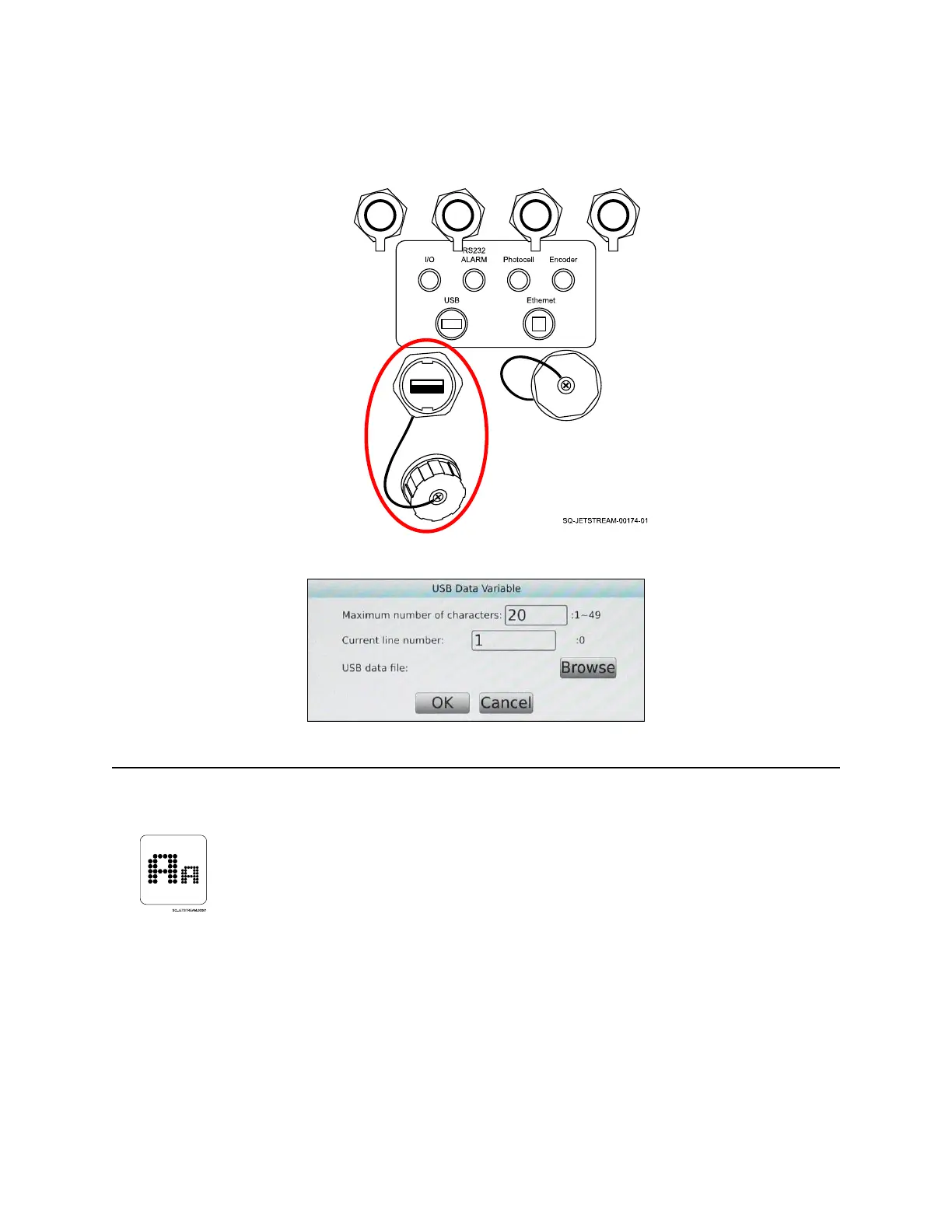
Select “Browse” to select and import .txt files.
Raster Mode
The Raster Mode sets the size of the space in which text characters and other elements are
to be placed. In general, this also specifies the number of dots that will make up each
character, measured in [number of dots high] X [number of dots wide] per character. It also
specifies the number of lines of text: “A” is one line, “B” is 2 lines, and so on.



 To Next Page