User Interface 71
2006792 Rev B – 200228
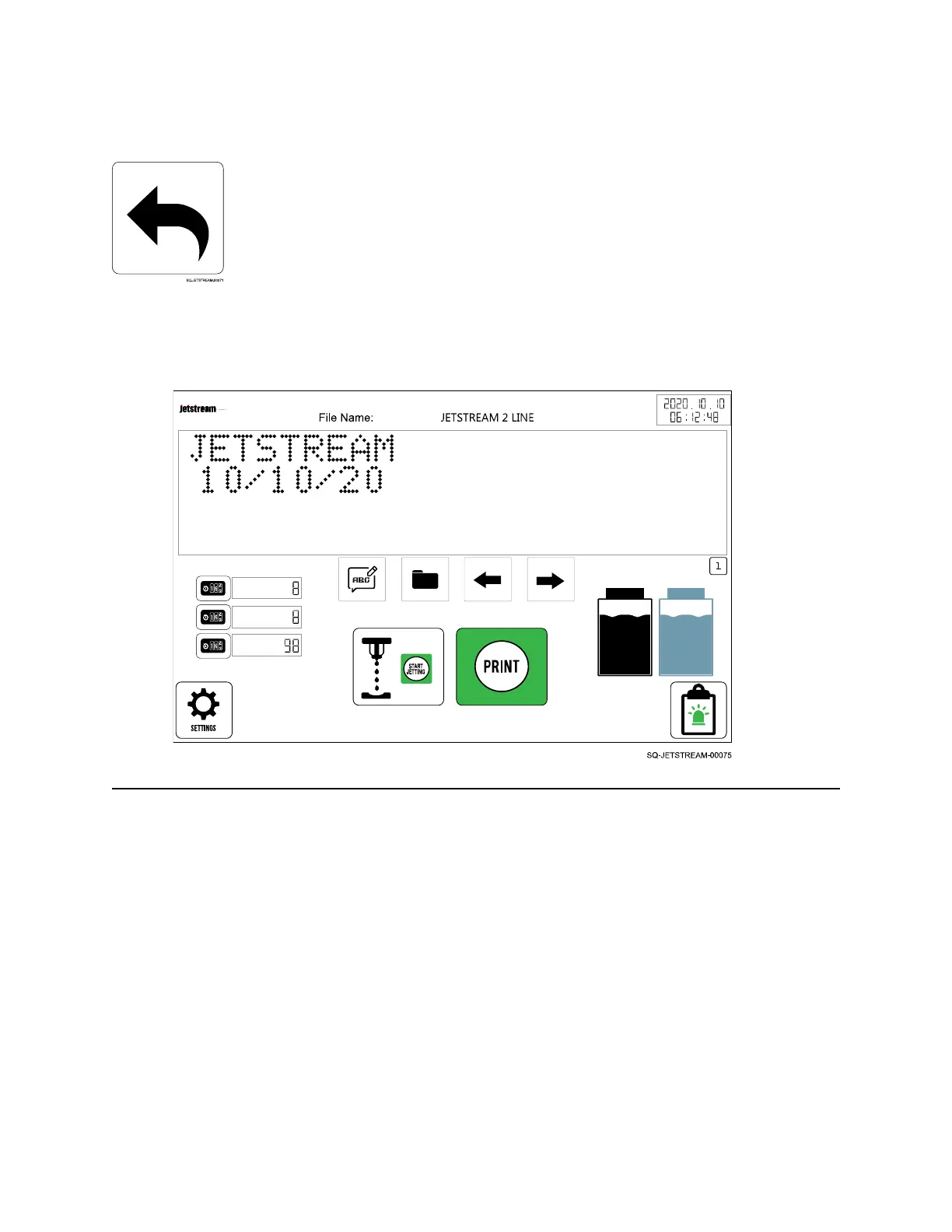
The Main Screen
The Main screen gives general information and provides access to all of the functions within the
JetStream’s software.
Information on the Main Screen
The top of the Main screen shows the name of the current file being used, the current date and
time, and a visual representation of the text message to be printed.
Additional information on the Main screen includes:



 To Next Page