Installation and Setup 51
2006792 Rev B – 200228
Installing an Encoder
To install an Encoder:
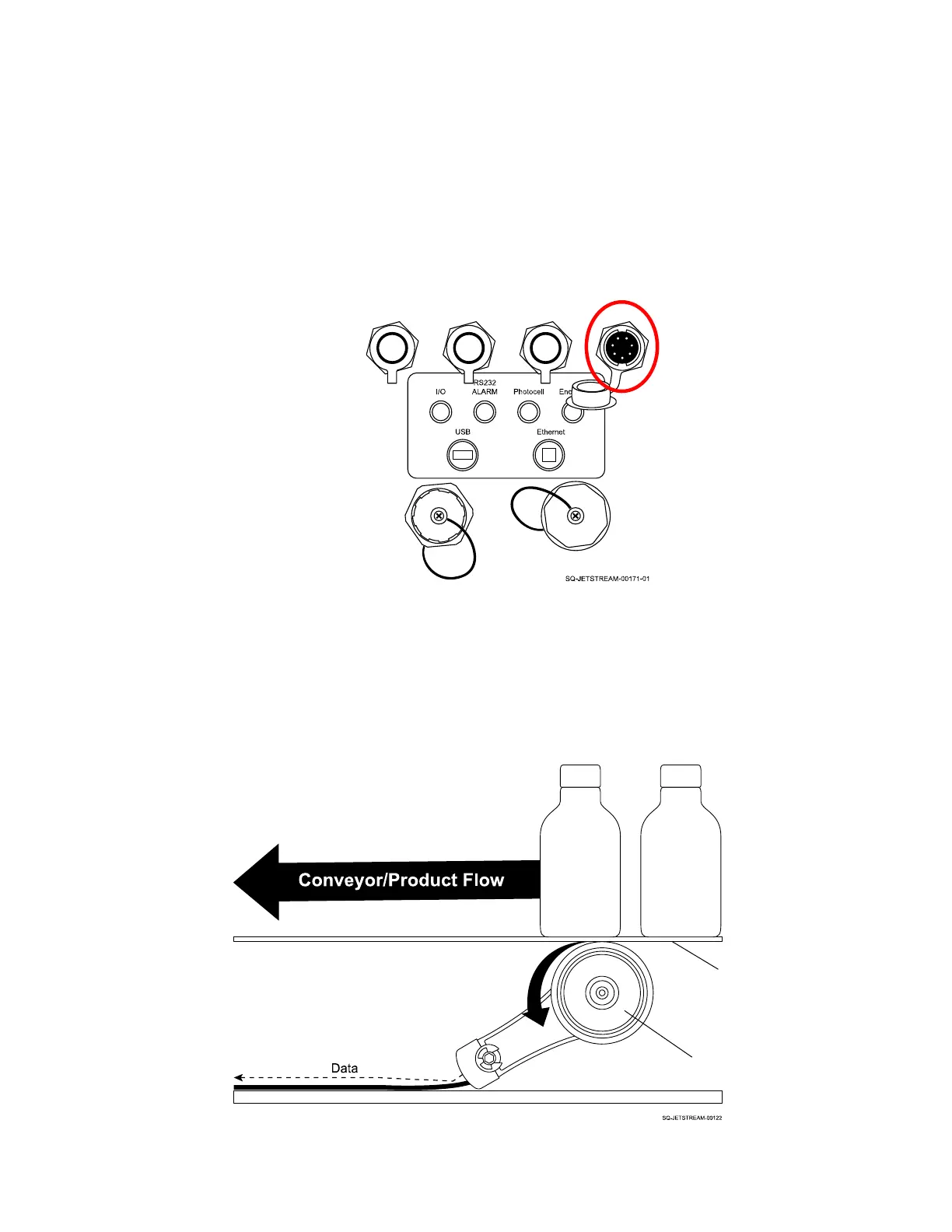
1. Plug the Encoder connector into the Encoder Input Port (left side of Console, upper
row, farthest right input).
2. Mount the Encoder underneath the conveyor belt at an angle so that the wheel of the
Encoder is touching the underside of the belt. The Encoder wheel should be facing
the direction from which the products will flow.



 To Next Page