166 Maintenance
2006792 Rev B – 200228
Upgrading the System Software
Squid Ink will periodically make software upgrades available for the JetStream. To install a
software upgrade onto the JetStream:
CAUTION – PROPERTY DAMAGE: A software upgrade should never be
performed when fluid is flowing through the system.
1. Stop printing:
a. If currently printing, on the Main screen, select Stop Printing:
2. Stop jetting:
a. If currently jetting, select Stop Jetting:
b. In the dialog box, select “Stop Jetting Without Cleaning.”
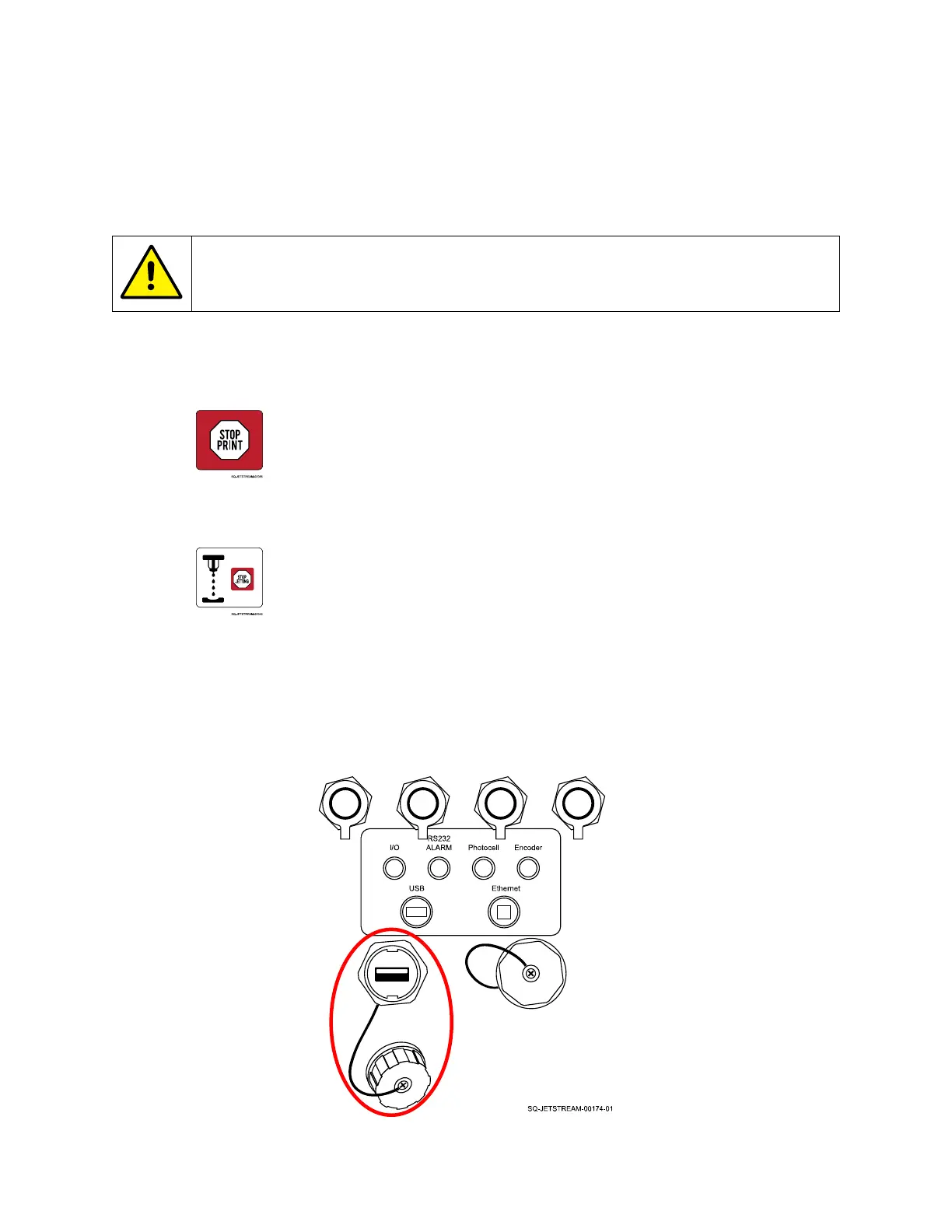
3. Plug in the software upgrade USB:
a. Unscrew the USB Cover on the left side of the Console.
b. Insert the software upgrade USB drive into the USB Port.



 To Next Page