132 Operation
2006792 Rev B – 200228
Startup: After a Short Break
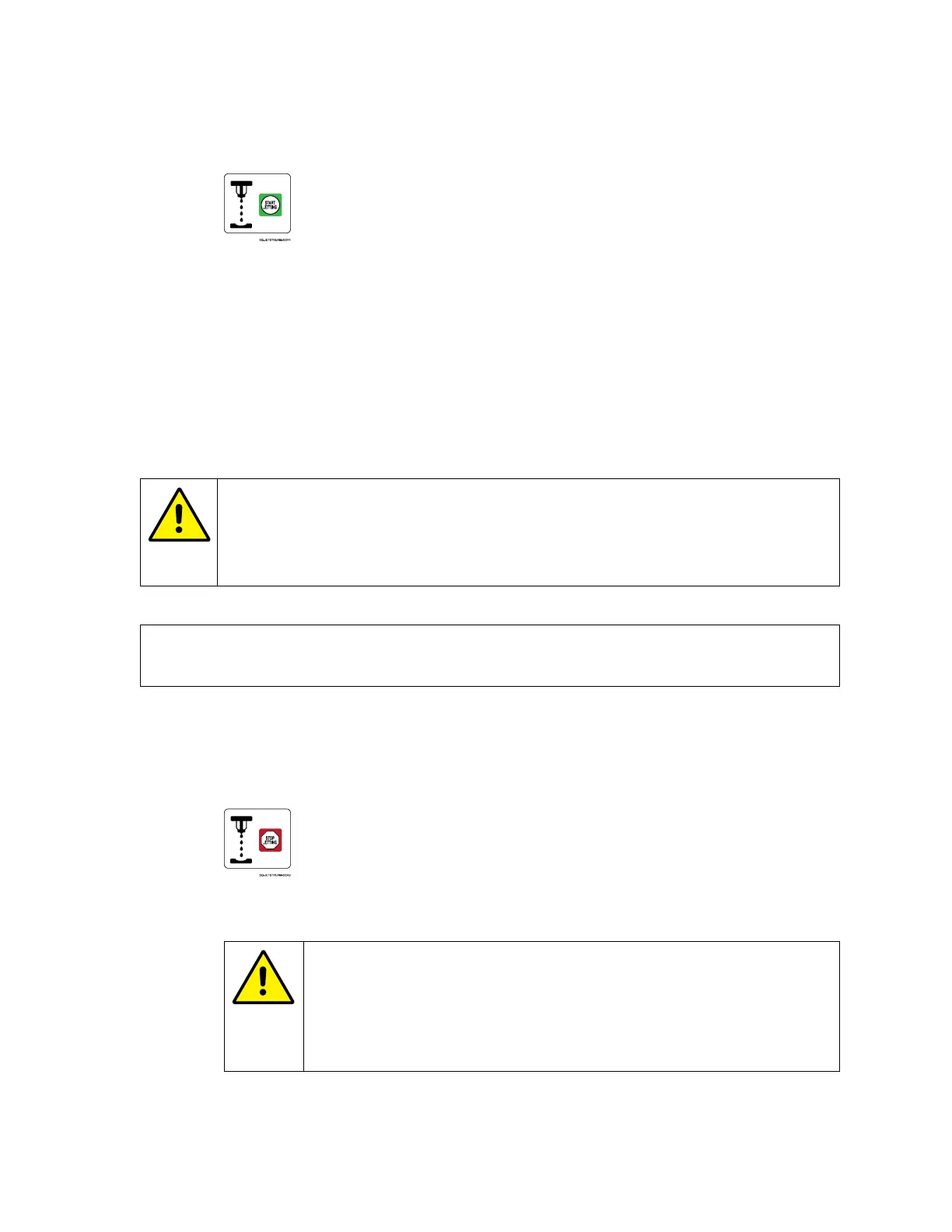
1. Select Start Jetting:
2. Select “Start Jetting Without Cleaning.”
The system has now been started up and is ready to begin creating messages or
printing.
Shutdown Procedure
Proper shutdown of the JetStream is an important part of operation.
CAUTION – PROPERTY DAMAGE: Never simply turn off the Power Switch to
shut down the JetStream. Following any procedures other than those described
below can clog or damage the system. If proper shutdown procedures have not
been followed, contact your trained and qualified Squid Ink Distributor.
NOTE: The JetStream benefits from being left jetting during brief breaks, rather than
being shut down. If possible, simply leave the system on.
Shutdown: End of the Day
1. If the JetStream will not be in use for 8 hours or more, such as at the end of the
day, and it cannot simply be left jetting, select Stop Jetting:
2. Select “Stop Jetting With Cleaning.”
CAUTION – PROPERTY DAMAGE: “Stop Jetting With Cleaning”
should be used sparingly. It briefly shoots pure makeup fluid through
the system. Frequent use of this function can dilute the ink, resulting
in poor print quality, wasted ink, and the potential to overflow the
Mixing Tank.
3. If desired, turn the Power Switch on the right side of the Console to the “OFF”
position.



 To Next Page