138 Operation
2006792 Rev B – 200228
Retrieving Existing Messages
To retrieve a message for printing:
1. Go to the Main screen or the Message screen:
a. If not editing the file, go to the Main screen by selecting:
or
b. If editing the file, go to the Message screen by selecting:
2. Load a message:
a. Select Load File:
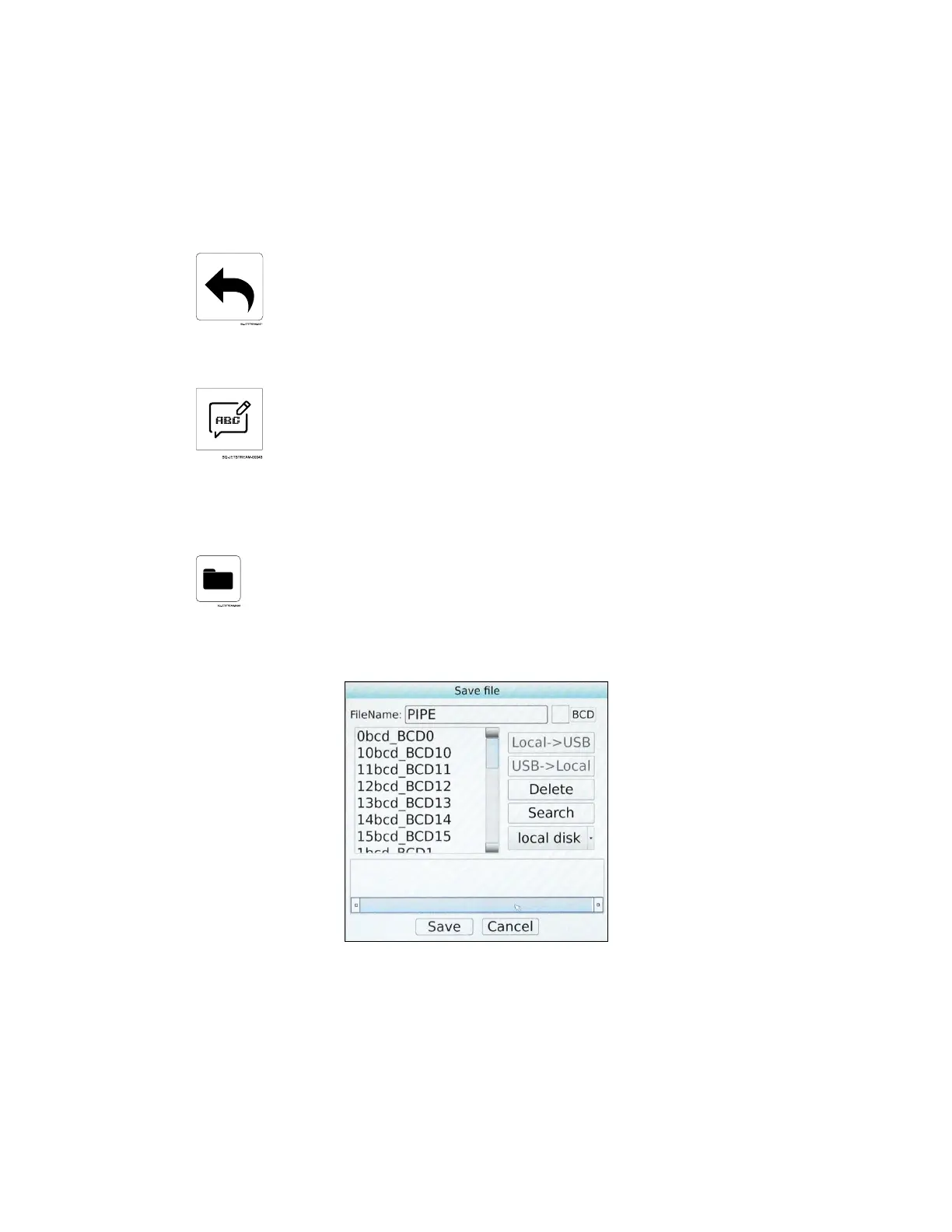
b. On the right side of the dialog box, select the location of the desired file.
Local Disk retrieves the message from the JetStream’s hard drive.
If a USB drive has been inserted into the JetStream’s USB Port (left side of
Console), Local > USB will allow the file to be retrieved from the USB drive.



 To Next Page