182 Warnings and Alarms
2006792 Rev B – 200228
High Pump Speed Warning
When the ink pump rate exceeds 3500 RPM, “Pump Speed Too High” is displayed on the Alarm
Log (see “Alarm Log” on page 75). A High Pump Speed warning may indicate that the Pump is
struggling to get ink, possibly because of a plugged Main Filter. Call your certified Squid Ink
distributor or Squid Support immediately.
To address a High Pump Speed Warning:
1. Stop Jetting
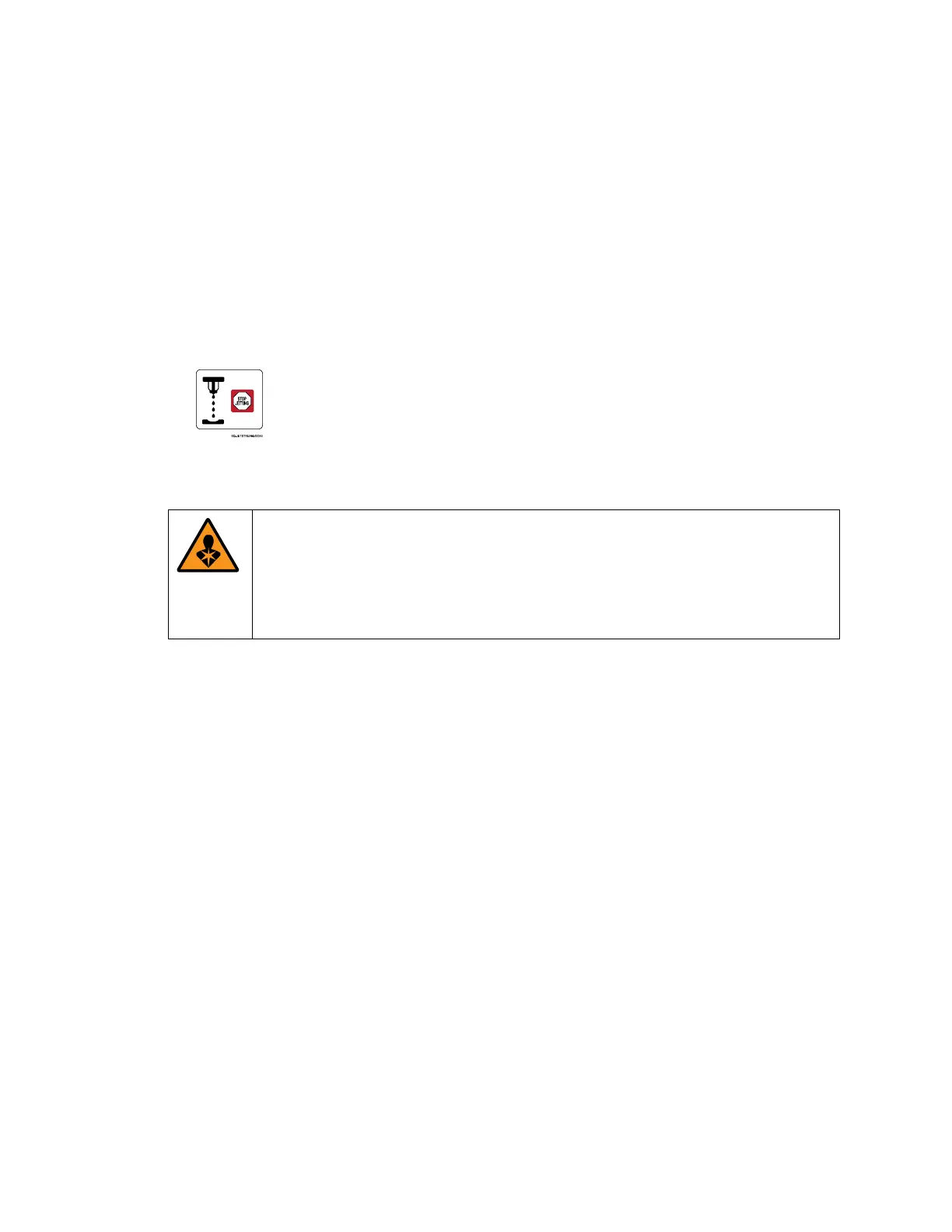
a. On the Main screen, stop jetting by selecting Stop Jetting:
b. In the dialog box, select “Stop Jetting Without Cleaning.”
2. Check for leaking Ink Tubes:
WARNING: Jetting must be stopped before performing this step. If a tube
has come completely disconnected and the system is jetting, ink at a high
pressure may be spraying all over inside the rear of the JetStream. If the
JetStream’s Front or Rear Door is opened while this is happening, it is
possible for ink to spray into the room, onto people, or into people’s eyes.
a. Open the back door of the JetStream by unscrewing the top and bottom fasteners
and pulling the door open.
b. Observe the Ink Tubes.
c. If there is noticeable ink buildup at any tube connections, tighten those connections.
d. If a tube has burst or ink is inside the console without an identifiable source, contact
Squid Ink Technical Support.



 To Next Page