72 User Interface
2006792 Rev B – 200228
Counters
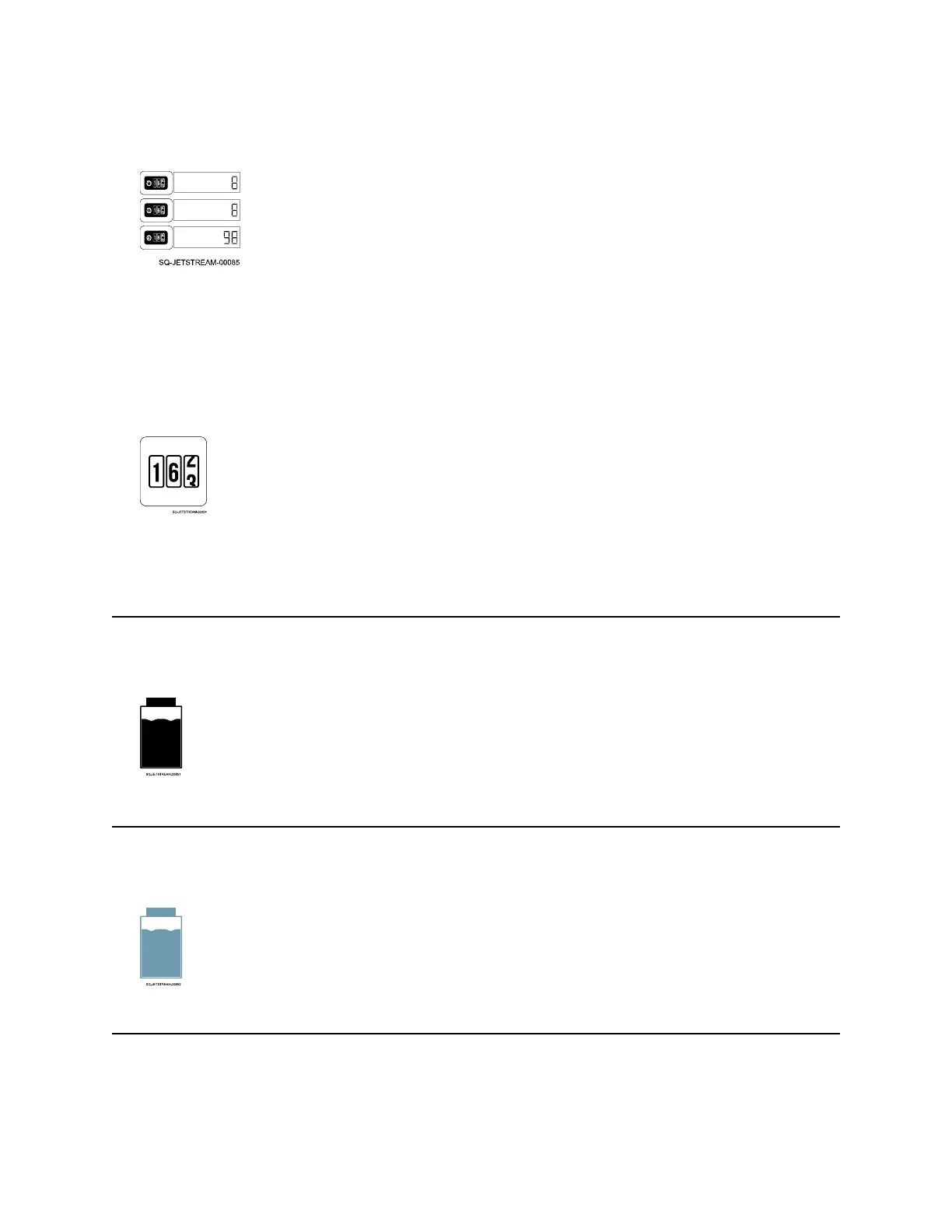
Each counter shows a print count.
The top two counters (Counter 1 and Counter 2) are the first two counters that can be
inserted in a message. They can be used to track information such as number of prints
during a work shift (See “I/O Connection” on page 48 for external control of these two
counters). The bottom counter always tracks the total number of prints.
The format for the counters is set in the Message screen using the “Counter” function.
The Counter buttons on the Main screen allow resetting a counter on the fly.
Any of the counter information can be used for internal company tracking, printed as part of
the message text, or both.
Ink Level
Shows if the Ink Container has ink or no ink.
Makeup Level
Shows if the Makeup Container has makeup fluid or no makeup fluid.



 To Next Page