EasyManua.ls Logo

Squid Ink JetStream - JetStream User Interface Navigation; System Indicator Lights

Squid Ink JetStream
198 pages
Print Icon
To Next Page IconTo Next Page
To Previous Page IconTo Previous Page
Loading...
User Interface 69
2006792 Rev B 200228
User Interface
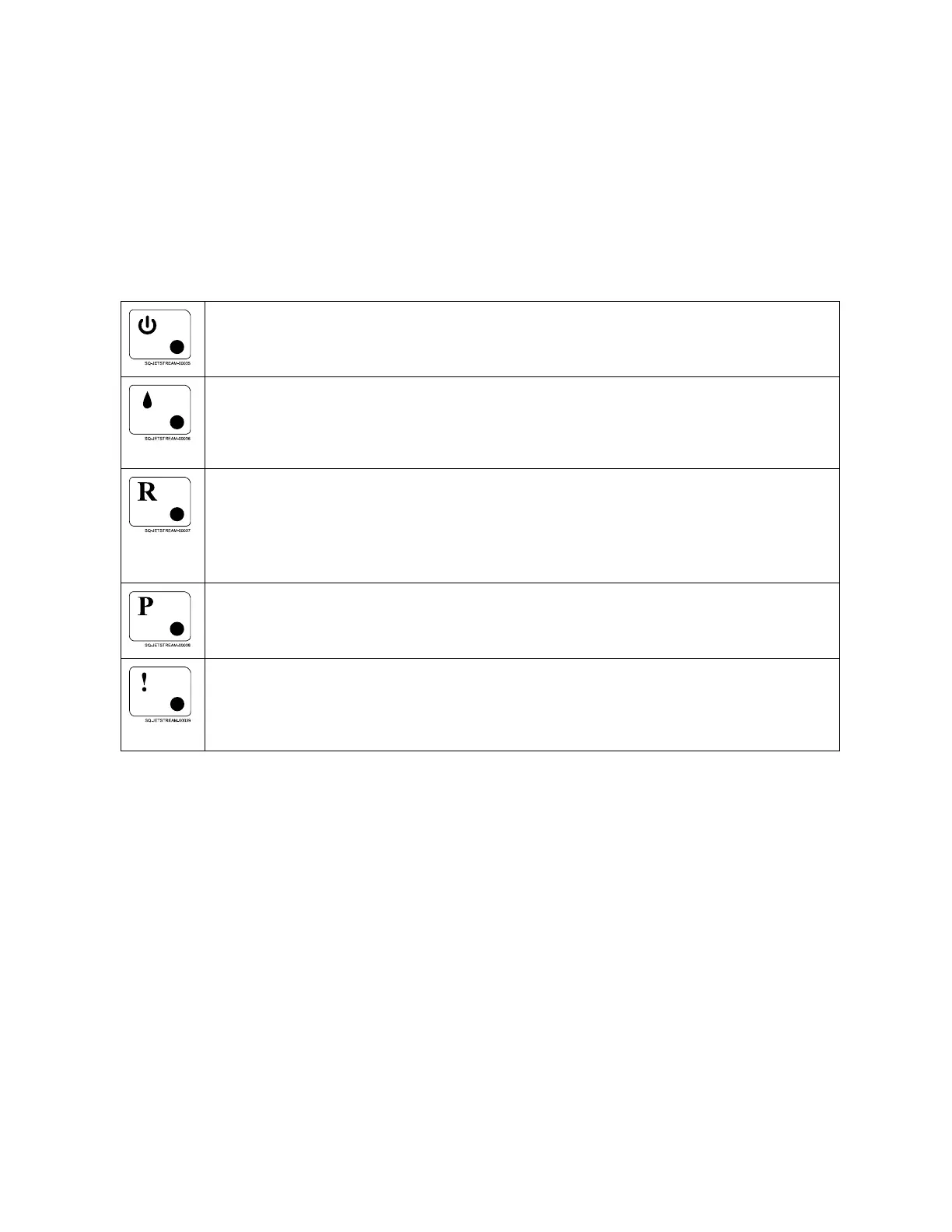
Indicator Lights
The JetStream has five Indicator Lights to the left of the Touchscreen that provide general
information about the current system status. They are:
Power
Green light means that the JetStream is on.
Jetting
Green light means that the system is jetting, ie, ink is being sent to the
Printhead.
Ready
Green light means that ink drops in the Printhead are being charged at the
same rate that they are being produced, and the system is ready to begin
printing.
Printing
Green light means that the system is printing.
Alarm
Flashing red light means that there is a problem with the system that requires
attention.

Table of Contents

Related product manuals