NOTE: Entering a font larger than the assigned Raster Mode for a line will
result in text being cut off at the top, bottom, or both.
• Width: Selects the bold multiplication factor for message text. Generally, this would
only be used when one text element is to be bolder than the rest of the text
elements.
• Spacing: Selects the number of blank dot spaces between characters for message
text.
Counter
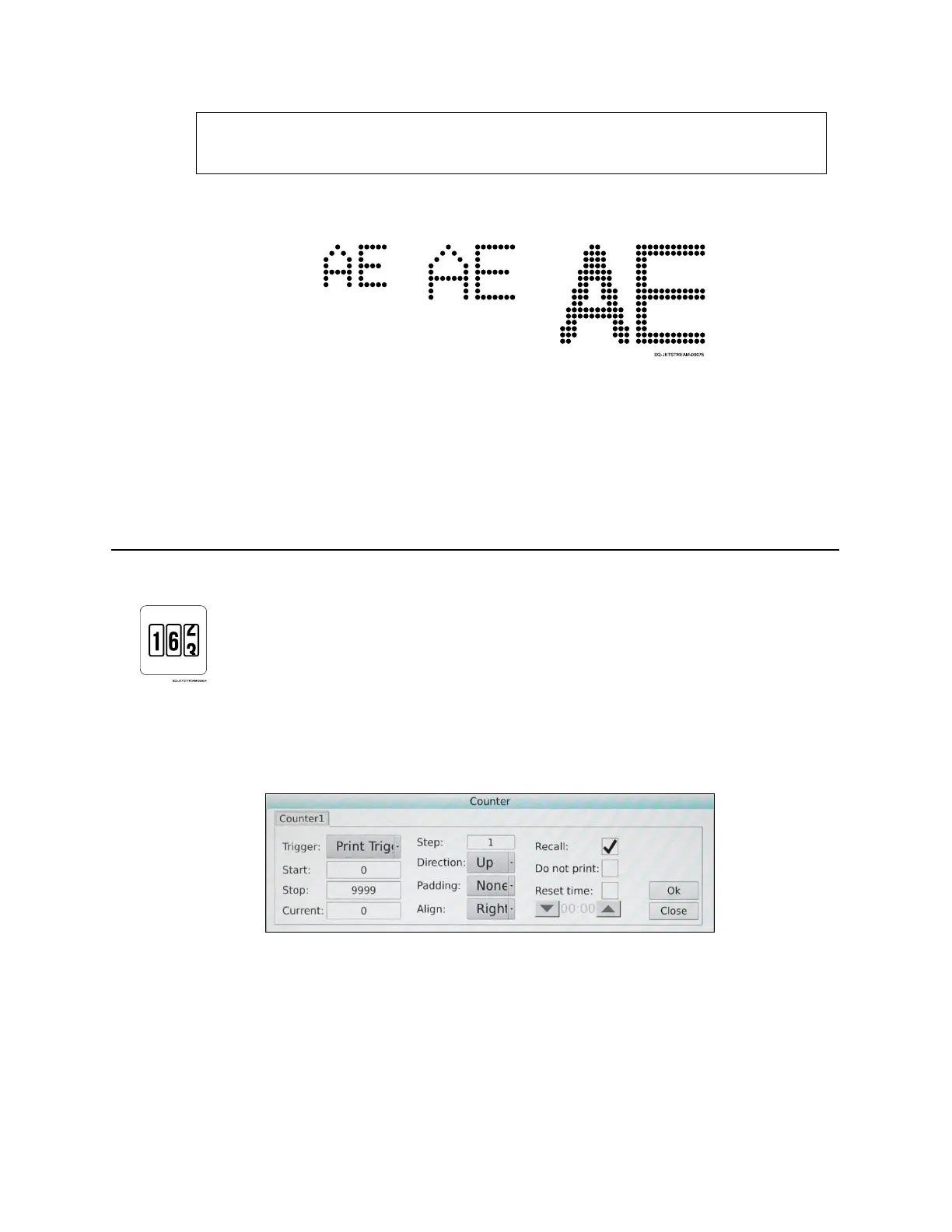
Creates a “Counter” object. A “Counter” object is a dynamic (constantly updating) count of
the number of products printed. The counter can be specific to products printed on a given
date, products printed during a given shift, or some other factor. Up to two counters can be
inserted in one message and set separately.
• Trigger: The only option available is “Print Trigger,” meaning that the only thing that
triggers an increase in the count is an item being printed.
• Start: Number at which the Counter starts counting. The default is 0.
• Stop: Number at which the Counter stops counting. Generally, this should be a very
high number. However, when placing the Counter object in the Message Area, space
in the message will need to accommodate the highest count number.
• Current: Sets the current Counter value.
7x5



 To Next Page